


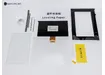
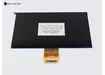

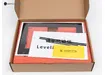
LCD Screen for Anycubic Photon Mono M7 Pro and Photon Mono M7
Description
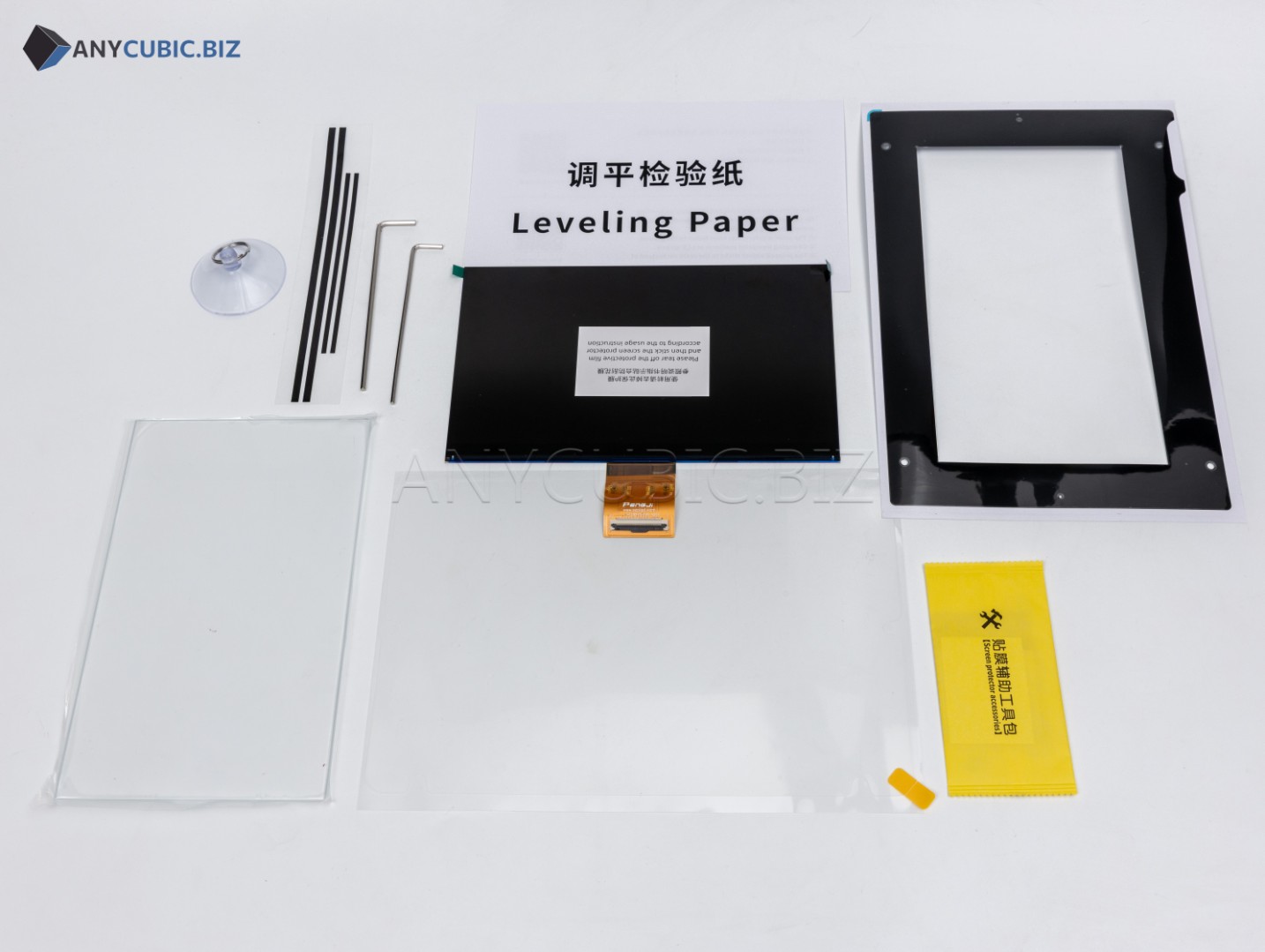
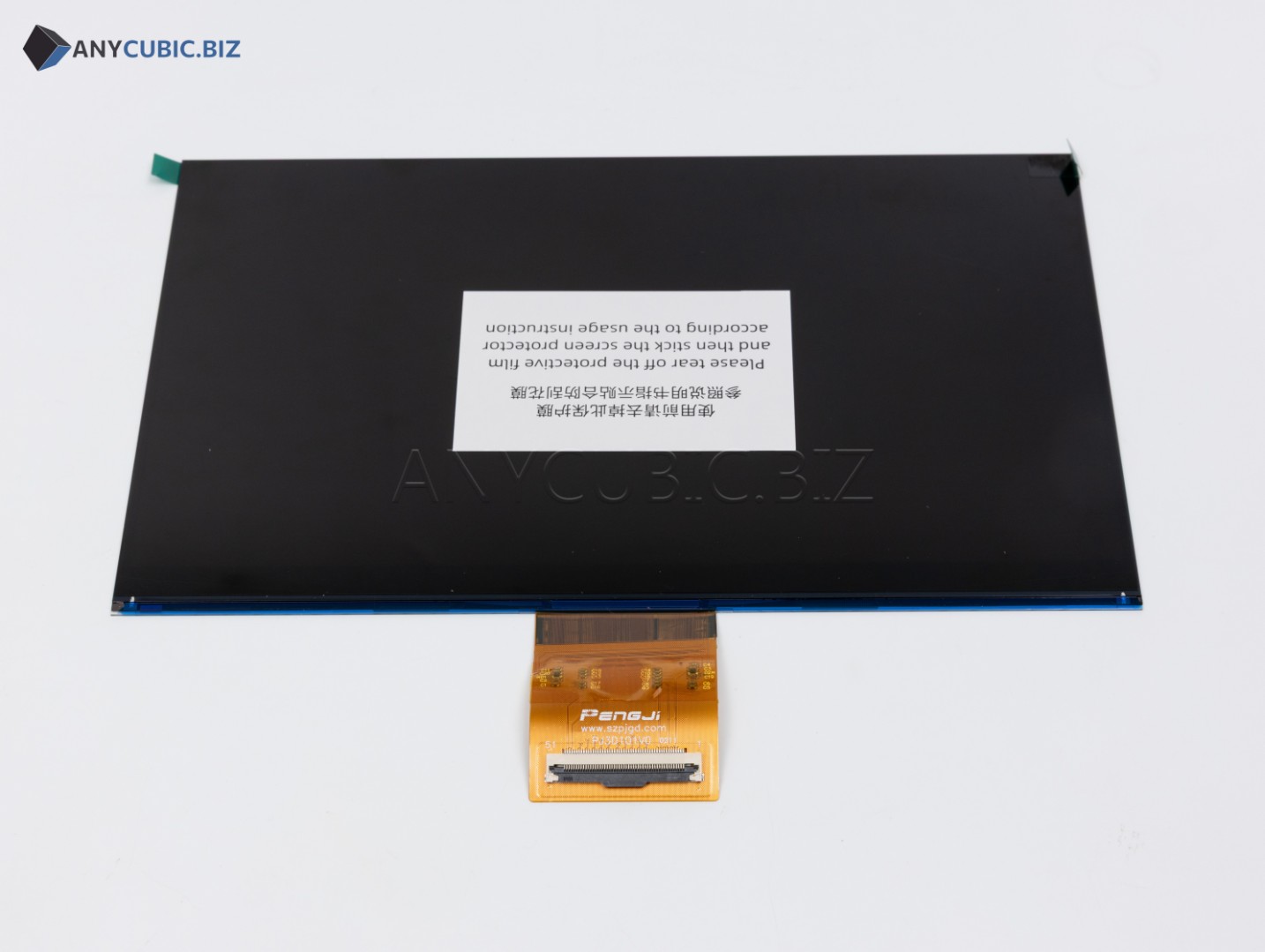
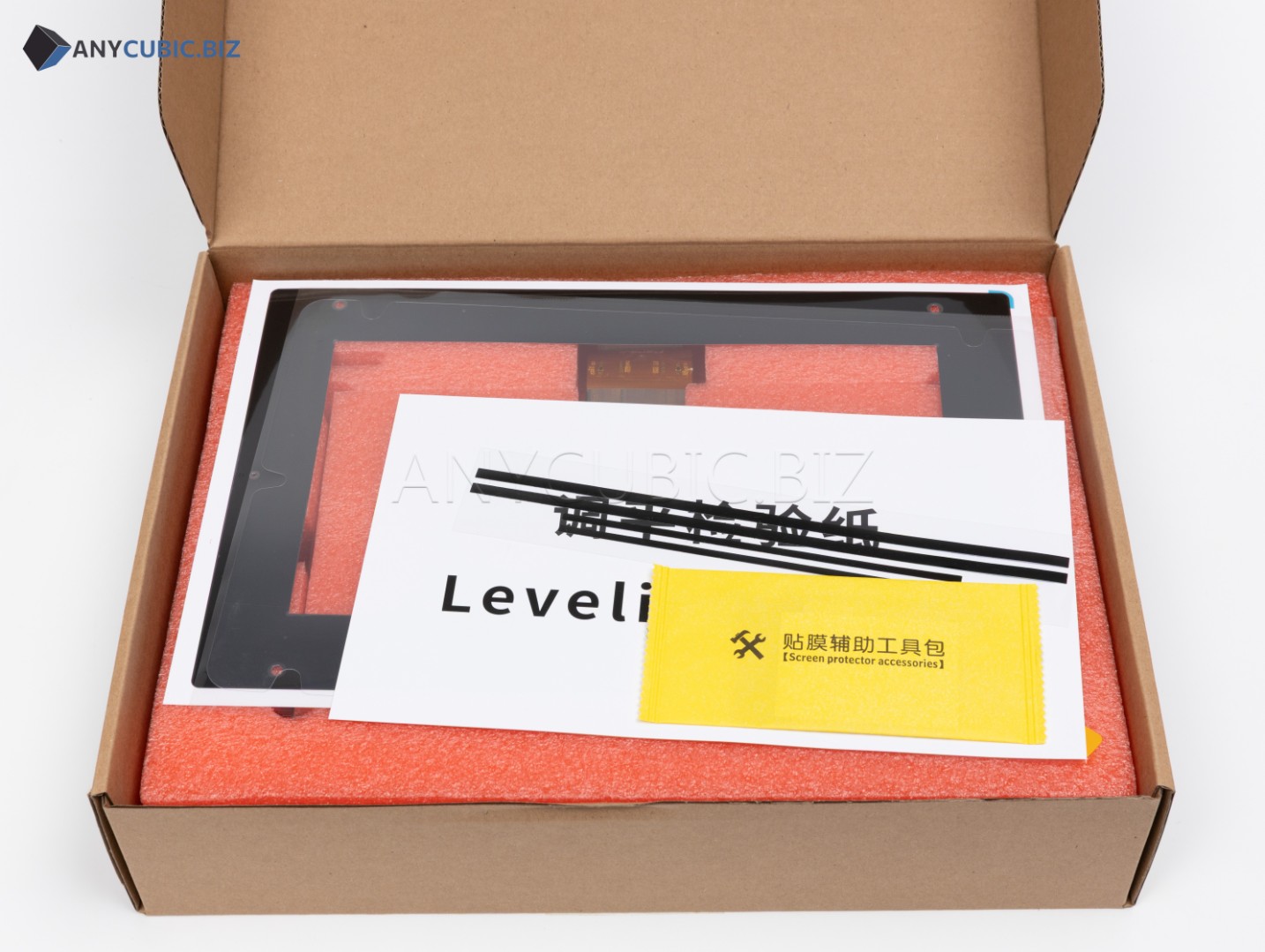
LCD Screen for Anycubic Photon Mono M7 Pro and Photon Mono M7 is a replacement monochrome screen for Anycubic Photon Mono M7 Pro and Anycubic Photon Mono M7 resin 3D printers. The screen is used in the layer exposure system and forms the image of each layer during printing.
The LCD screen is one of the most important parts of a resin 3D printer. Model detail, contour sharpness, exposure stability, even resin curing and final print quality depend on its condition. A properly working screen helps achieve stable results when printing miniatures, prototypes, master models, decorative parts and functional components.
Screen replacement may be required if printed models show lines, spots, dead zones, cracks, uneven exposure, layer defects or if the screen has been damaged by resin leakage. A new LCD screen helps restore print quality and correct operation of the printer exposure system.
Advantages
- Compatible with Anycubic Photon Mono M7 Pro
- Compatible with Anycubic Photon Mono M7
- Replacement part for a resin 3D printer
- Monochrome LCD screen for layer exposure of resin
- 10.1″ screen diagonal
- 14K class resolution for high model detail
- Helps restore print quality after screen damage
- Suitable for repair and service maintenance
- Helps solve lines, spots, dead zones and exposure defects
Technical Specifications
| Product name | LCD Screen for Anycubic Photon Mono M7 Pro and Photon Mono M7 |
| Full product name | LCD Screen for Anycubic Photon M7 PRO | Anycubic Photon M7 |
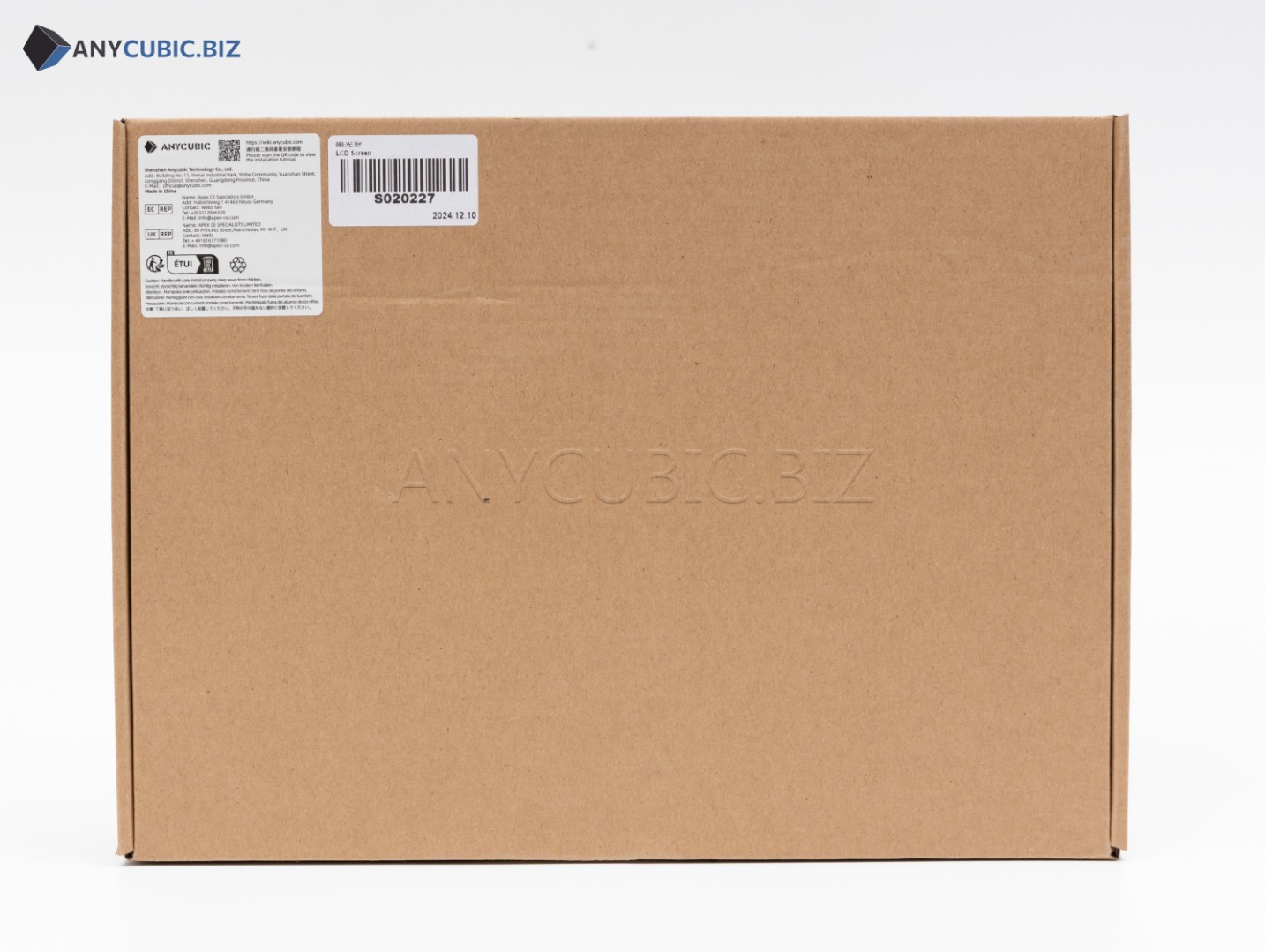
| SKU | S020227 |
| Part type | LCD screen, monochrome screen, exposure screen |
| Compatibility | Anycubic Photon Mono M7 Pro, Anycubic Photon Mono M7 |
| Screen diagonal | 10.1″ |
| Resolution | 14K |
| Screen type | Monochrome LCD screen |
| Printer type | LCD resin 3D printer |
| Purpose | Layer image formation and UV exposure of photopolymer resin |
| Category | LCD screens for Anycubic resin 3D printers |
When to Replace the LCD Screen
- Printed models show lines, spots or repeated defects
- Part of the model does not print because of dead zones on the screen
- Resin exposure becomes uneven
- The screen has been damaged after resin leakage
- The screen has cracks, dark zones or mechanical damage
- The printer does not form a layer image during the exposure test
- Print quality becomes worse with the same resin settings
- Diagnostics confirm an LCD screen fault
Compatibility
This LCD screen is intended for Anycubic Photon Mono M7 Pro and Anycubic Photon Mono M7. Before ordering, check the printer model and SKU S020227. Anycubic Photon Mono M7 Max, Photon Mono M5s, Photon Mono M5s Pro, Photon Mono 4, Photon Mono 4 Ultra, Photon Mono X 6Ks and other models use different screens.
Important Difference
This product is intended specifically for Anycubic Photon Mono M7 Pro and Photon Mono M7 and has SKU S020227. It should not be confused with the screen for Photon Mono M7 Max because M7 Max uses another screen size and another compatible spare part. The printer model, product name and SKU should be checked before ordering.
Installation Recommendations
- Turn off the printer completely and disconnect the power cable before replacement
- Remove the resin vat and build platform
- Clean the working area from resin residue and dust
- Take a photo of ribbon cable and wire connections before disassembly
- Do not bend the screen ribbon cable or pull it with force
- Do not touch the screen surface with dirty or wet hands
- Run an exposure test after installation
- Check exposure uniformity across the whole screen area
- If you do not have electronics repair experience, contact a qualified technician
Usage Recommendations
- Always check the vat film condition before printing
- Do not allow resin to leak onto the LCD screen
- Use a screen protector to reduce damage risk
- Do not clean the screen with sharp tools
- After a failed print, check the vat bottom for cured resin residue
- Clean dust from the screen regularly with a soft wipe
- If print defects appear, run an exposure test before replacing other parts
- Use correct exposure settings for the selected photopolymer resin
Suitable Applications
- Repair of Anycubic Photon Mono M7 Pro
- Repair of Anycubic Photon Mono M7
- Replacement of a damaged LCD screen
- Restoration of even photopolymer resin exposure
- Service maintenance of a resin 3D printer
- Solving layer defects, spots and dead zones
- Printing miniatures, prototypes, master models and functional parts
- Restoring stable 14K resin printing quality
FAQ
Is this LCD screen compatible with Anycubic Photon Mono M7 Pro
Yes, this LCD screen is compatible with Anycubic Photon Mono M7 Pro.
Is this LCD screen compatible with Anycubic Photon Mono M7
Yes, this LCD screen is compatible with Anycubic Photon Mono M7.
What is the SKU of LCD Screen for Anycubic Photon M7 PRO and Anycubic Photon M7
The SKU of this part is S020227.
What is the screen diagonal
The compatible printer models use a 10.1″ screen.
What is the screen resolution
The screen is a 14K class replacement screen for high-detail resin printing.
Is this screen compatible with Photon Mono M7 Max
No, Photon Mono M7 Max uses a different screen and a different compatible spare part.
When should the LCD screen be replaced
The screen should be replaced if cracks, dead zones, lines, spots, uneven exposure, resin leakage damage or confirmed diagnostic faults appear.
Should I run an exposure test after screen replacement
Yes, after installing a new LCD screen, run an exposure test and a test print to check exposure uniformity and correct printer operation.