


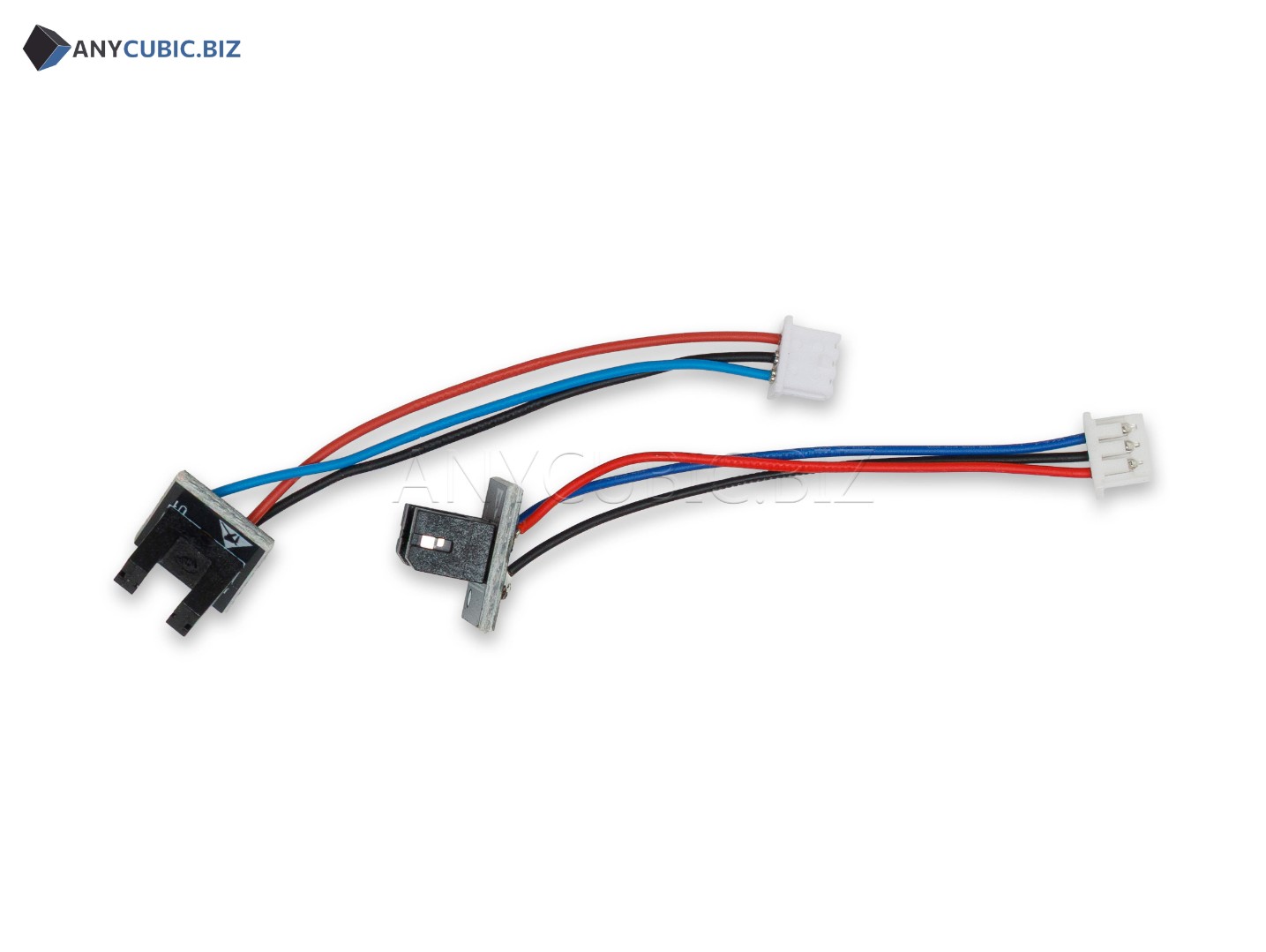
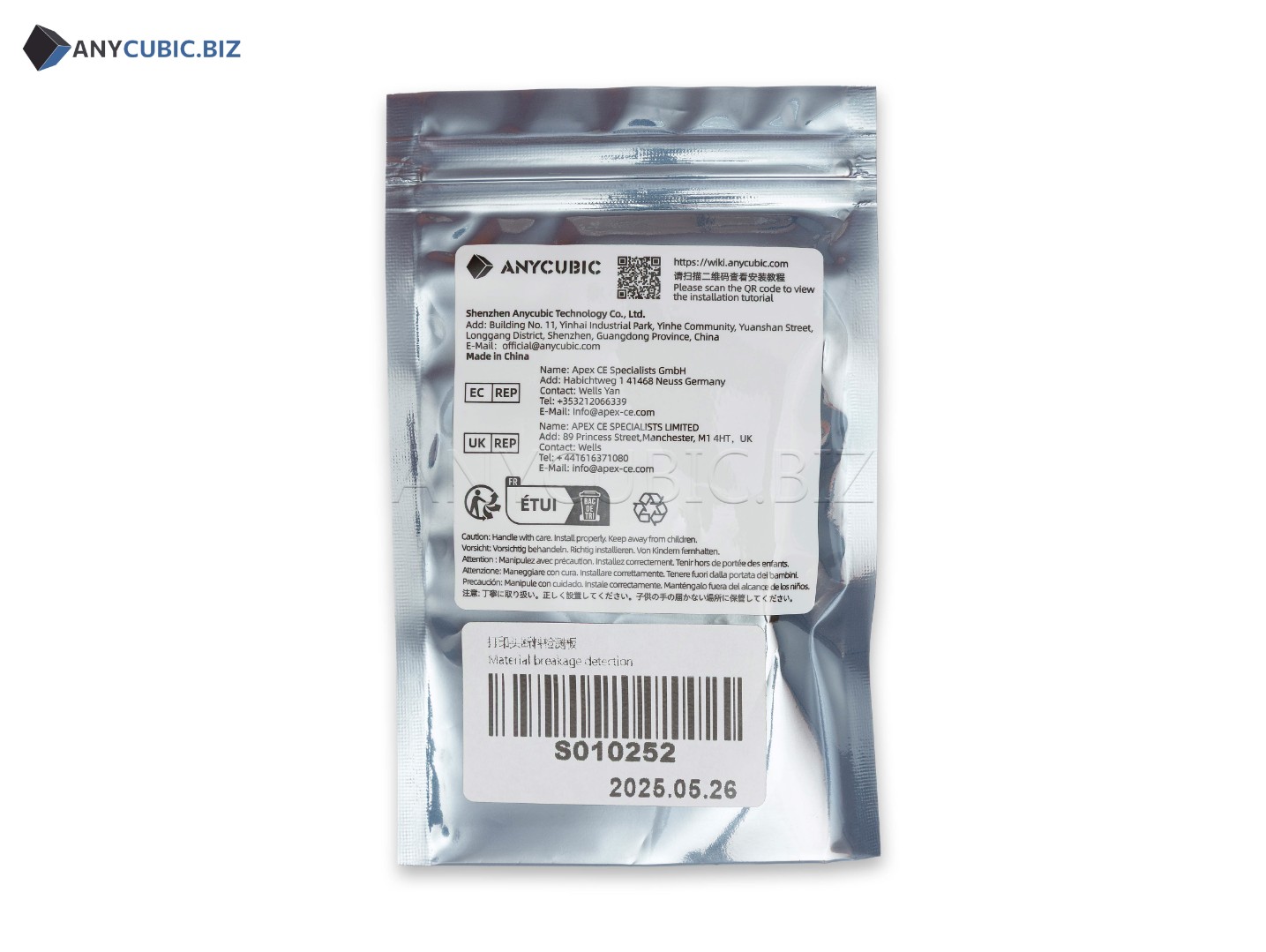
Filament Runout Detection Board for Anycubic Kobra 3 / Kobra 3 Combo
SKU: S010252
Manufacturer: Anycubic
Compatibility: Anycubic Kobra 3, Anycubic Kobra 3 Combo
Purpose: filament runout detection board / filament presence detection module
Description
The Filament Runout Detection Board for Anycubic Kobra 3 and Kobra 3 Combo is a replacement electronic spare part used in the filament feeding control system of an FDM 3D printer. The board helps the printer detect filament presence in the feeding path and respond to runout, breakage or missing material.
A properly functioning filament detection board is especially important for long prints, multi-color printing and Kobra 3 Combo operation, where stable material feeding directly affects the result. If the sensor board works incorrectly, the printer may fail to detect an empty spool, pause incorrectly or show unreliable filament presence messages.
Key Benefits
- Original Anycubic spare part for Kobra 3 and Kobra 3 Combo.
- Used to monitor filament presence in the feeding system.
- Helps detect filament runout, breakage or missing material.
- Reduces the risk of printing without filament.
- Useful for long print jobs and multi-color printing.
- Suitable for repair after sensor, board, connector or wiring damage.
Technical Specifications
| Product name | Filament Runout Detection Board for Anycubic Kobra 3 / Kobra 3 Combo |
| Original name | Filament Runout Detection Board Kobra 3 | Kobra 3 Combo |
| SKU | S010252 |
| Manufacturer | Anycubic |
| Part type | Filament sensor board / electronic material detection module |
| Function | Detecting filament presence, runout or breakage |
| Compatible models | Anycubic Kobra 3, Anycubic Kobra 3 Combo |
| Category | Spare parts for Anycubic FDM 3D printers |
When Replacement May Be Needed
- The printer does not detect filament presence.
- False filament runout errors appear.
- The printer continues printing after the spool is empty.
- The sensor does not react to filament loading or unloading.
- The board, connector, cable or sensor housing is damaged.
- The detection system becomes unstable after servicing the filament feeding path.
Installation Recommendations
- Turn off the 3D printer and disconnect the power cable before maintenance.
- Unload filament from the feeding path.
- Take a photo of connector and wiring positions before removing the old board.
- Carefully disconnect the sensor cable without pulling on the wires.
- Remove the old Filament Runout Detection Board from its mounting position.
- Install the new filament runout detection board in the original position.
- Reconnect the cable and make sure it is not pinched or routed into moving parts.
- After installation, load filament and check correct sensor triggering.
- Run a feeding test or test print.
Compatibility
The Filament Runout Detection Board with SKU S010252 is intended for Anycubic Kobra 3 and Anycubic Kobra 3 Combo. For Kobra Go, Kobra Neo, Kobra 2, Kobra 2 Neo, Kobra 2 Pro, Kobra 2 Plus, Kobra 2 Max, Kobra S1 and other models, compatibility should be checked separately by SKU, connector type and feeding assembly design.
FAQ
Which printers is this board compatible with?
This board is listed for Anycubic Kobra 3 and Anycubic Kobra 3 Combo.
What is the SKU?
The SKU is S010252.
What is a Filament Runout Detection Board?
It is a filament sensor board that helps the printer detect whether material is present in the feeding path.
Is this the printer motherboard?
No. This is not the main motherboard. It is a separate filament detection sensor board.
Why is a filament runout sensor needed?
It helps prevent the printer from continuing without material and allows printing to pause when filament runs out.
Should I test the printer after replacement?
Yes. After replacement, load filament, check sensor triggering and run a feeding test or test print.