


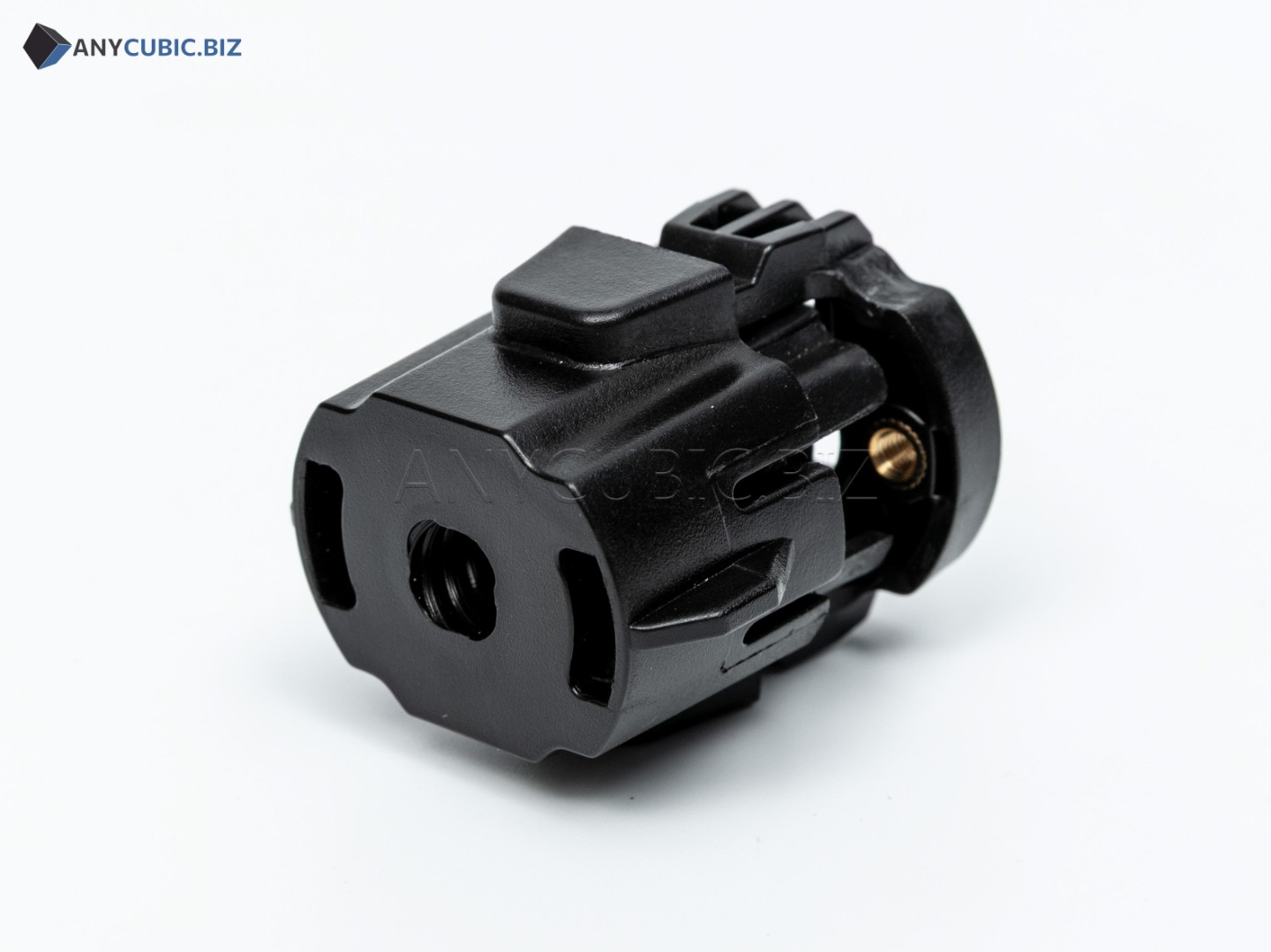
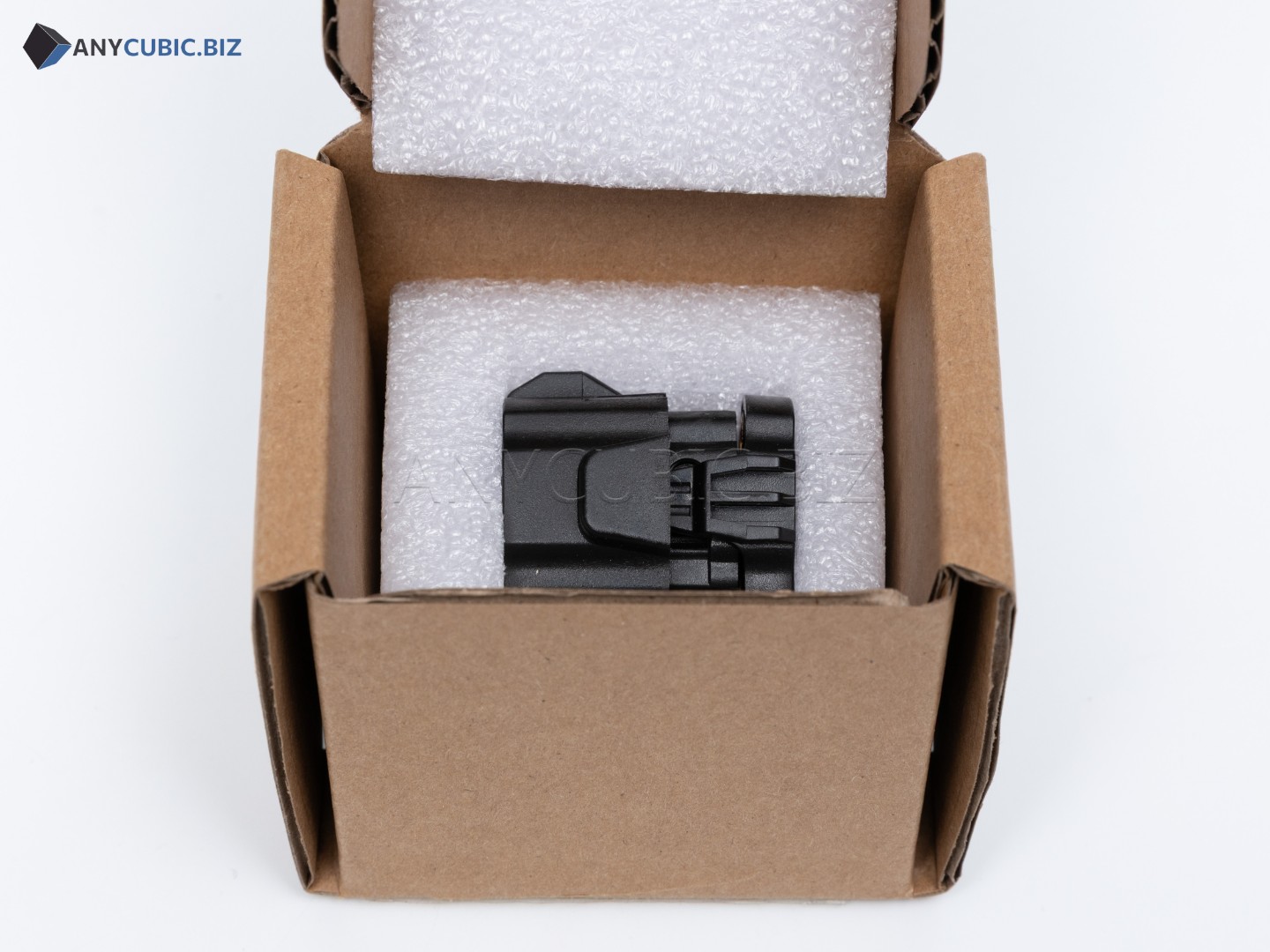
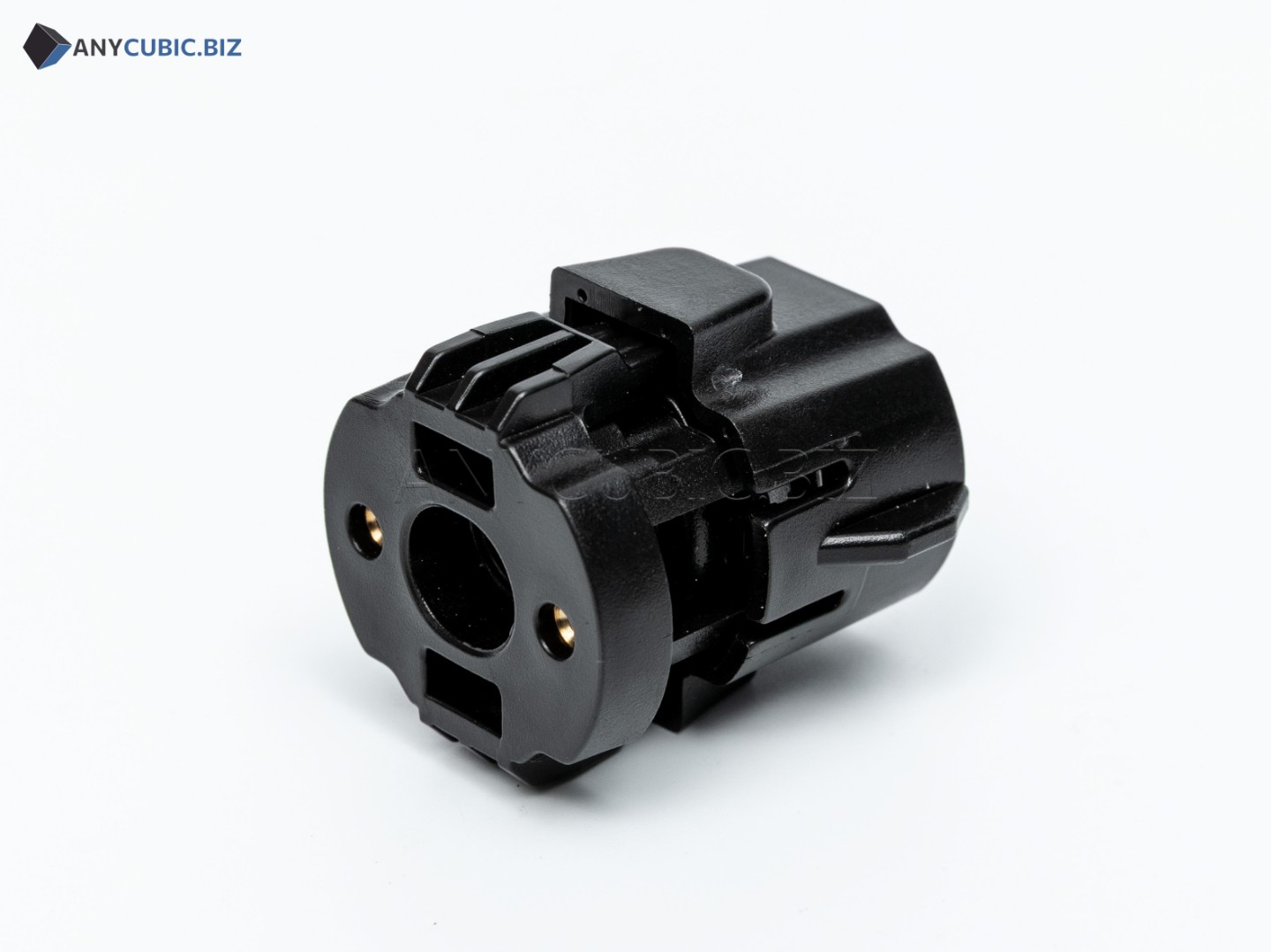
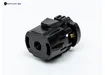
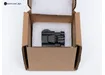
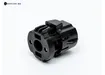
Anycubic Eliminate Gaps Module for Vyper / Kobra / Kobra 2 Series
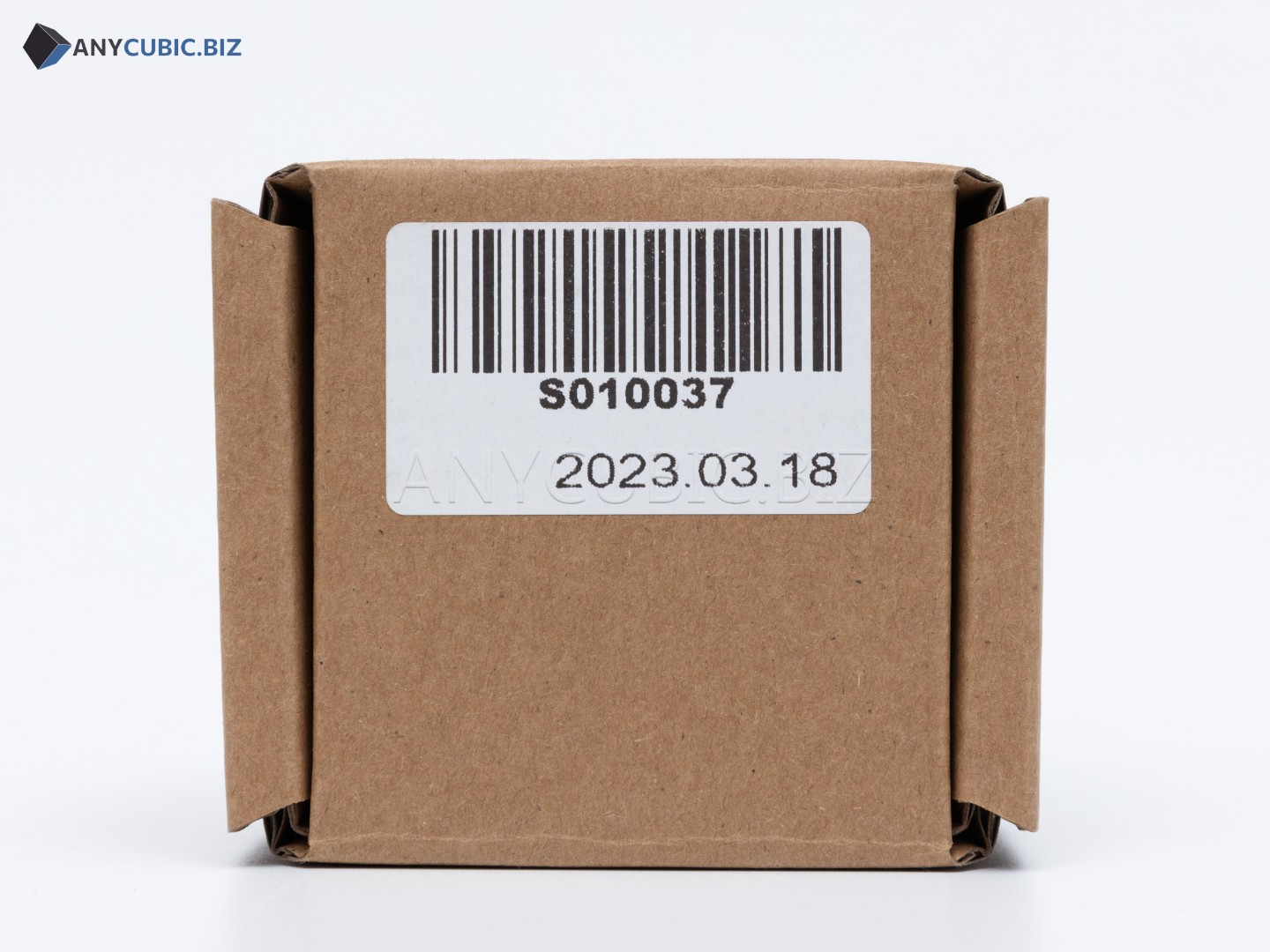
SKU: S010037
Manufacturer: Anycubic
Compatibility: Anycubic Vyper, Kobra Max, Kobra Plus, Kobra 2, Kobra 2 Plus, Kobra 2 Max, Kobra 2 Pro, Kobra 2 Neo
Purpose: mechanical module for reducing clearance, backlash and instability in a moving printer assembly
Description
The Anycubic Eliminate Gaps module is a replacement mechanical spare part for Anycubic FDM 3D printers. The part is intended to reduce unwanted clearance in a moving mechanical assembly where accuracy, stable motion and low backlash are important during printing.
Wear, damage or improper operation of this type of component may cause unstable model geometry, vibration, uneven movement, layer shifting and reduced print quality. Replacing the part helps restore tighter and more stable mechanical operation of the printer.
Key Benefits
- Original Anycubic spare part.
- Compatible with Vyper, Kobra Max, Kobra Plus and selected Kobra 2 Series models.
- Helps reduce backlash and unwanted mechanical clearance.
- Used for maintenance and restoring motion accuracy.
- Useful for solving vibration, misalignment and unstable print geometry issues.
- Suitable for repair after wear, damage or mechanical assembly disassembly.
Technical Specifications
| Product name | Anycubic Eliminate Gaps Module |
| Original name | Eliminate gaps |
| SKU | S010037 |
| Manufacturer | Anycubic |
| Part type | Mechanical gap-elimination module / backlash compensation part |
| Purpose | Reducing backlash and stabilizing the moving assembly |
| Compatible models | Anycubic Vyper, Kobra Max, Kobra Plus, Kobra 2, Kobra 2 Plus, Kobra 2 Max, Kobra 2 Pro, Kobra 2 Neo |
| Category | Spare parts for Anycubic FDM 3D printers |
When Replacement May Be Needed
- Noticeable backlash or unwanted clearance appears in the printer mechanics.
- The moving assembly becomes uneven, vibrates or moves with jerks.
- Prints show geometry defects, waves or layer shifts.
- The part is damaged, cracked or no longer holds the assembly firmly.
- The printer needs mechanical accuracy restoration after transportation or repair.
- Preventive maintenance of moving printer assemblies is being performed.
Installation Recommendations
- Turn off the 3D printer and disconnect the power cable before maintenance.
- Identify the installation assembly according to your printer model design.
- Carefully remove the old gap-elimination part or damaged component.
- Clean the mounting area from dust, plastic debris and contamination.
- Install the new part without misalignment or excessive force.
- Check that the moving assembly travels smoothly, without binding or excessive play.
- After installation, inspect the mechanics, run calibration and make a test print.
Compatibility
The part with SKU S010037 is listed for Anycubic Vyper, Kobra Max, Kobra Plus, Kobra 2, Kobra 2 Plus, Kobra 2 Max, Kobra 2 Pro and Kobra 2 Neo. For other Anycubic models, compatibility should be checked separately by SKU, assembly design and mounting dimensions.
FAQ
What is this part?
It is an Anycubic Eliminate Gaps mechanical module used to reduce backlash and unwanted clearance in the printer mechanics.
What is the SKU?
The SKU is S010037.
Which printers is S010037 compatible with?
It is compatible with Anycubic Vyper, Kobra Max, Kobra Plus, Kobra 2, Kobra 2 Plus, Kobra 2 Max, Kobra 2 Pro and Kobra 2 Neo.
Why is a gap-elimination module needed?
It helps reduce mechanical clearance, improve movement stability and lower the risk of print defects caused by backlash.
Do I need to calibrate the printer after replacement?
Yes. After replacing a mechanical part, check axis movement, run calibration and make a test print.