


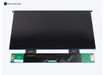
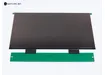
LCD Screen for Anycubic Photon Mono M7 Max 7K
Description
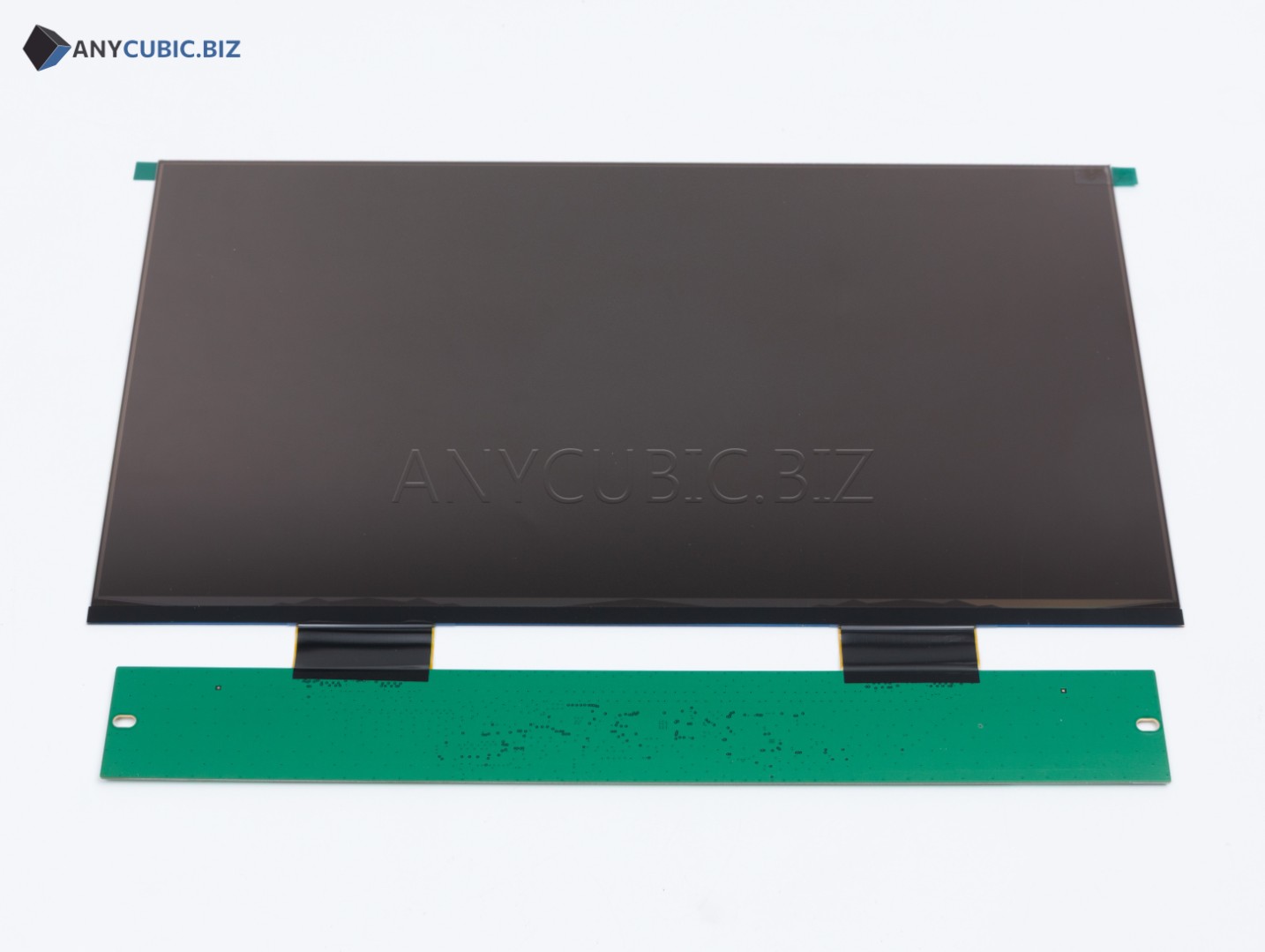
LCD Screen for Anycubic Photon Mono M7 Max 7K is a replacement monochrome screen for the Anycubic Photon Mono M7 Max resin 3D printer. The screen is used in the layer exposure system and forms the image of each layer during printing.
The LCD screen is one of the most important parts of a resin 3D printer. Model detail, contour sharpness, exposure stability, even resin curing and final print quality depend on its condition. A properly working screen helps achieve stable results when printing large models, prototypes, master models, decorative parts and functional components.
Screen replacement may be required if printed models show lines, spots, dead zones, cracks, uneven exposure, layer defects or if the screen has been damaged by resin leakage. A new LCD screen helps restore print quality and correct operation of the printer exposure system.
Advantages
- Compatible with Anycubic Photon Mono M7 Max
- Replacement part for a resin 3D printer
- Monochrome LCD screen for layer exposure of resin
- 13.6″ screen diagonal
- 7K 13320 x 5120 px resolution for high model detail
- Up to 2000 hours screen lifespan
- Helps restore print quality after screen damage
- Suitable for repair and service maintenance
- Helps solve lines, spots, dead zones and exposure defects
Technical Specifications
| Product name | LCD Screen for Anycubic Photon Mono M7 Max 7K |
| Full product name | LCD Screen for Anycubic Photon Mono M7 Max |
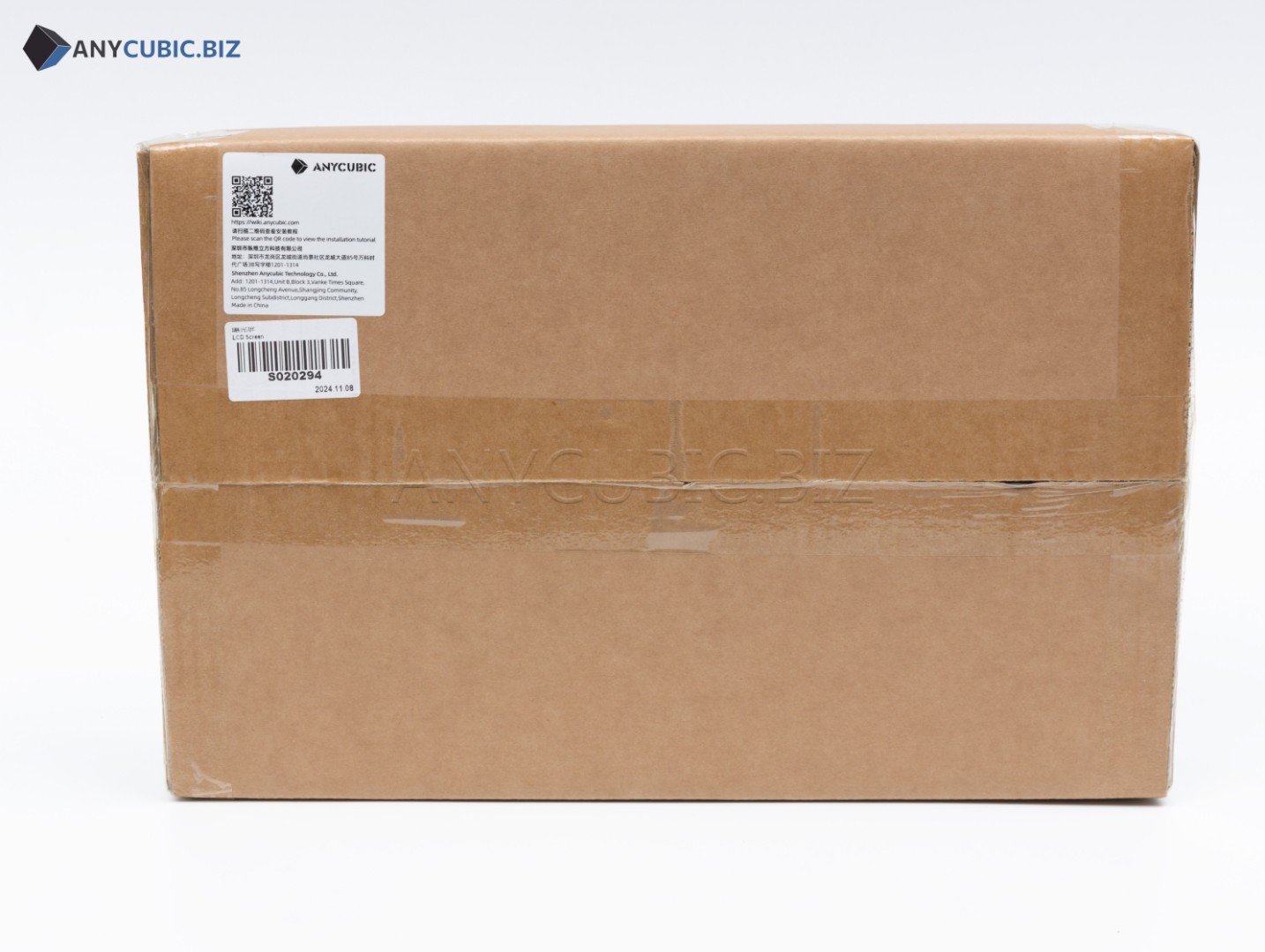
| SKU | S020294 |
| Part type | LCD screen, monochrome screen, exposure screen |
| Compatibility | Anycubic Photon Mono M7 Max |
| Screen diagonal | 13.6″ |
| Resolution | 7K 13320 x 5120 px |
| Weight | 1300 g |
| Package dimensions | 395 x 255 x 90 mm |
| Screen lifespan | Up to 2000 hours |
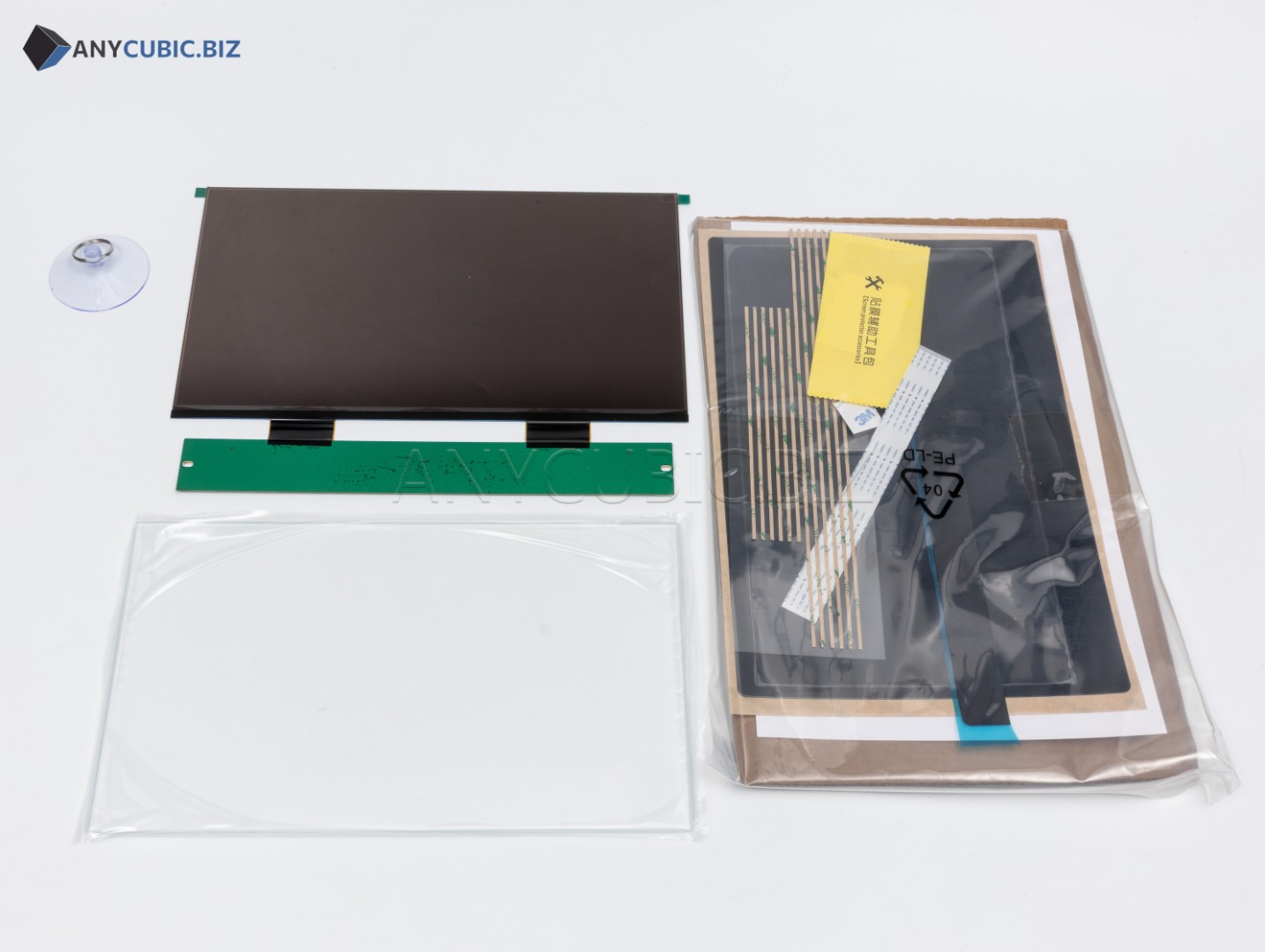
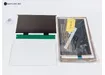
| In the package | LCD Screen without anti-scratch film x1, Anti-scratch Film Set x1, Leveling Paper x1, Shading Sticker, Double-sided tape |
| Screen type | Monochrome LCD screen |
| Printer type | LCD resin 3D printer |
| Purpose | Layer image formation and UV exposure of photopolymer resin |
| Category | LCD screens for Anycubic resin 3D printers |
When to Replace the LCD Screen
- Printed models show lines, spots or repeated defects
- Part of the model does not print because of dead zones on the screen
- Resin exposure becomes uneven
- The screen has been damaged after resin leakage
- The screen has cracks, dark zones or mechanical damage
- The printer does not form a layer image during the exposure test
- Print quality becomes worse with the same resin settings
- Diagnostics confirm an LCD screen fault
Compatibility
This LCD screen is intended for Anycubic Photon Mono M7 Max. Before ordering, check the printer model and SKU S020294. Anycubic Photon Mono M7 Pro, Photon Mono M7, Photon Mono M5s Pro, Photon Mono M5s, Photon Mono 4 Ultra, Photon Mono 4 and other models use different screens.
Important Difference
This product is intended specifically for Anycubic Photon Mono M7 Max and has SKU S020294. It should not be confused with the screen for Photon Mono M7 Pro or Photon Mono M7 because M7 Max uses a larger 13.6″ screen and another compatible spare part. The printer model, product name and SKU should be checked before ordering.
Installation Recommendations
- Turn off the printer completely and disconnect the power cable before replacement
- Remove the resin vat and build platform
- Clean the working area from resin residue and dust
- Take a photo of ribbon cable and wire connections before disassembly
- Do not bend the screen ribbon cable or pull it with force
- Do not touch the screen surface with dirty or wet hands
- Run an exposure test after installation
- Check exposure uniformity across the whole screen area
- If you do not have electronics repair experience, contact a qualified technician
Usage Recommendations
- Always check the vat film condition before printing
- Do not allow resin to leak onto the LCD screen
- Use a screen protector to reduce damage risk
- Do not clean the screen with sharp tools
- After a failed print, check the vat bottom for cured resin residue
- Clean dust from the screen regularly with a soft wipe
- If print defects appear, run an exposure test before replacing other parts
- Use correct exposure settings for the selected photopolymer resin
Suitable Applications
- Repair of Anycubic Photon Mono M7 Max
- Replacement of a damaged LCD screen
- Restoration of even photopolymer resin exposure
- Service maintenance of a resin 3D printer
- Solving layer defects, spots and dead zones
- Printing large models, miniatures, prototypes, master models and functional parts
- Restoring stable 7K resin printing quality
FAQ
Is this LCD screen compatible with Anycubic Photon Mono M7 Max
Yes, this LCD screen is intended for Anycubic Photon Mono M7 Max.
What is the SKU of LCD Screen for Anycubic Photon Mono M7 Max
The SKU of this part is S020294.
What is the screen diagonal of Photon Mono M7 Max
Photon Mono M7 Max uses a 13.6″ monochrome screen.
What is the screen resolution of Photon Mono M7 Max
The screen resolution is 7K 13320 x 5120 px.
Is this screen compatible with Photon Mono M7 Pro
No, this screen is listed for Photon Mono M7 Max. Photon Mono M7 Pro uses another compatible LCD screen.
Is this screen compatible with Photon Mono M7
No, this screen is listed for Photon Mono M7 Max. Photon Mono M7 uses another compatible LCD screen.
Is anti-scratch film included
Yes, the package includes an Anti-scratch Film Set, but the LCD screen itself is listed as without pre-installed anti-scratch film.
When should the LCD screen be replaced
The screen should be replaced if cracks, dead zones, lines, spots, uneven exposure, resin leakage damage or confirmed diagnostic faults appear.
Should I run an exposure test after screen replacement
Yes, after installing a new LCD screen, run an exposure test and a test print to check exposure uniformity and correct printer operation.