


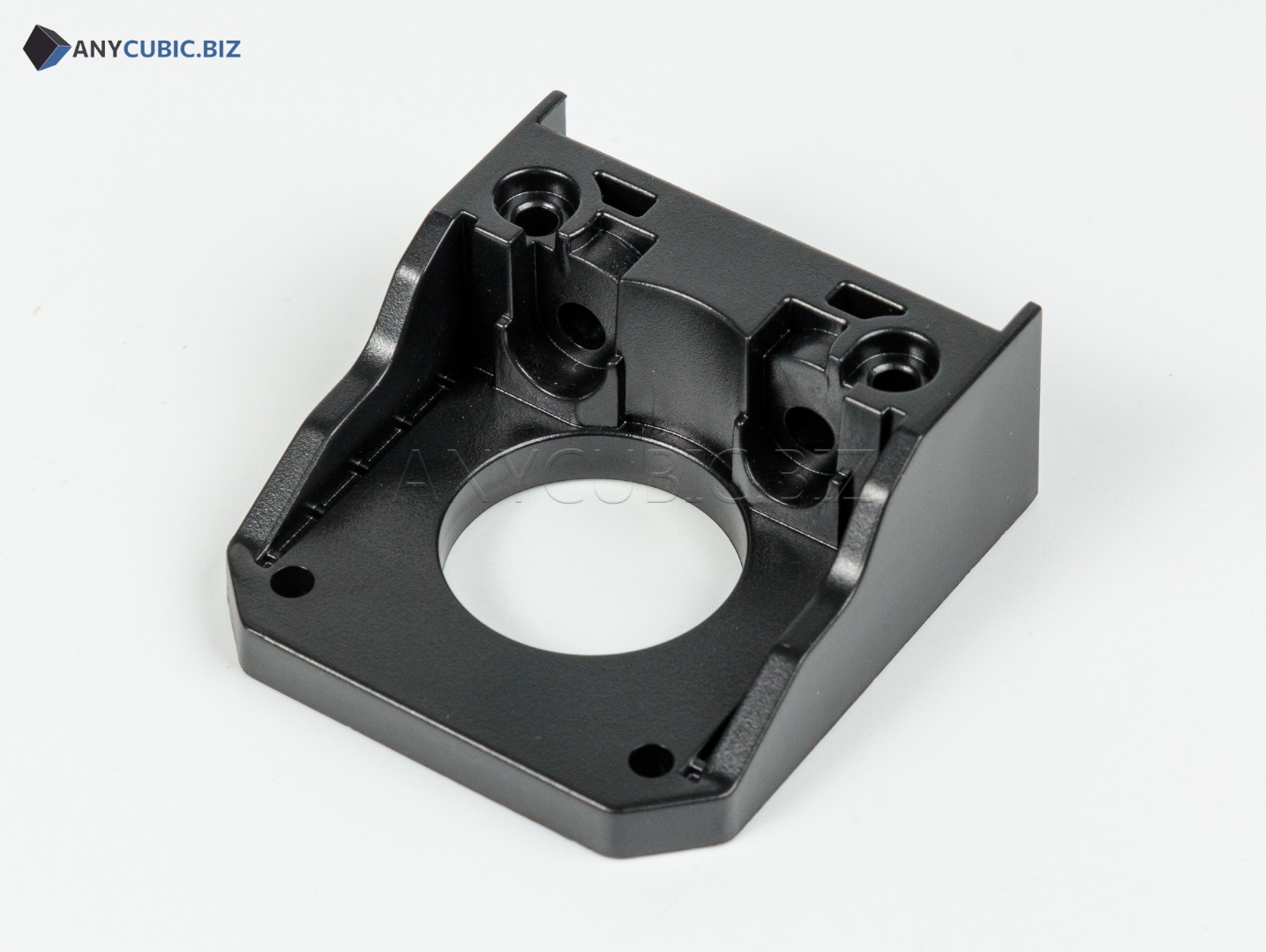
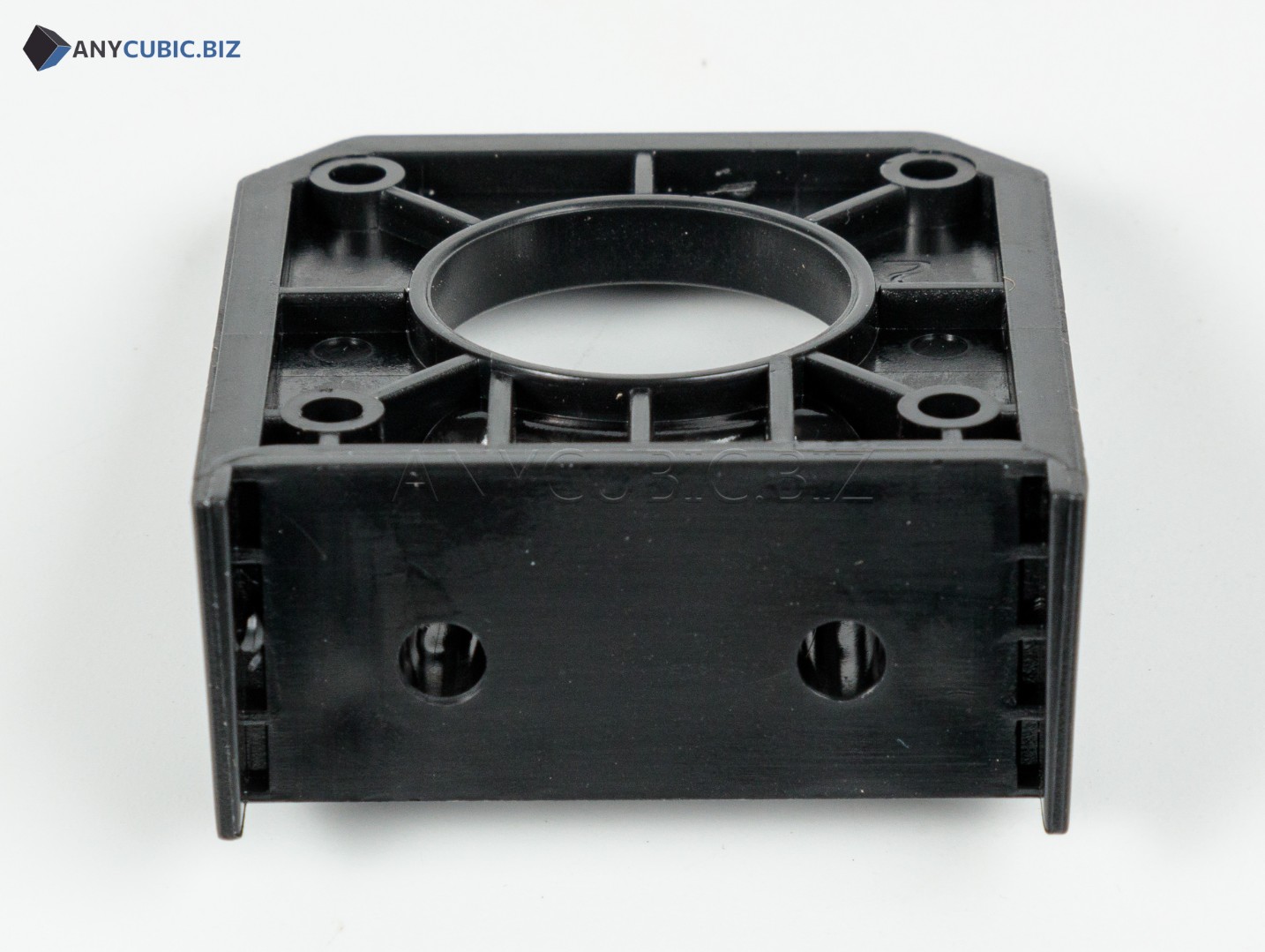
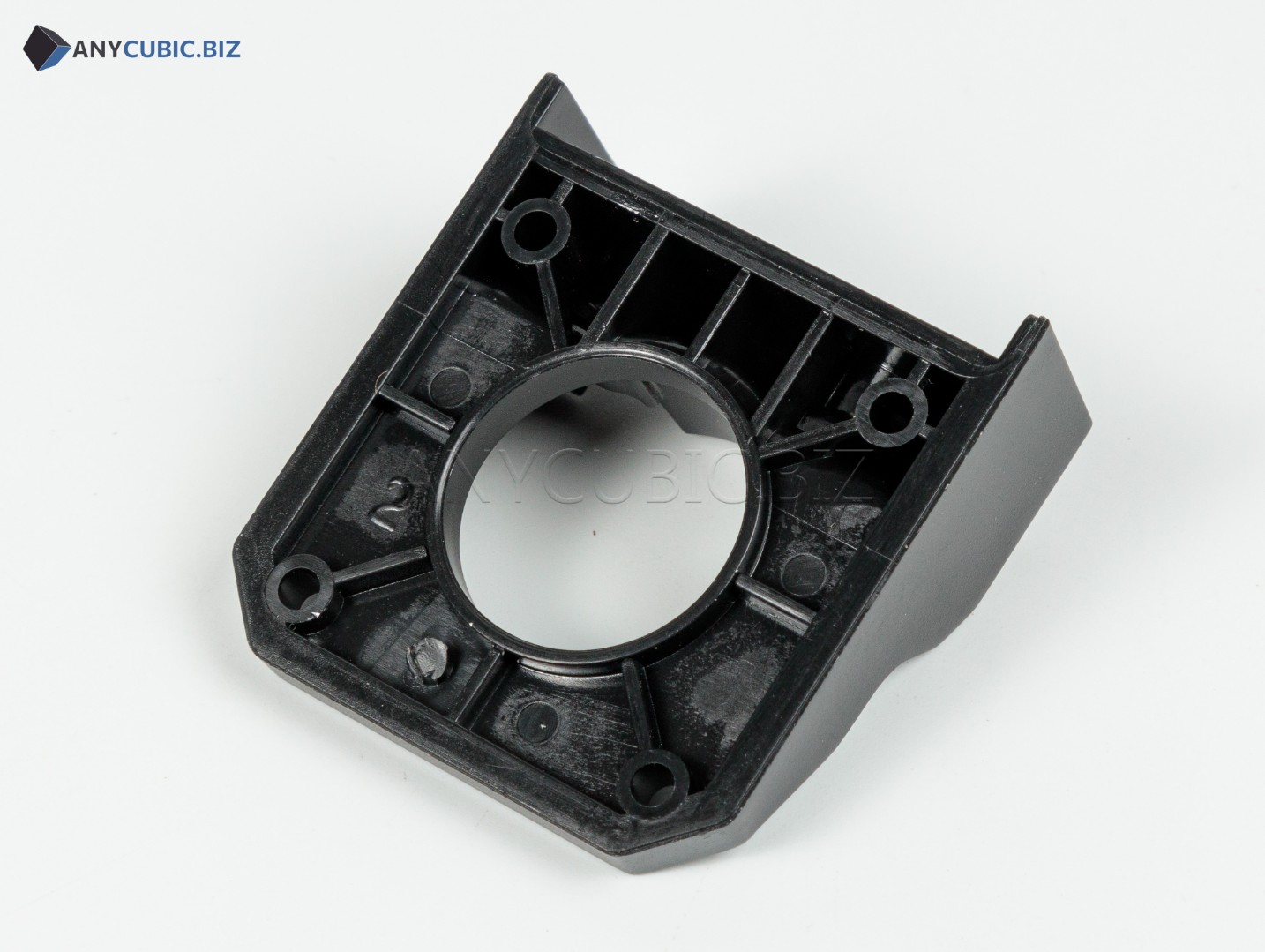
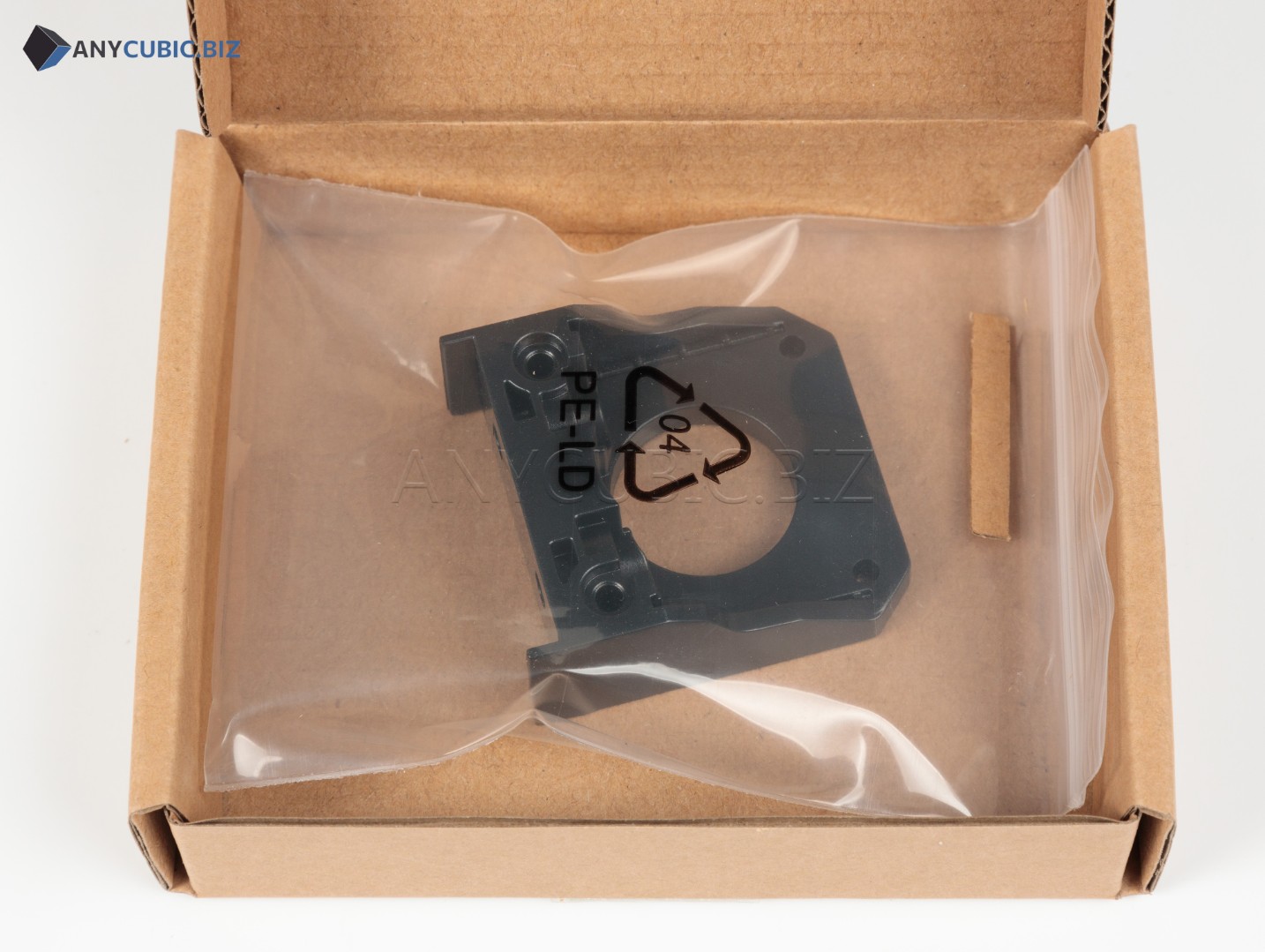
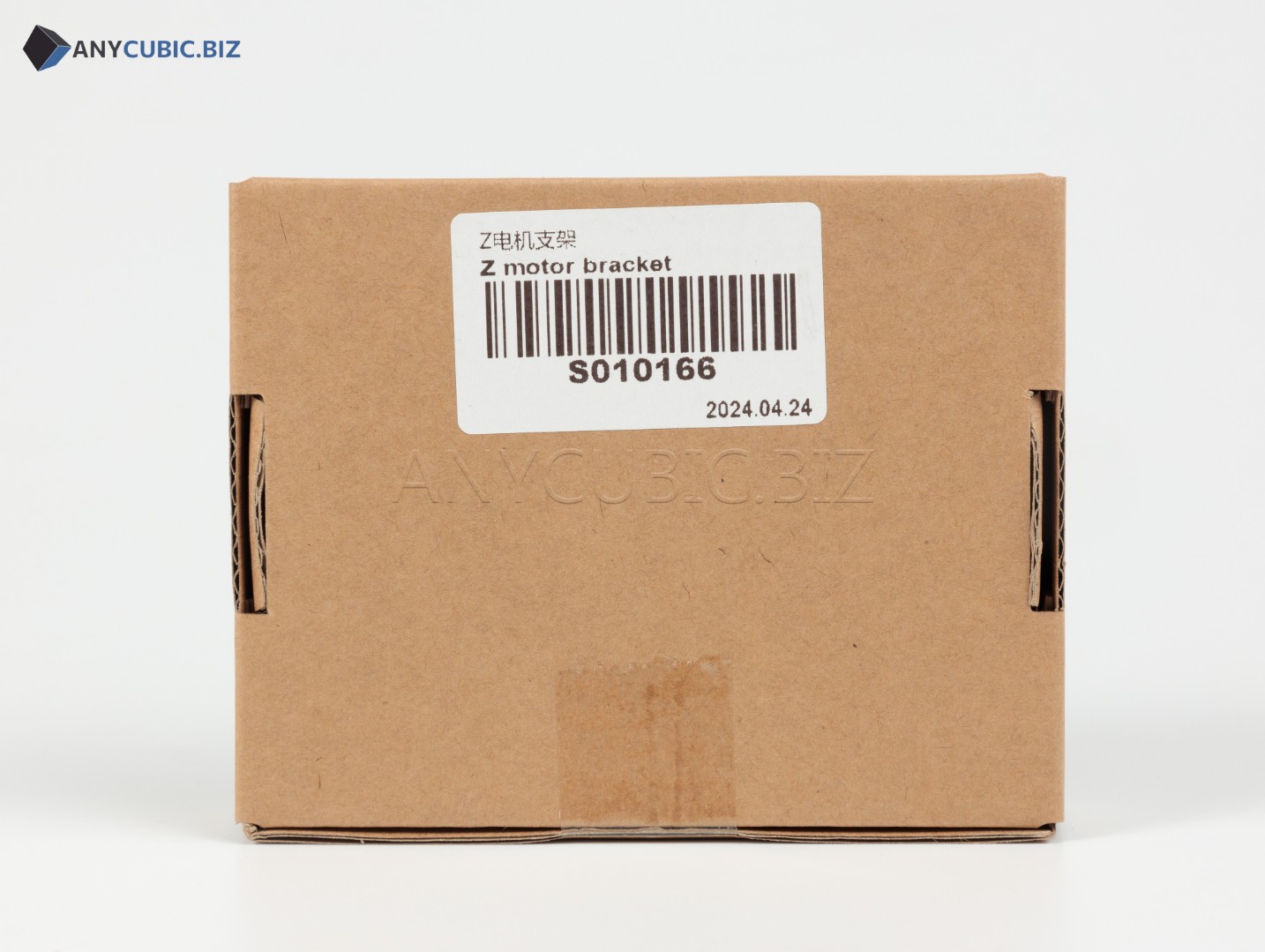
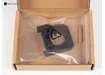
Z Motor Bracket for Anycubic Kobra 2 Pro / Plus / Max
SKU: S010166
Manufacturer: Anycubic
Compatibility: Anycubic Kobra 2 Pro, Anycubic Kobra 2 Plus, Anycubic Kobra 2 Max
Purpose: Z-axis motor mounting bracket
Description
The Z Motor Bracket for Anycubic Kobra 2 Pro, Kobra 2 Plus and Kobra 2 Max is a replacement mechanical spare part designed to secure the stepper motor of the vertical Z-axis assembly. The bracket helps keep the motor in the correct working position, maintain alignment with the Z-axis lead screw and support stable vertical gantry movement during printing.
This bracket may be required for repair after mechanical damage, deformation of the original mount, Z-axis disassembly, motor replacement, lead screw replacement or geometry restoration after transportation and intensive printer operation.
Key Benefits
- Compatible with Anycubic Kobra 2 Pro, Kobra 2 Plus and Kobra 2 Max.
- Used to mount the Z-axis motor.
- Helps keep the stepper motor in the correct position.
- Important for stable vertical gantry movement.
- Suitable for repair, maintenance and mechanical restoration.
- Helps reduce the risk of misalignment, vibration and unstable Z-axis motion.
Technical Specifications
| Product name | Z Motor Bracket for Anycubic Kobra 2 Pro / Plus / Max |
| SKU | S010166 |
| Part type | Motor bracket / motor mounting part |
| Installation assembly | Z-axis |
| Purpose | Z-axis motor fixation |
| Compatible models | Anycubic Kobra 2 Pro, Kobra 2 Plus, Kobra 2 Max |
| Category | Spare parts for Anycubic FDM 3D printers |
When Replacement May Be Needed
- The bracket is cracked, damaged or deformed.
- The Z-axis motor is not fixed firmly or has noticeable play.
- The gantry is misaligned or Z-axis movement becomes uneven.
- The mount geometry is affected after impact, fall or improper transportation.
- The motor, lead screw or Z-axis assembly is being serviced or replaced.
- Print defects appear due to unstable vertical movement.
Installation Recommendations
- Turn off the 3D printer and disconnect the power cable before maintenance.
- Secure the gantry to prevent sudden Z-axis movement.
- Carefully disconnect the Z-axis motor if required for bracket replacement.
- Remove the old or damaged bracket.
- Install the new bracket without misalignment and tighten the fasteners evenly.
- Check the position of the motor, lead screw and coupling.
- After assembly, check smooth Z-axis movement and calibrate the printer.
Compatibility
The Z Motor Bracket with SKU S010166 is intended for Anycubic Kobra 2 Pro, Anycubic Kobra 2 Plus and Anycubic Kobra 2 Max. For Anycubic Kobra 2 Neo, Kobra 2, Kobra 3 and other models, select a separate compatible spare part according to the correct SKU and bracket design.
FAQ
Which printers is this bracket compatible with?
This bracket is compatible with Anycubic Kobra 2 Pro, Anycubic Kobra 2 Plus and Anycubic Kobra 2 Max.
What is the SKU?
The SKU is S010166.
What is the purpose of the Z Motor Bracket?
It is used to mount and secure the Z-axis motor in the correct working position.
Is this part suitable for Anycubic Kobra 2 Neo?
According to SKU S010166, this part is listed for Kobra 2 Pro, Kobra 2 Plus and Kobra 2 Max. For Kobra 2 Neo, a separate compatible bracket should be checked.
Do I need to calibrate the printer after replacement?
Yes. After servicing the Z-axis mechanical assembly, check gantry movement, fastener tightness, bed level and run calibration.