


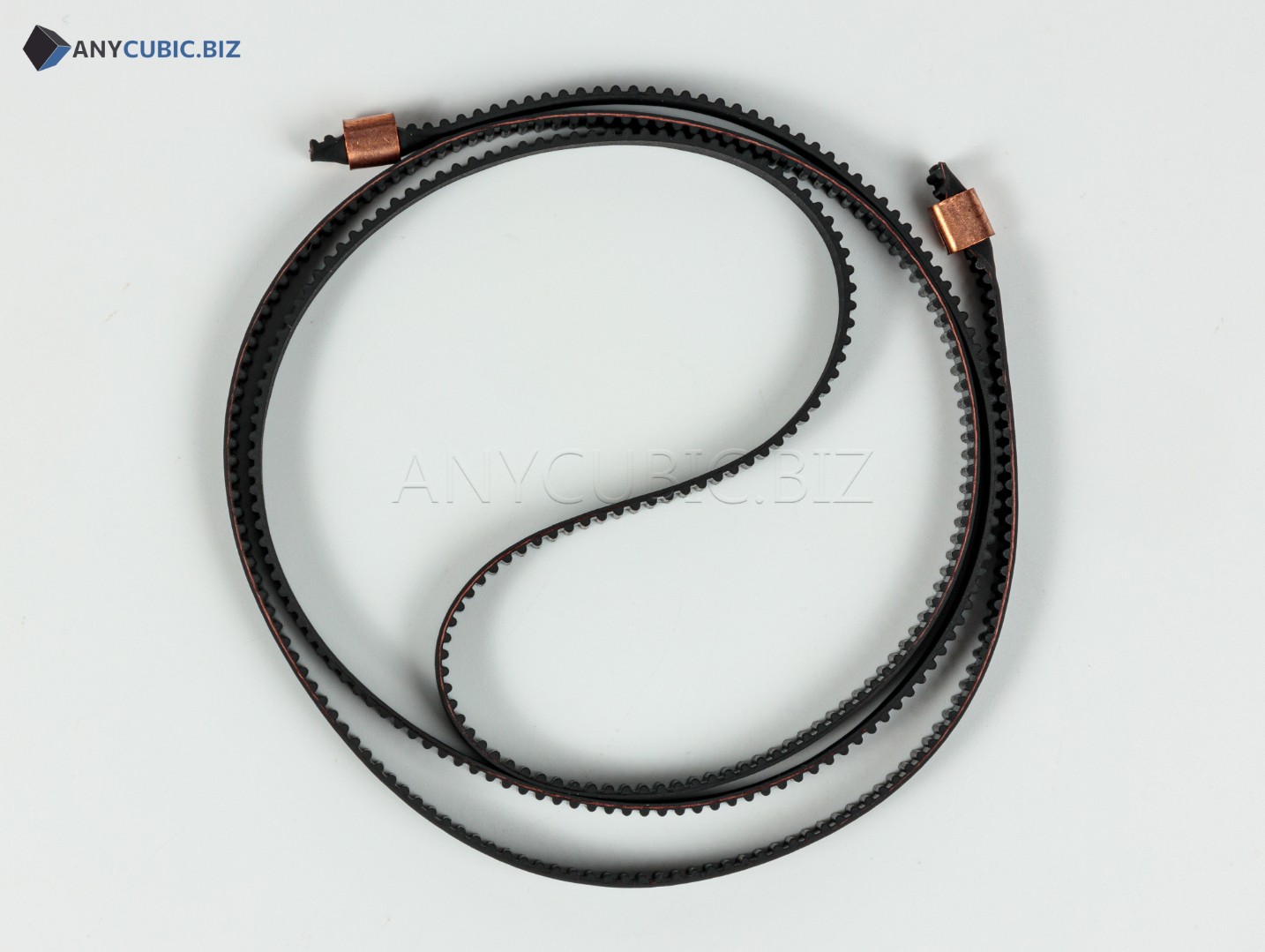
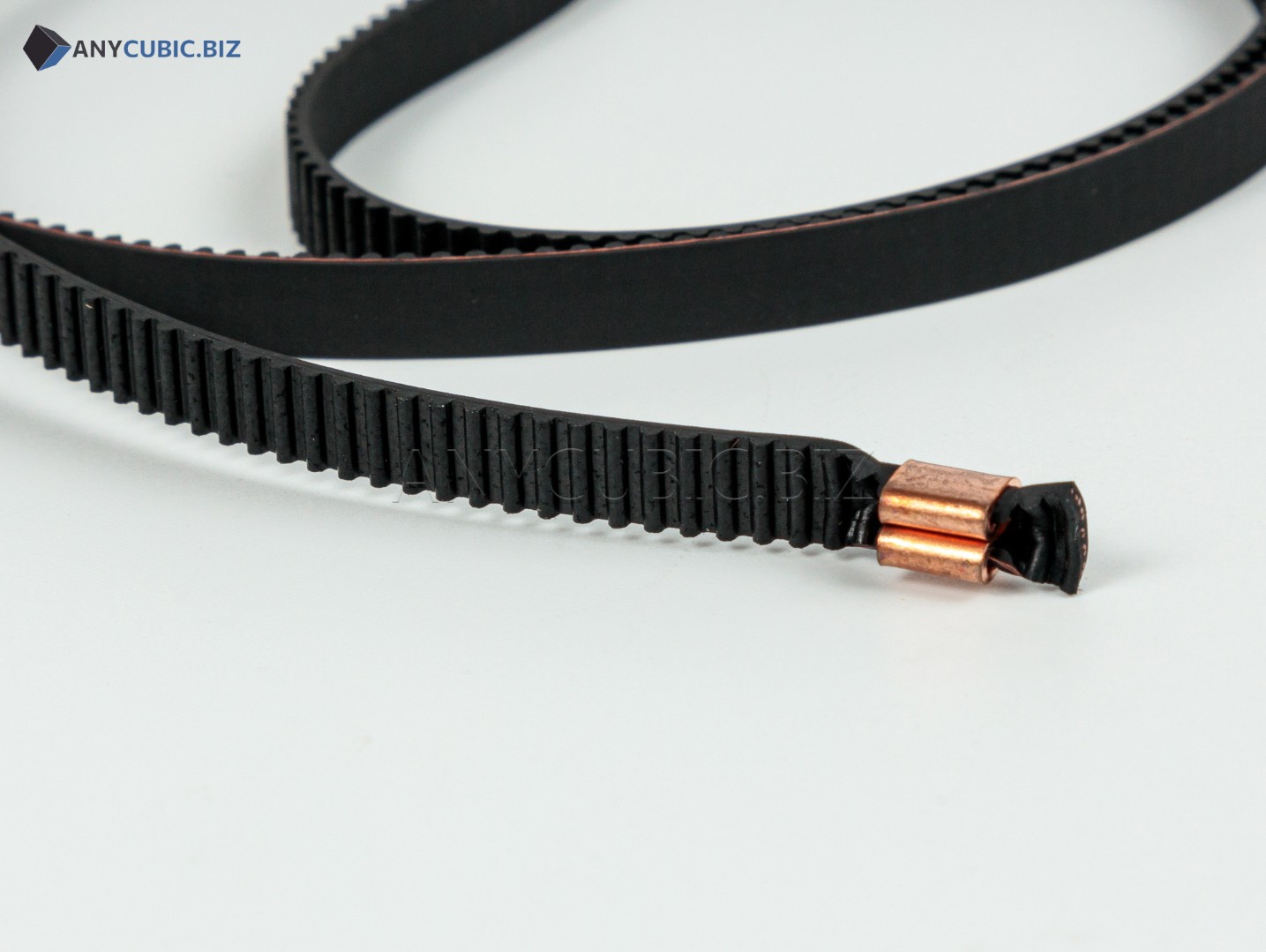
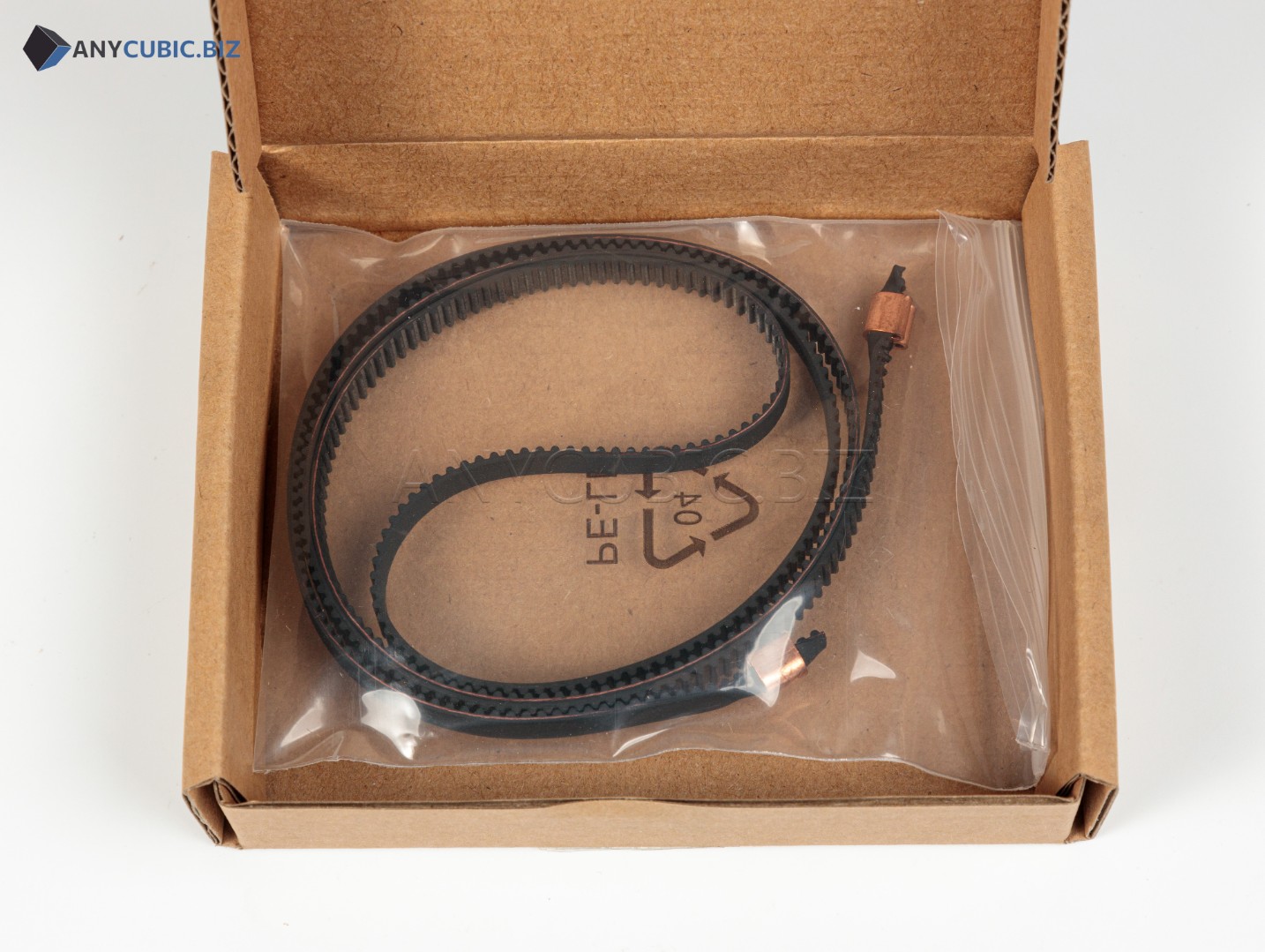
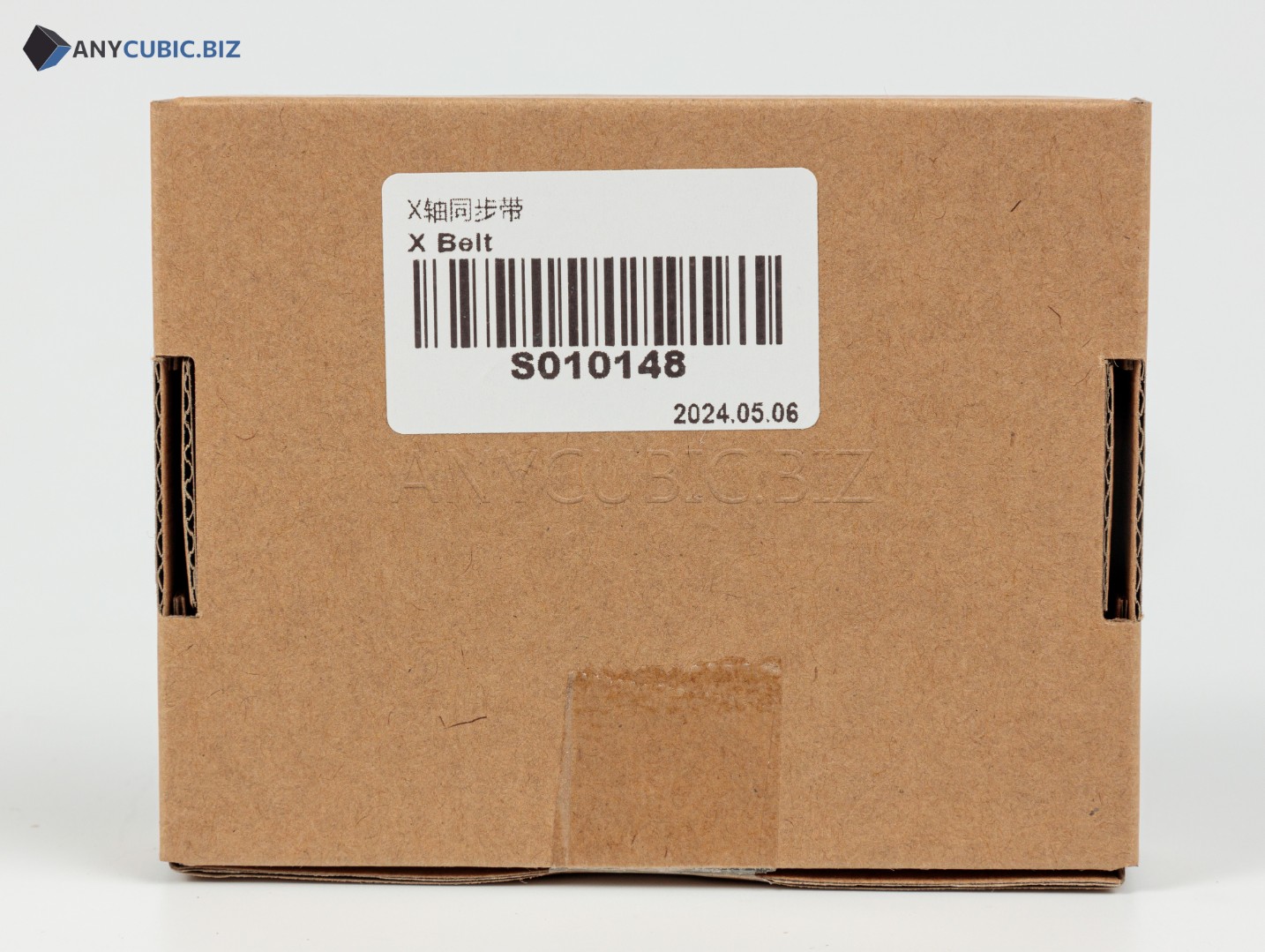
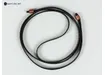
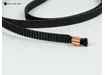
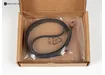
X-axis Belt for Anycubic Kobra 2 Neo 800 mm
SKU: S010148
Compatibility: Anycubic Kobra 2 Neo
Purpose: X-axis print head movement belt
Description
The X-axis belt for Anycubic Kobra 2 Neo 800 mm is a replacement spare part for the horizontal print head motion system of the FDM 3D printer. The belt controls the left and right movement of the carriage along the X axis, so its condition directly affects model geometry, outer wall quality, positioning accuracy and overall print stability.
This part is suitable for repair, maintenance and preventive replacement on the Anycubic Kobra 2 Neo. Belt replacement may be required when the belt is stretched, damaged, worn, loose, causing carriage backlash, layer shifting or vibration during print head movement.
Key Benefits
- Designed for the X-axis assembly of the Anycubic Kobra 2 Neo 3D printer.
- Belt length — 800 mm.
- Helps restore smooth and accurate print head movement.
- Suitable for repair, regular maintenance and preventive replacement.
- An important spare part for solving backlash, vibration and layer shifting.
- Useful for users who maintain their 3D printer independently.
Technical Specifications
| Product name | X-axis Belt for Anycubic Kobra 2 Neo 800 mm |
| SKU | S010148 |
| Part type | X-axis belt / print head movement belt |
| Installation axis | X-axis |
| Length | 800 mm |
| Compatible 3D printer | Anycubic Kobra 2 Neo |
| Category | Spare parts and accessories for Anycubic FDM 3D printers |
When to Replace the X-axis Belt
- Layer shifts appear in the X-axis direction.
- The print head moves unevenly, with jerks or noticeable backlash.
- The belt is loose, stretched or unable to hold proper tension.
- Cracks, tooth wear, damage or deformation are visible on the belt.
- Clicking, vibration or slipping occurs during printing.
- The printer requires preventive maintenance after long-term operation.
Installation Recommendations
- Turn off the 3D printer and disconnect the power cable before maintenance.
- Loosen the X-axis belt tensioner.
- Carefully remove the old belt from the carriage, rollers and motor pulley.
- Install the new belt along the original routing path.
- Make sure the belt runs evenly through the rollers and is not twisted.
- Adjust the belt tension: it should be firm enough for accurate movement, but not overtightened.
- After replacement, check smooth print head movement and calibrate the printer.
Compatibility
This belt is intended specifically for the Anycubic Kobra 2 Neo and is installed on the X axis. Do not confuse it with the Y-axis belt: the Kobra 2 Neo uses a different 790 mm belt for the Y axis. For other Anycubic Kobra models, select a separate compatible belt according to model and length.
FAQ
Which printer is this belt compatible with?
This belt is intended for the Anycubic Kobra 2 Neo 3D printer.
Is this an X-axis or Y-axis belt?
This is an X-axis belt for left and right print head movement.
What is the belt length?
The belt length is 800 mm.
What is the SKU?
The SKU is S010148.
Do I need to calibrate the printer after replacement?
Yes. After replacing the belt, check print head movement, belt tension and run printer calibration.