


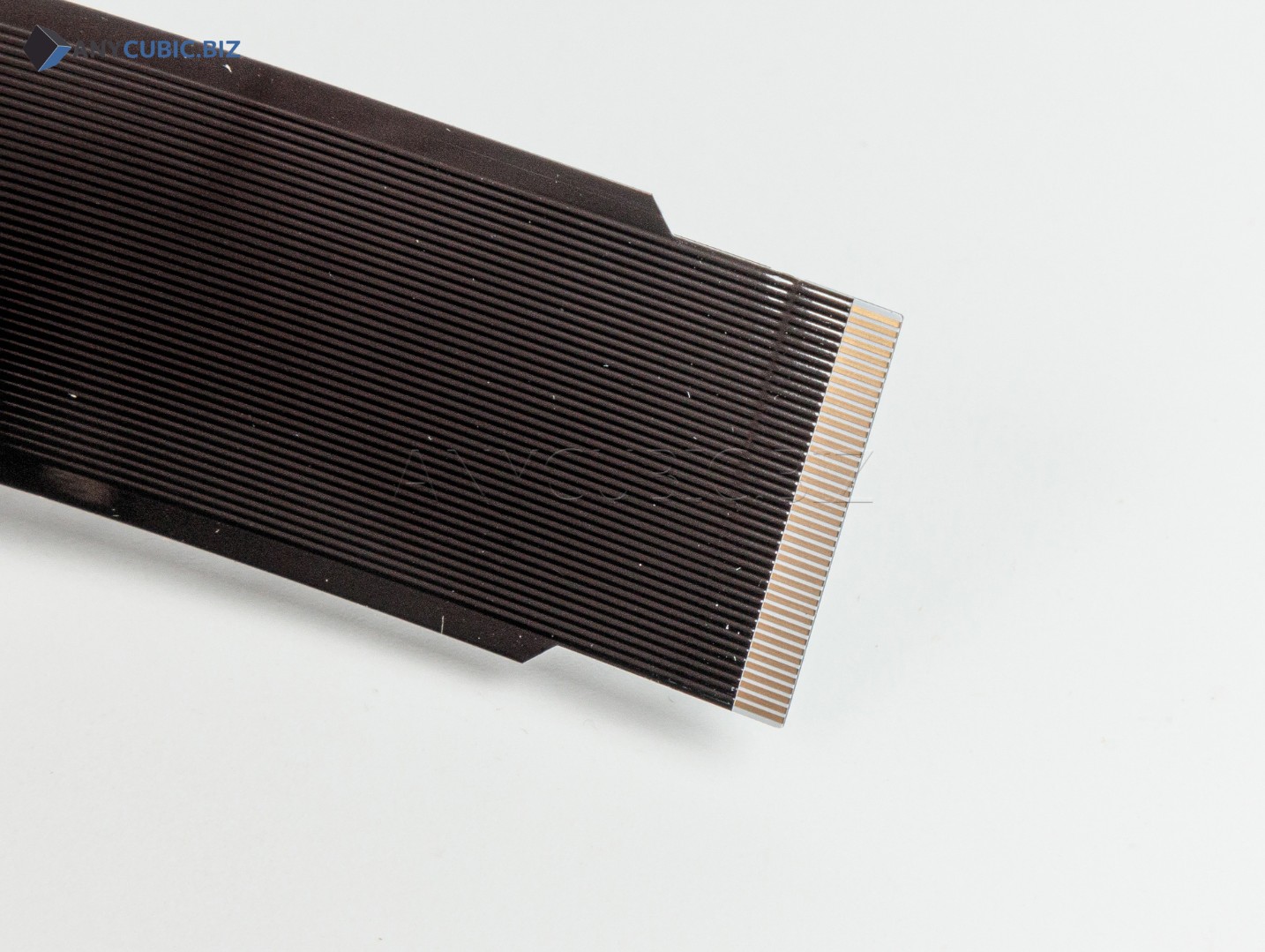
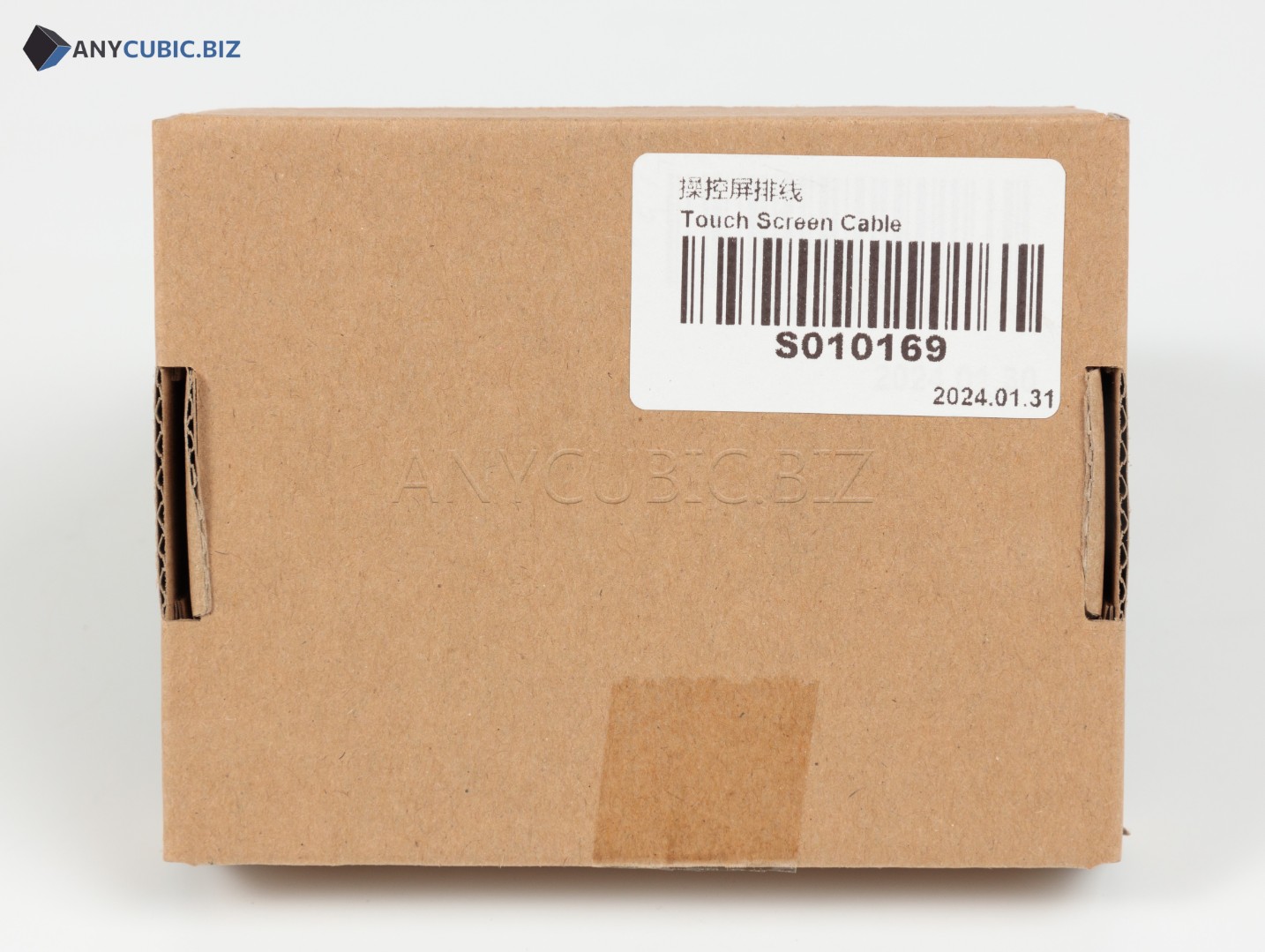
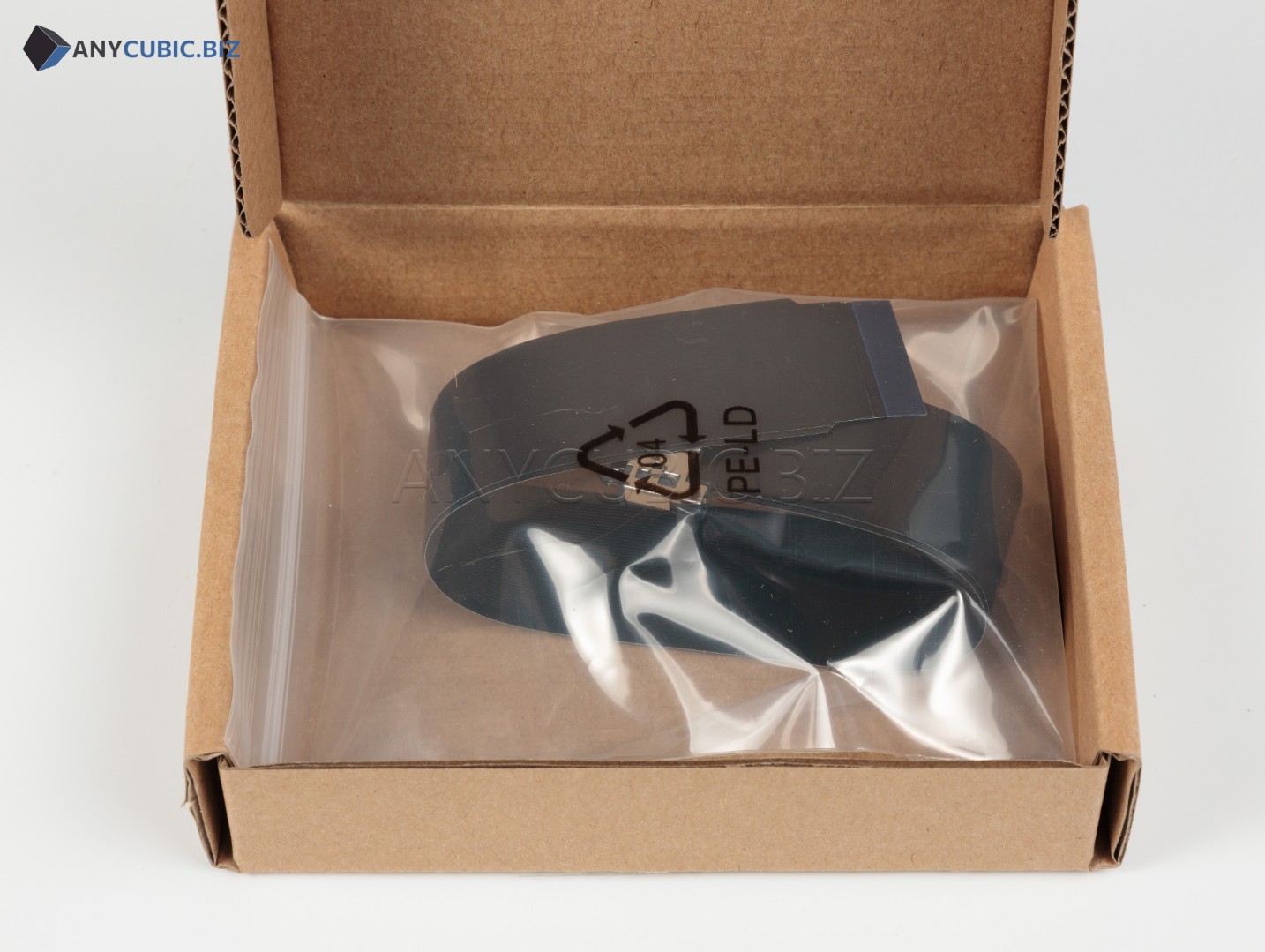
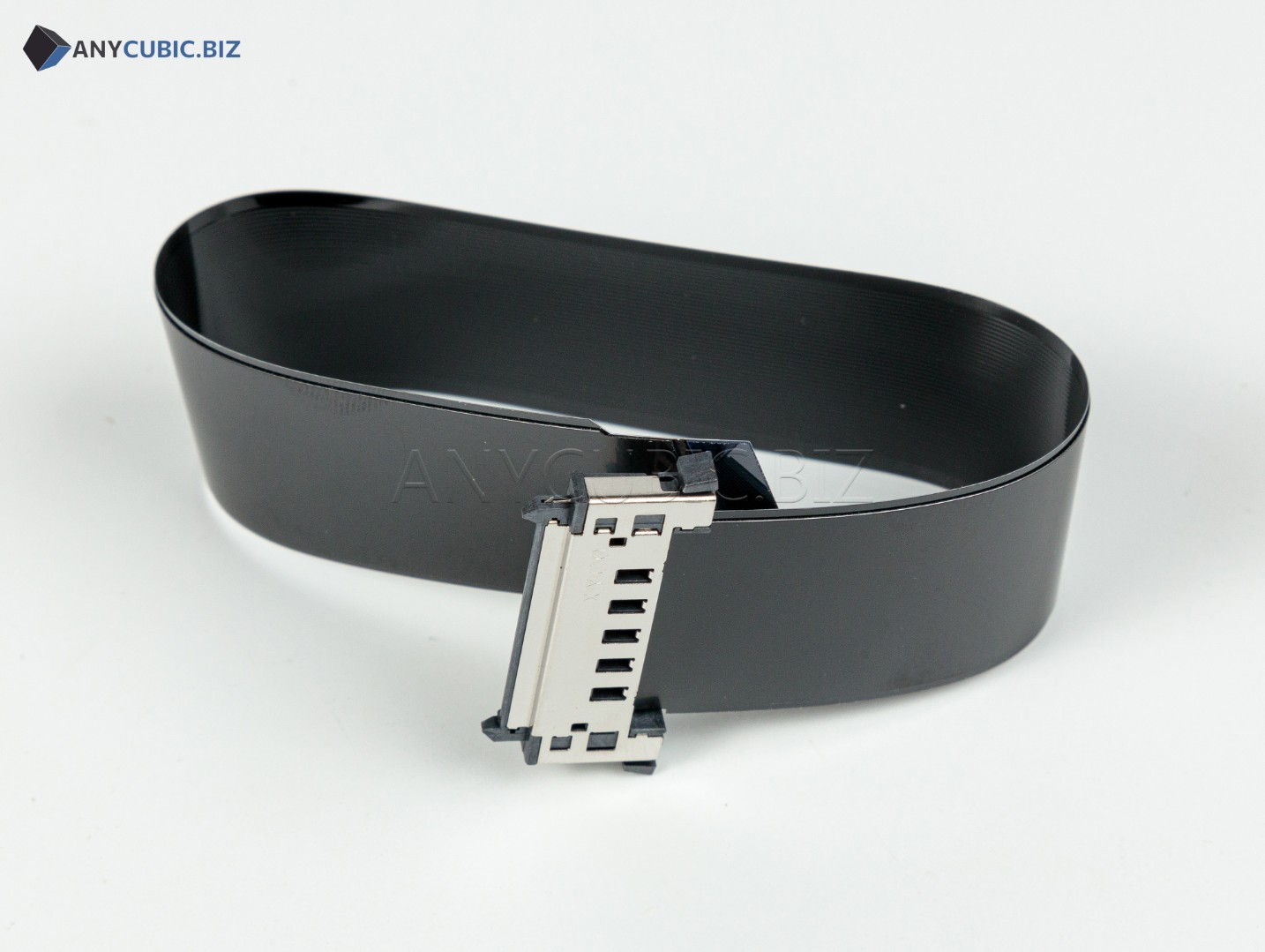
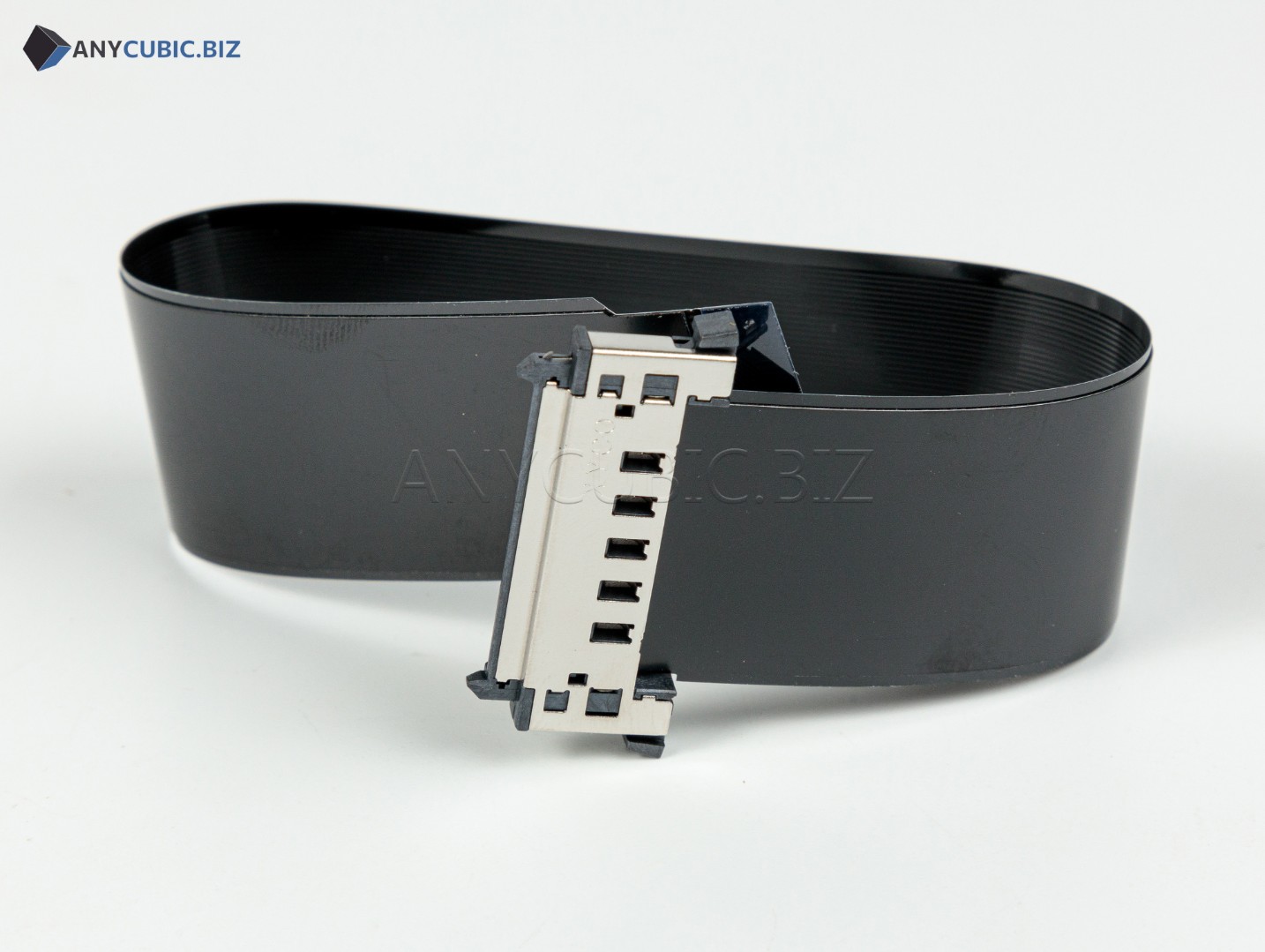
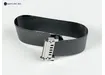
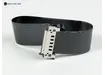
Touch Screen Cable for Anycubic Kobra 2 Pro
SKU: S010169
Manufacturer: Anycubic
Compatibility: Anycubic Kobra 2 Pro
Purpose: touch screen cable / control display ribbon cable
Description
The Touch Screen Cable for Anycubic Kobra 2 Pro is a replacement spare part used to connect the control display to the electronics of the FDM 3D printer. The cable transfers signals between the touch screen and the control board, so its condition is important for correct menu display, touch interface response and normal printer control.
Cable replacement may be required if the ribbon cable is damaged, has poor contact, broken conductors, display issues, unstable touch panel operation or no response from the control screen. This part is intended specifically for the Anycubic Kobra 2 Pro, so correct identification should be based on SKU S010169.
Key Benefits
- Original Anycubic spare part for the Kobra 2 Pro 3D printer.
- Used to connect the touch control screen.
- Helps restore stable communication between the display and printer electronics.
- Suitable for repair after cable damage, bending, broken conductors or poor contact.
- An important part when troubleshooting screen, menu, touch control or interface startup issues.
- Allows replacing the cable without replacing the full display module if the cable is the faulty part.
Technical Specifications
| Product name | Touch Screen Cable for Anycubic Kobra 2 Pro |
| Original name | Touch Screen Cable Kobra 2 Pro |
| Alternative name | Control Screen Ribbon Cable |
| SKU | S010169 |
| Manufacturer | Anycubic |
| Part type | Touch screen cable / display ribbon cable |
| Installation area | Control screen / display module |
| Compatible model | Anycubic Kobra 2 Pro |
| Category | Spare parts for Anycubic FDM 3D printers |
When Replacement May Be Needed
- The touch screen does not power on even though the printer receives power.
- The display image disappears or shows display errors.
- The screen powers on, but touch control works unreliably.
- The menu freezes or commands respond inconsistently due to poor cable contact.
- The screen cable is damaged, pinched, bent or visibly worn.
- The ribbon cable no longer seats properly after printer disassembly.
- The display module is being repaired or the control screen connection needs restoration.
Installation Recommendations
- Turn off the 3D printer and disconnect the power cable before maintenance.
- Wait until the printer and working area cool down completely.
- Take a photo of the old cable and connector positions before removal.
- Carefully disconnect the old Touch Screen Cable from the screen and board without pulling on conductors.
- Check connectors for dust, damage or oxidation.
- Connect the new touch screen cable to the original connectors.
- Make sure the cable is not pinched, stretched or routed into moving parts.
- After installation, power on the printer and check screen, menu and touch control operation.
Compatibility
The Touch Screen Cable with SKU S010169 is intended for Anycubic Kobra 2 Pro. For Anycubic Kobra 2, Kobra 2 Neo, Kobra 2 Plus, Kobra 2 Max, Kobra Go, Kobra Neo, Kobra 3 and other models, select a separate compatible cable according to the correct SKU, length, connector and display assembly design.
FAQ
Which printer is this cable compatible with?
This cable is intended for the Anycubic Kobra 2 Pro.
What is the SKU?
The SKU is S010169.
Is this a screen or a screen cable?
This is not the display module. It is the cable / ribbon cable used to connect the touch screen.
How is Touch Screen Cable different from a regular Screen Cable?
This item refers to the touch control screen cable for Kobra 2 Pro. For correct selection, use the printer model and SKU S010169.
When should the touch screen cable be replaced?
Replacement is recommended when the ribbon cable is damaged, has poor contact, the display image disappears, menu issues appear or touch control becomes unstable.
Is S010169 compatible with Kobra 2 Neo?
No. This SKU is listed for Kobra 2 Pro. Kobra 2 Neo uses a different screen cable.
Should I test the printer after replacement?
Yes. After installation, check screen power-up, menu display, touch response and correct printer control.