


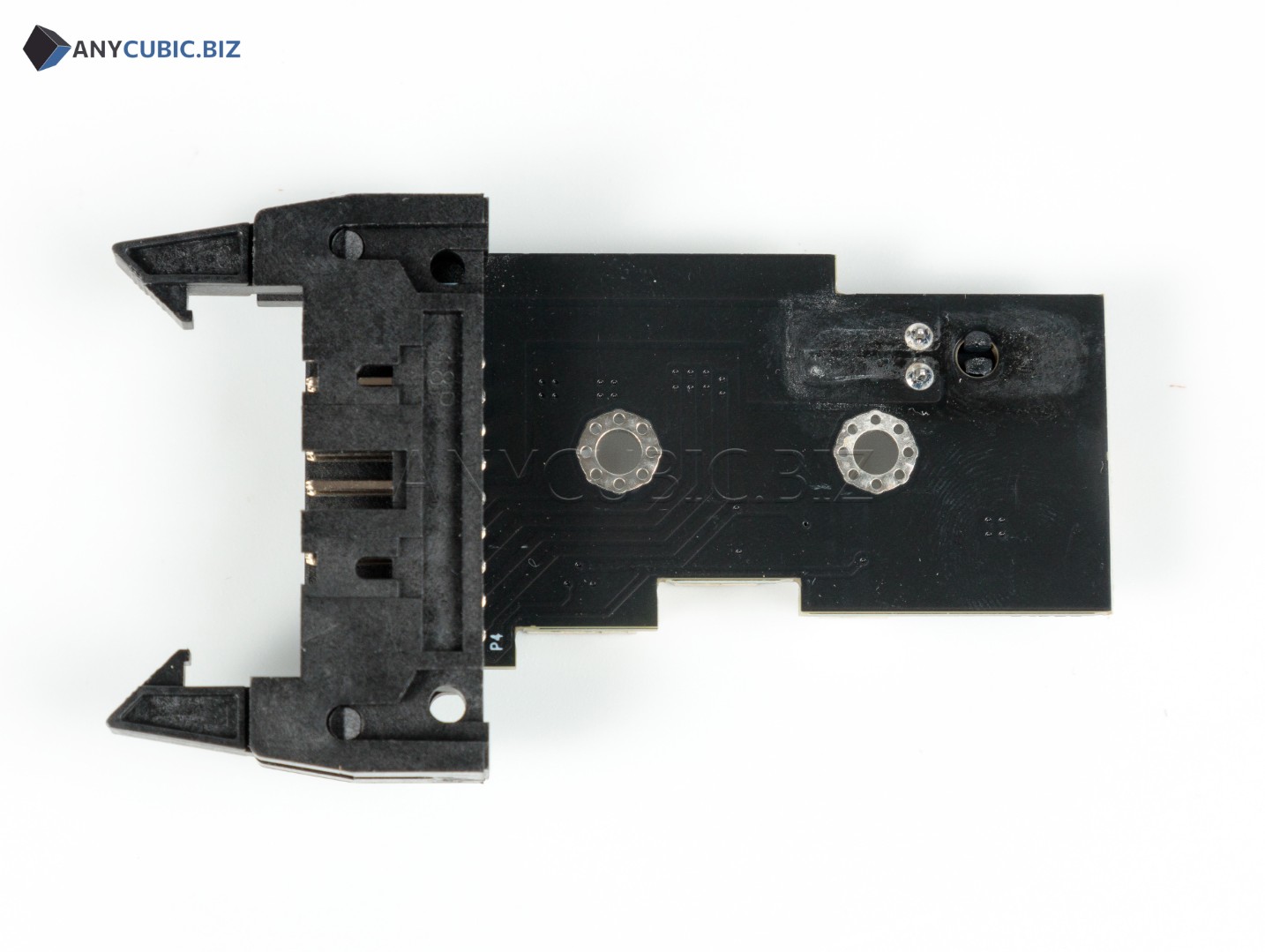
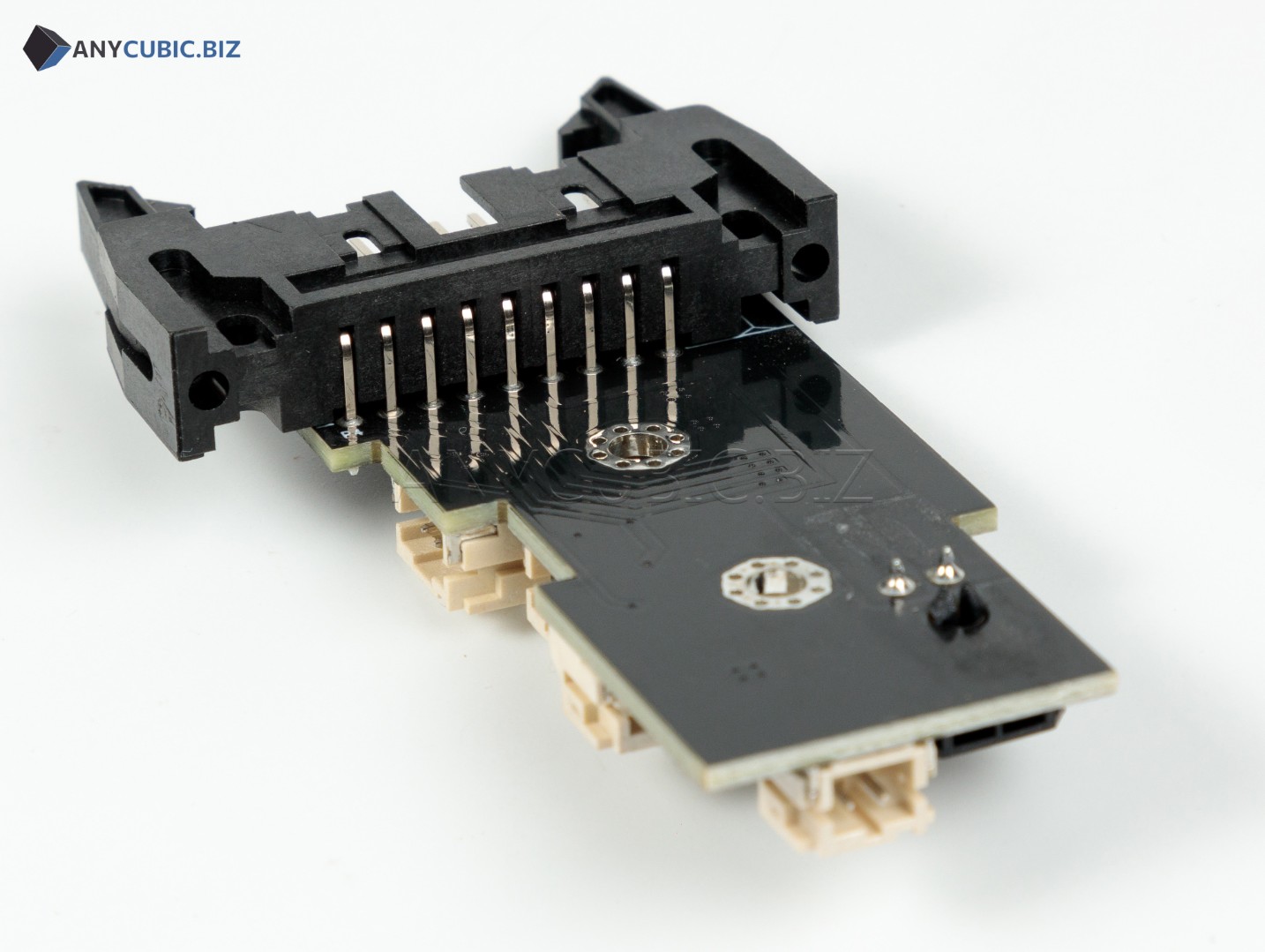
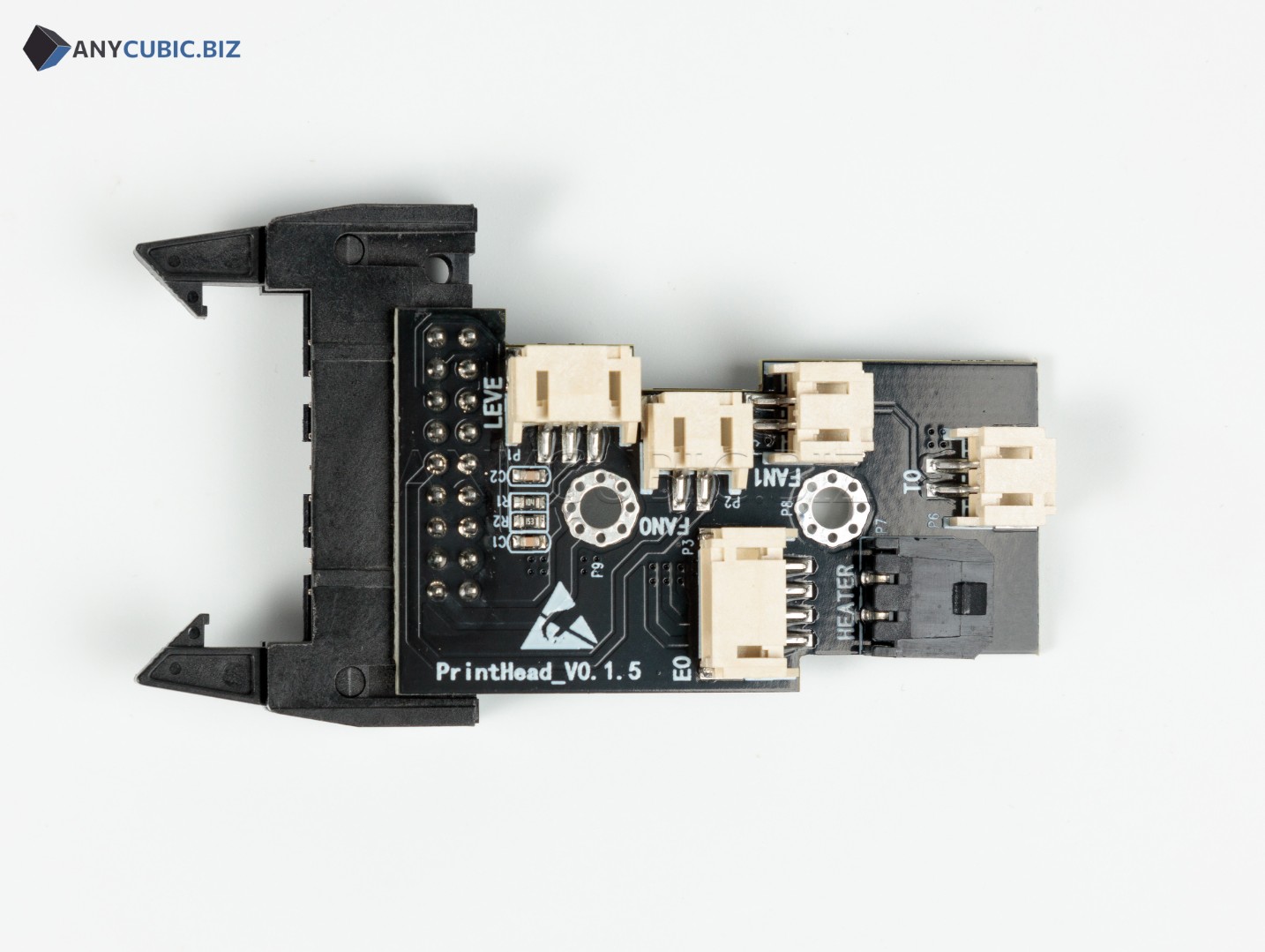
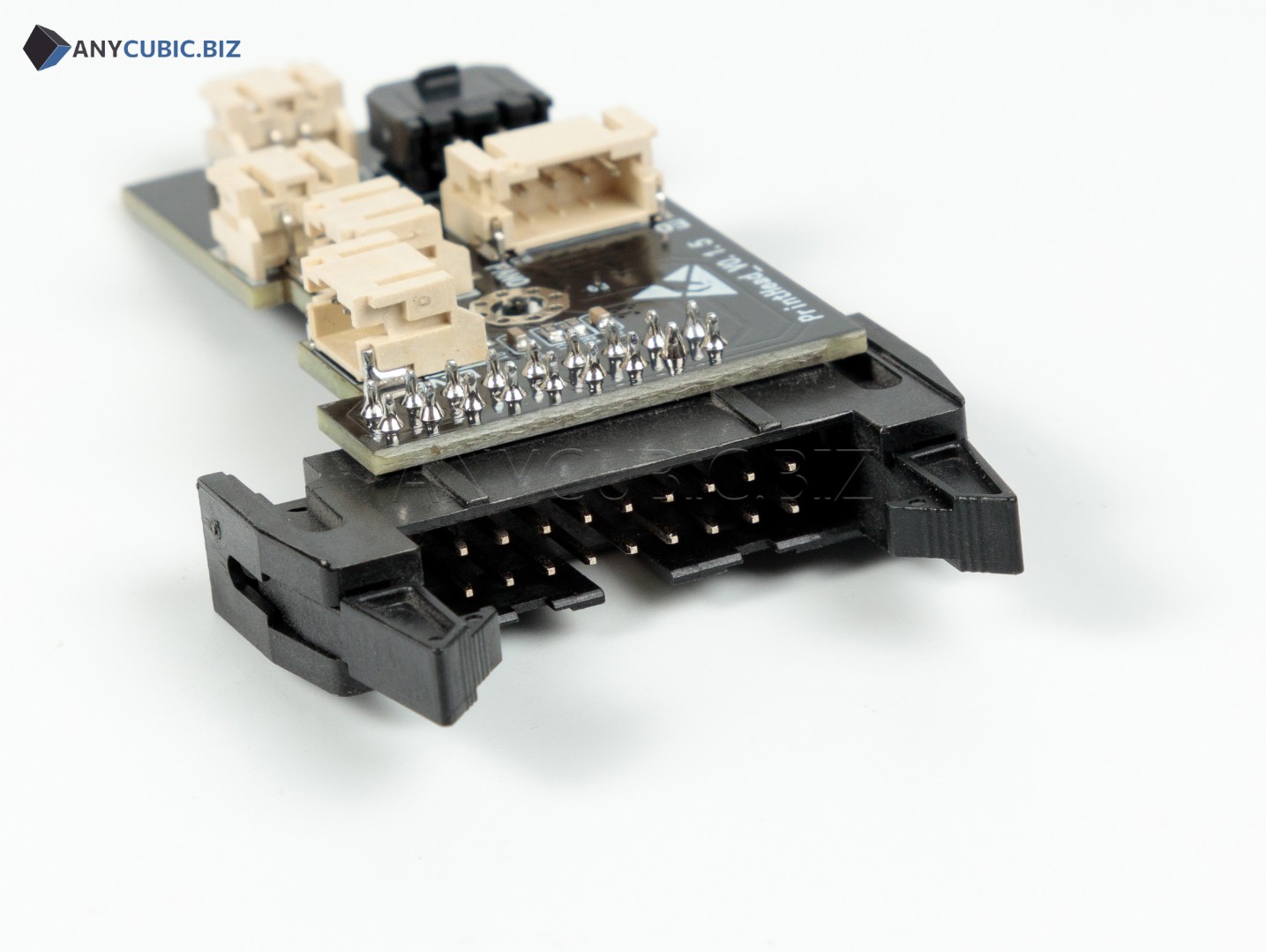
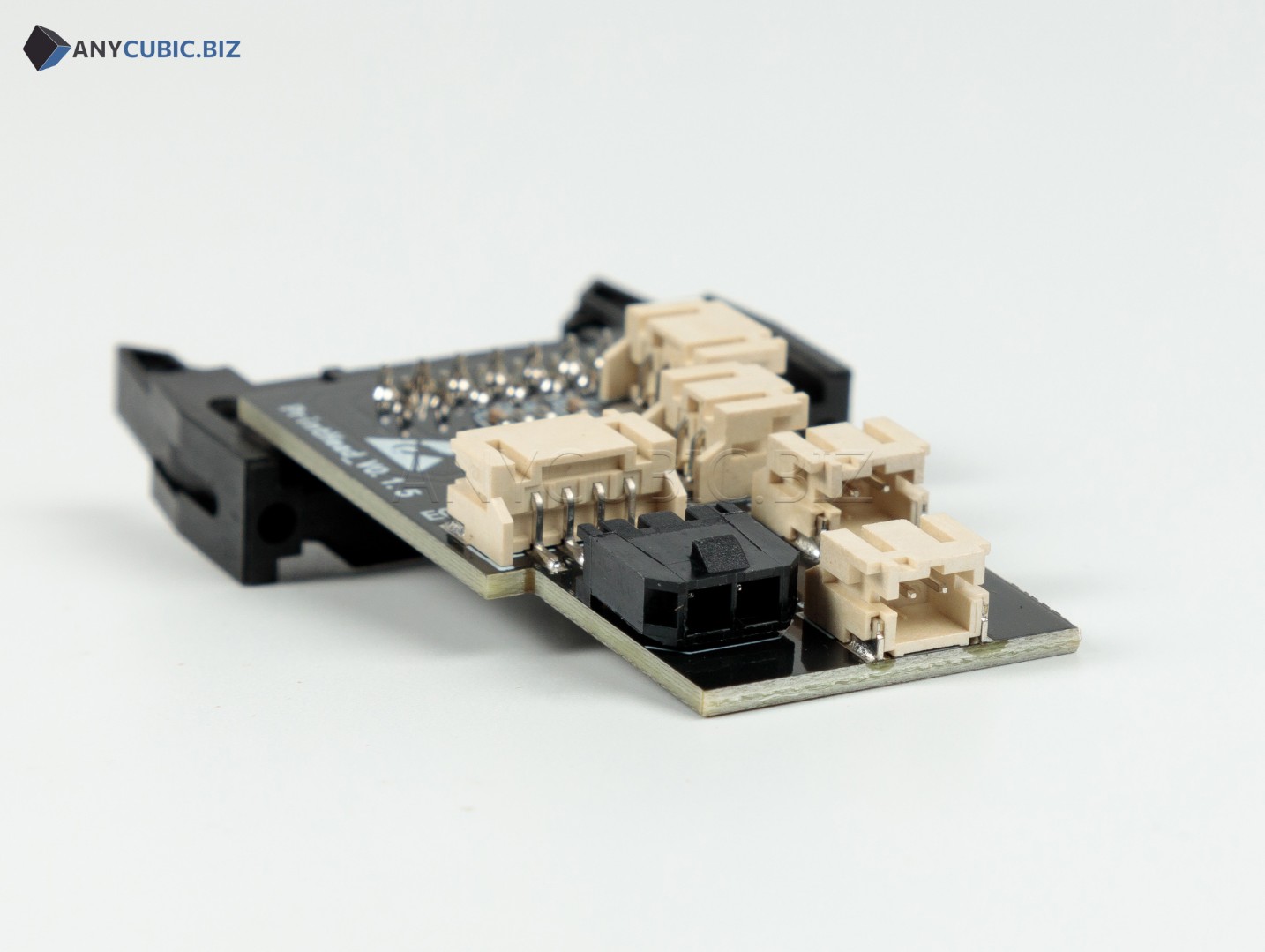
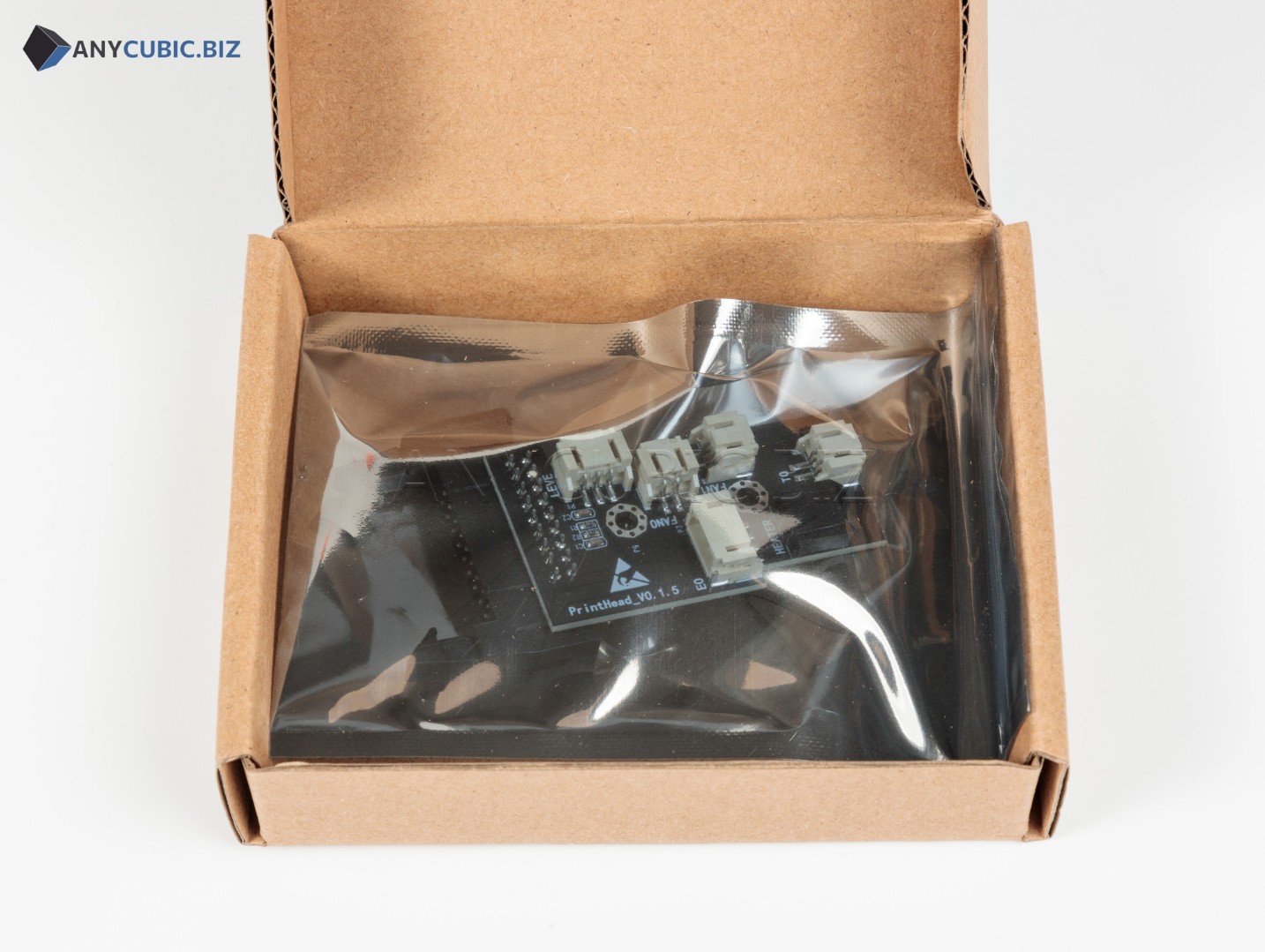
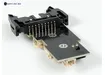
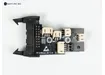
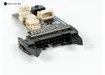
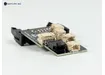
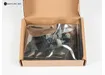
Toolhead PCBA for Anycubic Kobra 2 Neo
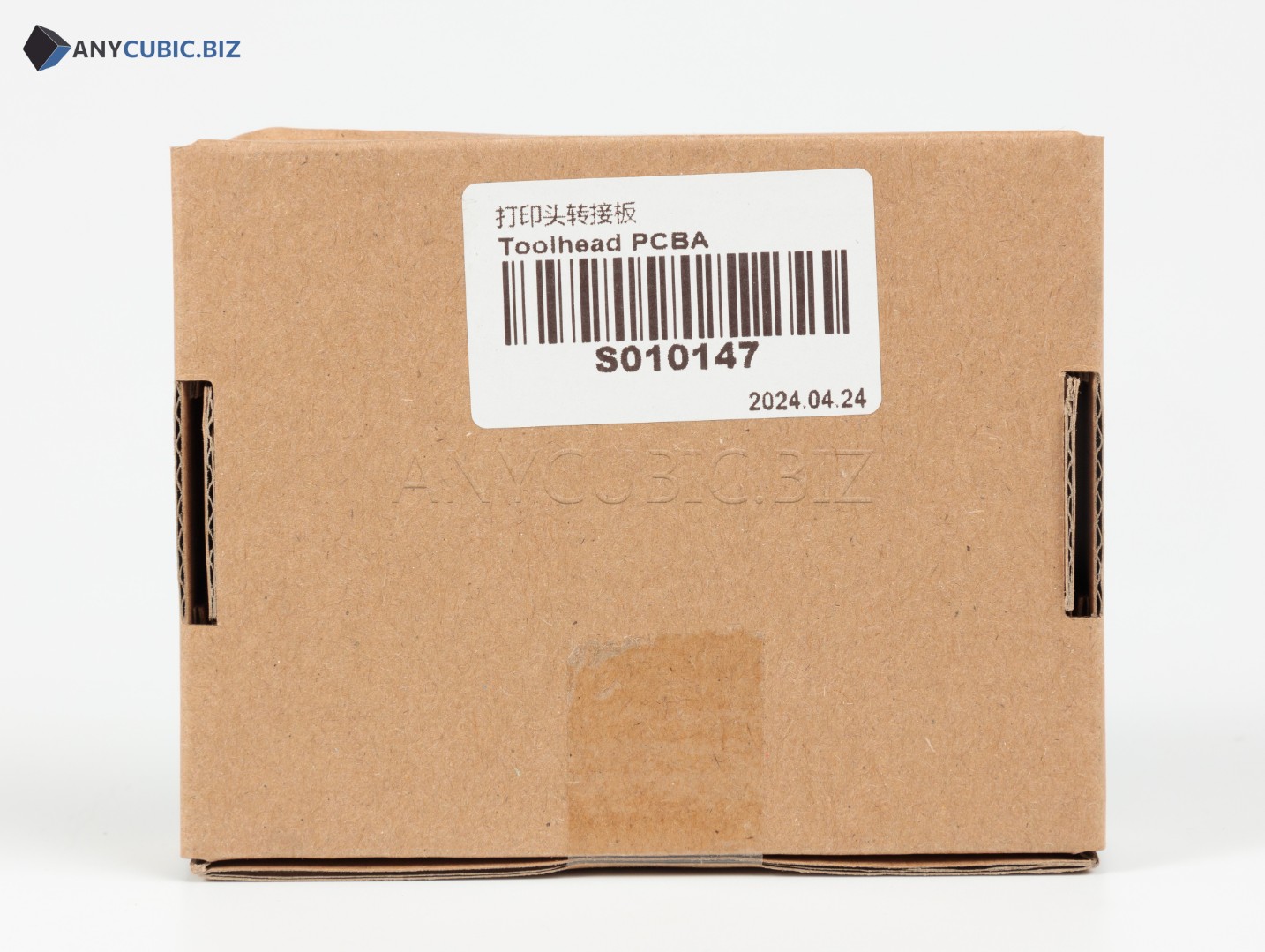
SKU: S010147
Manufacturer: Anycubic
Compatibility: Anycubic Kobra 2 Neo
Purpose: toolhead circuit board / print head PCBA
Description
The Toolhead PCBA for Anycubic Kobra 2 Neo is a replacement electronic spare part for the print head assembly of an FDM 3D printer. PCBA stands for Printed Circuit Board Assembly, meaning a populated circuit board with electronic components already installed.
This board is used in the toolhead area and helps provide proper connection and operation of print head components. It may be required for repair after connector damage, unstable toolhead operation, issues with hotend-related connections or diagnostics pointing to the print head electronics.
Key Benefits
- Anycubic spare part for the Kobra 2 Neo 3D printer.
- Designed for the print head assembly.
- Used as the connection and control board for toolhead components.
- Helps restore normal print head operation.
- Suitable for repair after board, connector or wiring damage.
- An important part when diagnosing hotend, fan, sensor or extruder assembly issues.
Technical Specifications
| Product name | Toolhead PCBA for Anycubic Kobra 2 Neo |
| Original name | Toolhead PCBA Kobra 2 Neo |
| SKU | S010147 |
| Manufacturer | Anycubic |
| Part type | PCBA / print head circuit board |
| Installation area | Print head / toolhead |
| Compatible model | Anycubic Kobra 2 Neo |
| Category | Spare parts for Anycubic FDM 3D printers |
When Replacement May Be Needed
- The print head remains unstable after checking cables and connectors.
- The board, traces, contacts or connectors are damaged.
- Toolhead components are not detected or work intermittently.
- The print head assembly needs repair after overheating, short circuit or mechanical damage.
- The issue remains in the toolhead area after replacing the hotend, fan or wiring.
- Kobra 2 Neo print head electronics need to be restored.
Installation Recommendations
- Turn off the 3D printer and disconnect the power cable before maintenance.
- Wait until the hotend and print head cool down completely.
- Take a photo of connector positions before removing the old board.
- Carefully disconnect cables without pulling on the wires.
- Remove the old Toolhead PCBA from the print head assembly.
- Install the new board in the original position.
- Reconnect all connectors according to their original locations.
- Before powering on, make sure cables are not pinched and do not touch moving or hot parts.
- After installation, check heating, fans, filament feeding and run a test print.
Compatibility
The Toolhead PCBA with SKU S010147 is intended for Anycubic Kobra 2 Neo. For Anycubic Kobra Go, Kobra Neo, Kobra 2, Kobra 2 Pro, Kobra 2 Plus, Kobra 2 Max, Kobra 3 and other models, select a separate compatible board according to the correct SKU and print head design.
FAQ
Which printer is this board compatible with?
This board is intended for the Anycubic Kobra 2 Neo.
What is the SKU?
The SKU is S010147.
What does PCBA mean?
PCBA means Printed Circuit Board Assembly, a populated circuit board with electronic components installed.
Is this the printer motherboard?
No. This is not the main motherboard. It is the print head board / Toolhead PCBA.
Is S010147 compatible with Kobra 2 Pro or Kobra 2 Plus?
No. This SKU is listed for Kobra 2 Neo. Kobra 2 Pro, Kobra 2 Plus and other models require a separate compatible board.
Should I test the printer after replacement?
Yes. After replacing the board, check connector placement, hotend heating, fan operation, filament feeding and run a test print.