


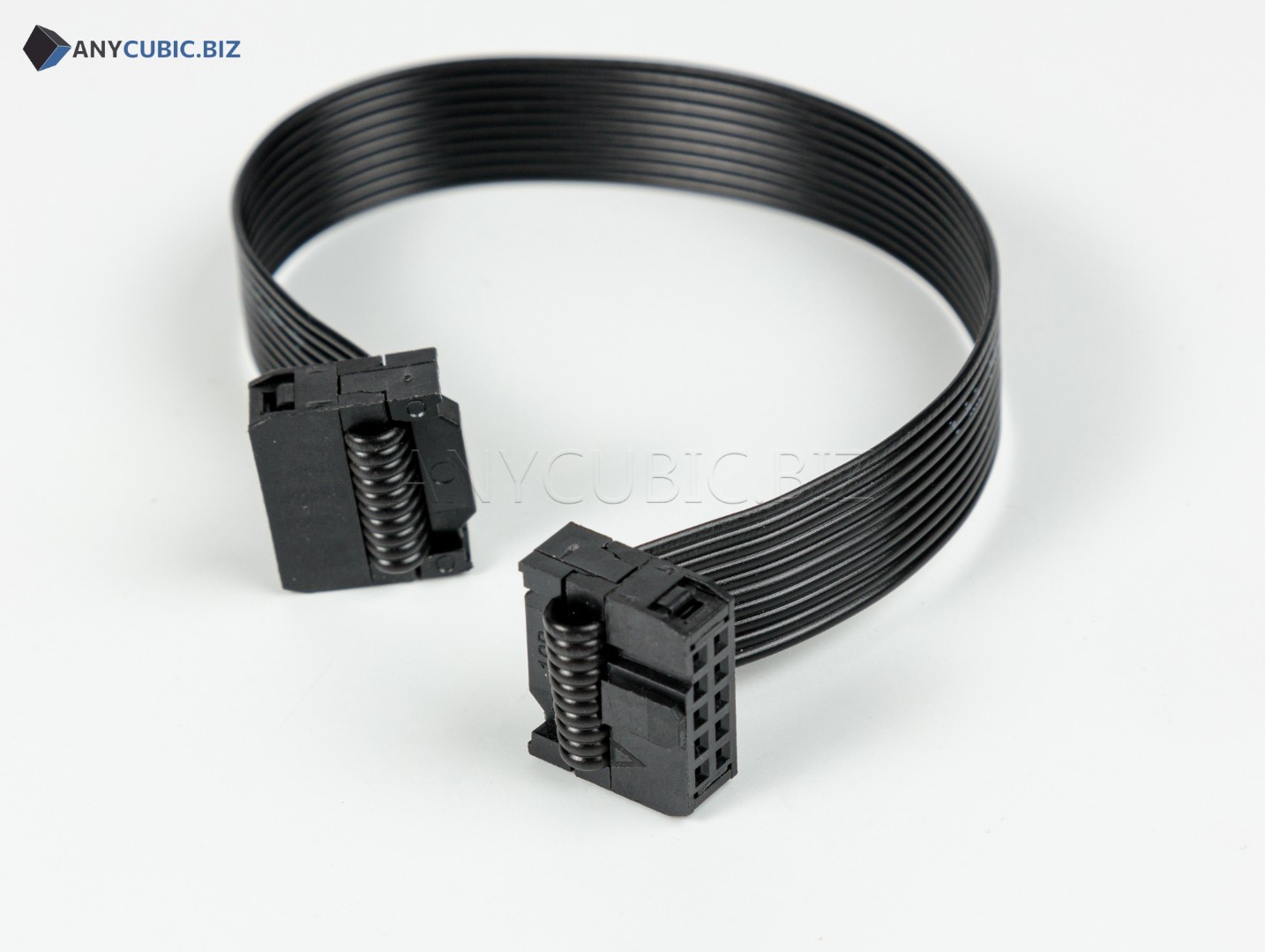
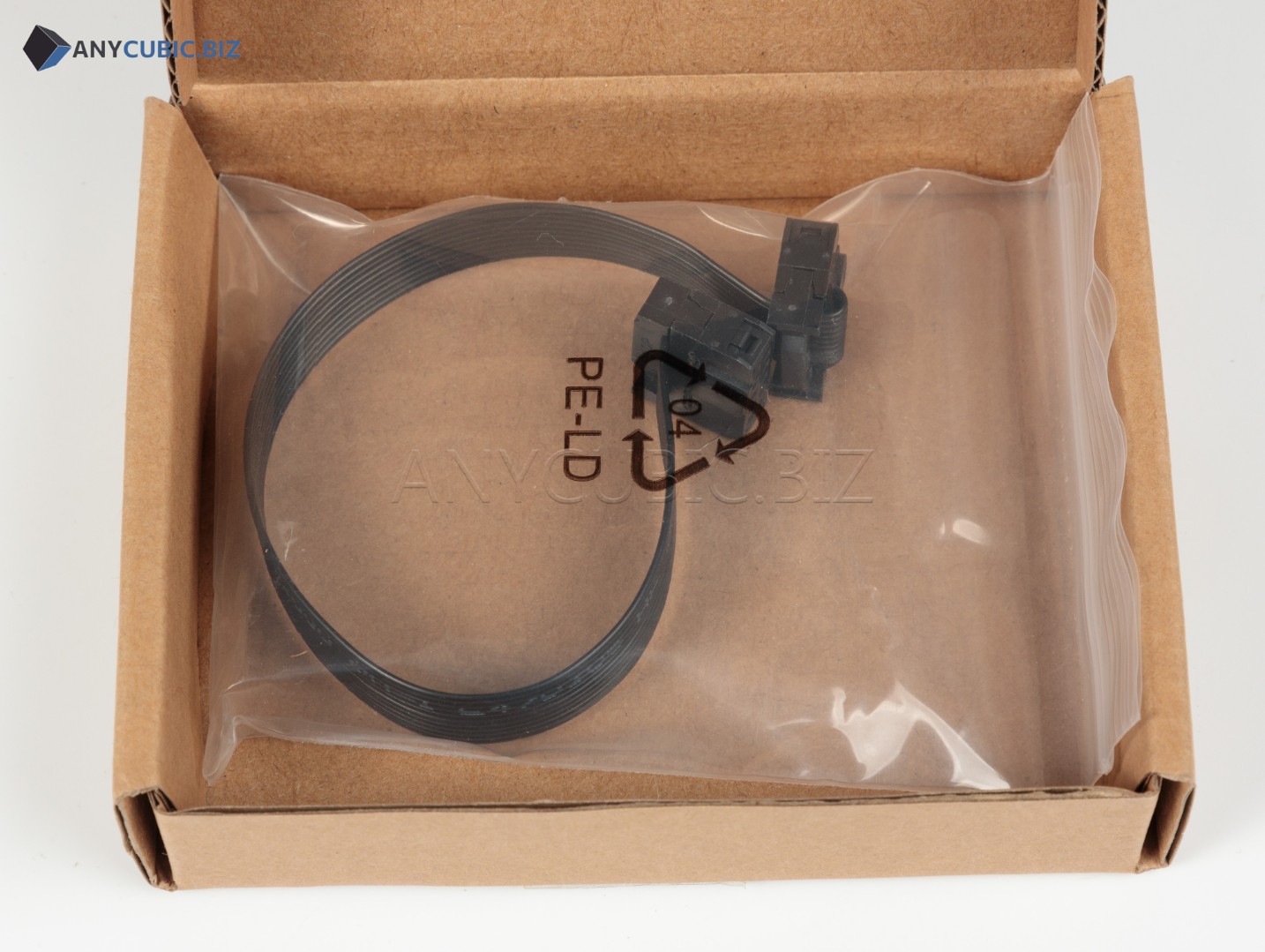
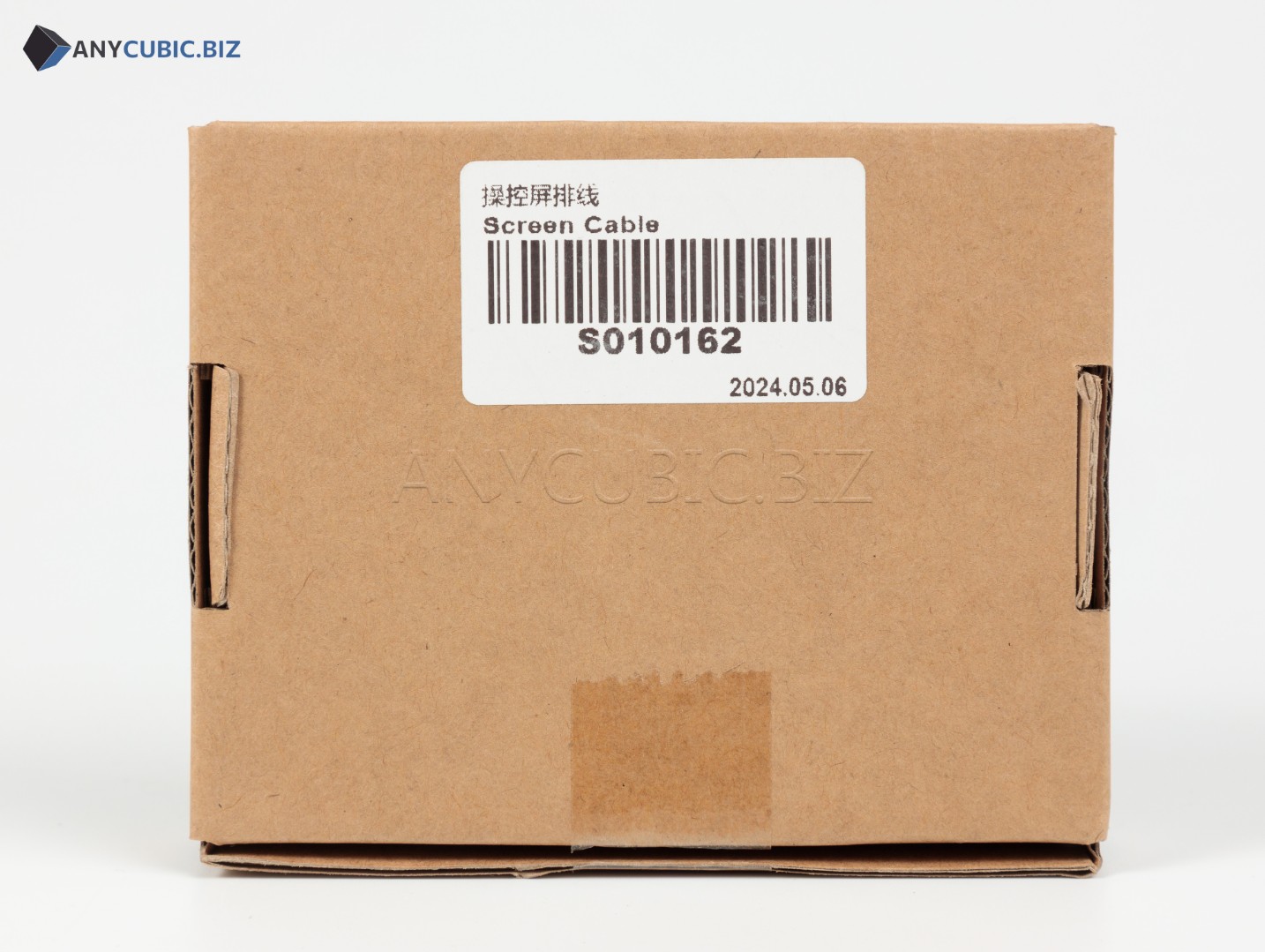
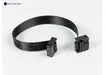
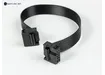
Screen Cable for Anycubic Kobra 2 Neo
SKU: S010162
Manufacturer: Anycubic
Compatibility: Anycubic Kobra 2 Neo
Purpose: screen cable / display connection ribbon cable
Description
The Screen Cable for Anycubic Kobra 2 Neo is a replacement spare part used to connect the control display to the electronics of the FDM 3D printer. The cable transfers signals between the screen and the control board, so its condition is important for correct menu display, command response and normal printer operation.
Cable replacement may be required if the ribbon cable is damaged, has poor contact, broken conductors, display issues or unstable control panel operation. This part is intended specifically for the Anycubic Kobra 2 Neo, so correct identification should be based on SKU S010162.
Key Benefits
- Anycubic spare part for the Kobra 2 Neo 3D printer.
- Used to connect the control screen.
- Helps restore stable communication between the display and printer electronics.
- Suitable for repair after cable damage, bending or poor contact.
- An important part when troubleshooting screen, menu or printer control issues.
- Allows replacing the cable without replacing the full display module if the cable is the faulty part.
Technical Specifications
| Product name | Screen Cable for Anycubic Kobra 2 Neo |
| Original name | Screen Cable Kobra 2 Neo |
| SKU | S010162 |
| Manufacturer | Anycubic |
| Part type | Screen cable / display ribbon cable |
| Installation area | Control screen / display module |
| Compatible model | Anycubic Kobra 2 Neo |
| Category | Spare parts for Anycubic FDM 3D printers |
When Replacement May Be Needed
- The screen does not power on even though the printer receives power.
- The display image disappears or shows display errors.
- The menu freezes and the issue is related to poor cable contact.
- The screen cable is damaged, pinched, bent or visibly worn.
- The ribbon cable no longer seats properly after printer disassembly.
- The display module is being repaired or the screen connection needs restoration.
Installation Recommendations
- Turn off the 3D printer and disconnect the power cable before maintenance.
- Wait until the printer and working area cool down completely.
- Take a photo of the old cable and connector positions before removal.
- Carefully disconnect the old Screen Cable from the screen and board without pulling on conductors.
- Check connectors for dust, damage or oxidation.
- Connect the new screen cable to the original connectors.
- Make sure the cable is not pinched, stretched or routed into moving parts.
- After installation, power on the printer and check screen, menu and control operation.
Compatibility
The Screen Cable with SKU S010162 is intended for Anycubic Kobra 2 Neo. For Anycubic Kobra 2, Kobra 2 Pro, Kobra 2 Plus, Kobra 2 Max, Kobra Go, Kobra Neo, Kobra 3 and other models, select a separate compatible cable according to the correct SKU, length, connector and display assembly design.
FAQ
Which printer is this cable compatible with?
This cable is intended for the Anycubic Kobra 2 Neo.
What is the SKU?
The SKU is S010162.
Is this a screen or a screen cable?
This is not the display module. It is the cable / ribbon cable used to connect the screen.
When should the screen cable be replaced?
Replacement is recommended when the ribbon cable is damaged, has poor contact, the display image disappears or the screen works unstably.
Is S010162 compatible with Kobra 2 Pro?
No. This SKU is listed for Kobra 2 Neo. Kobra 2 Pro requires a separate compatible screen cable.
Should I test the printer after replacement?
Yes. After installation, check screen power-up, menu display and correct printer control.