



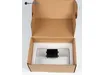
Build Plate for Anycubic Photon Mono 2 3D Printer S020136
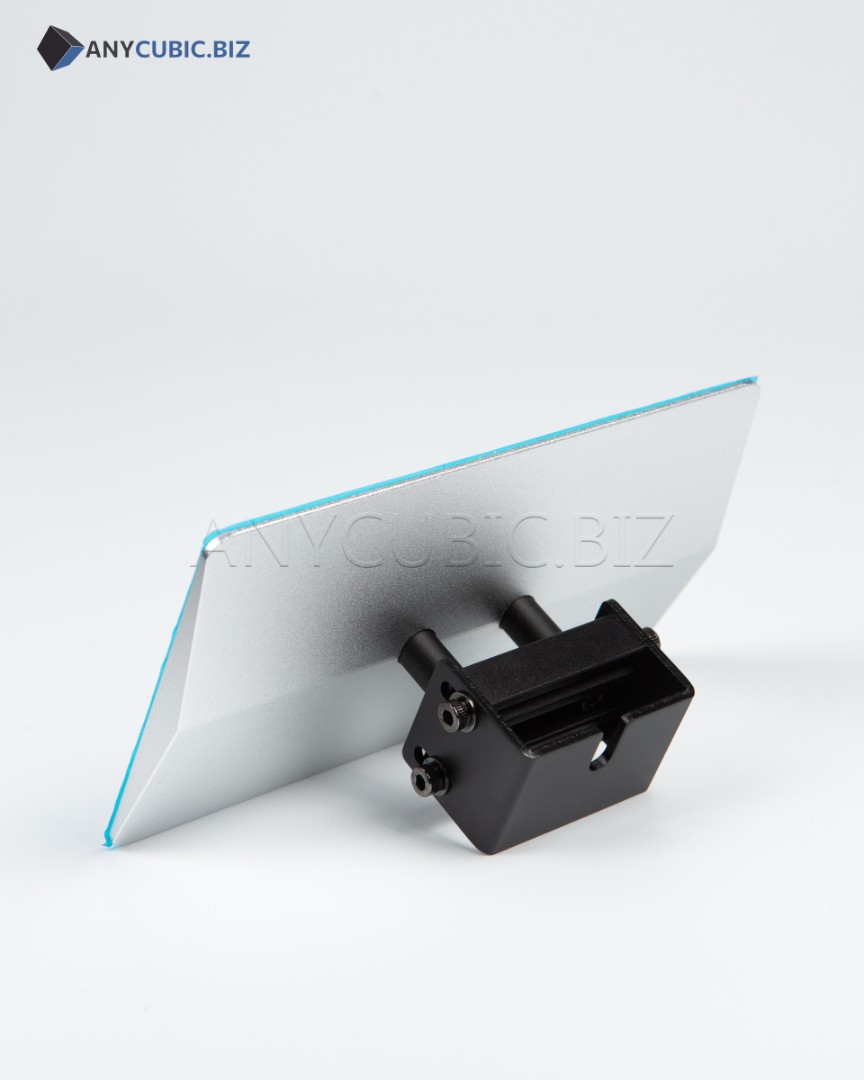
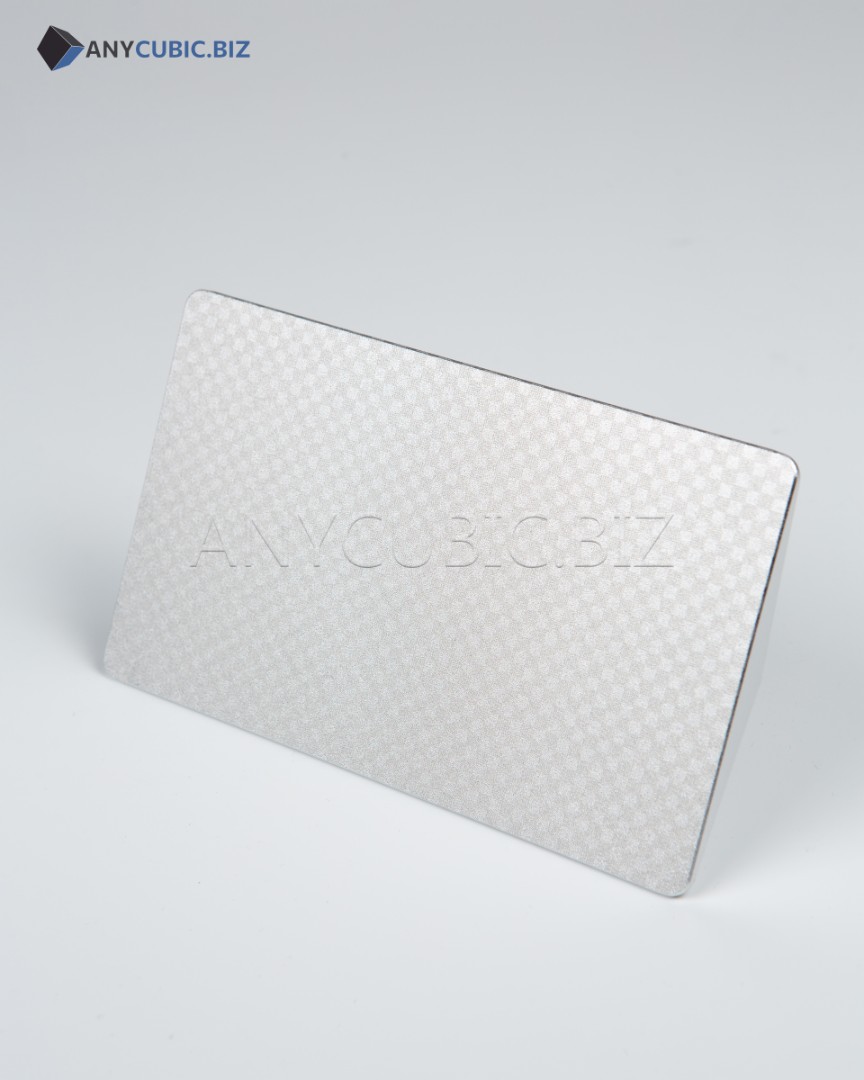
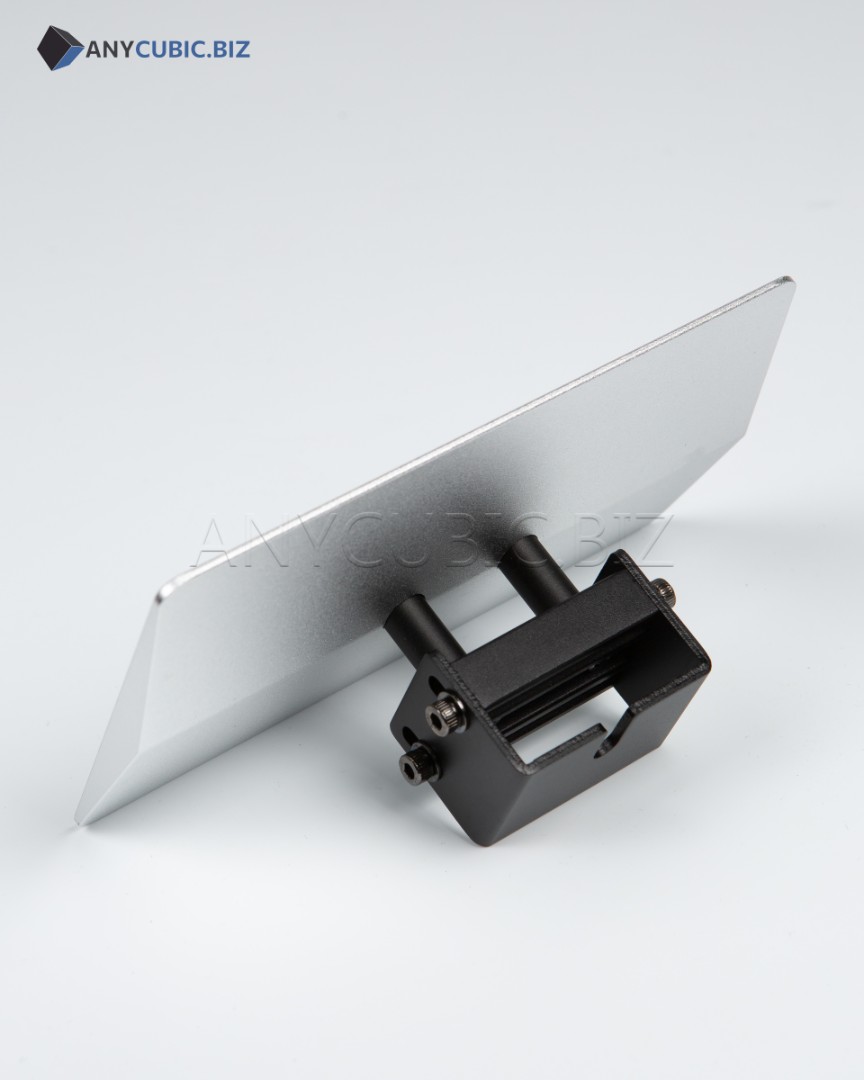
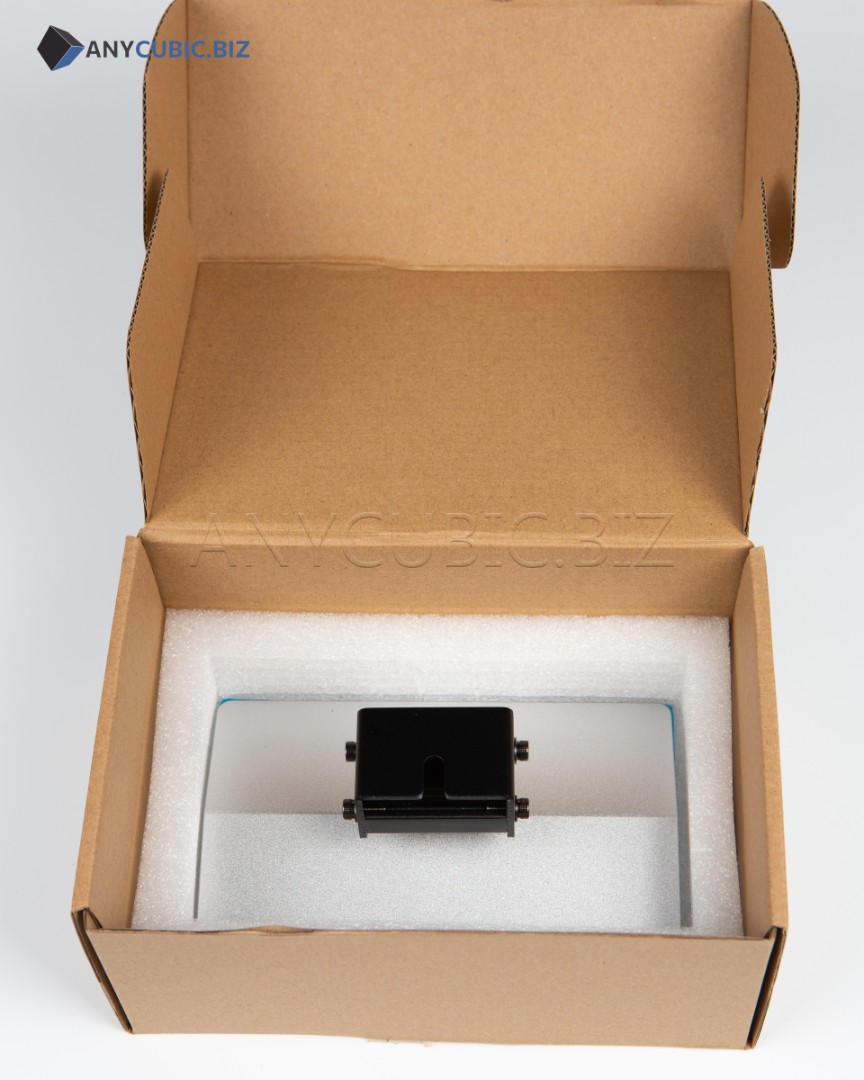
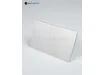
Anycubic Photon Mono 2 Build Plate S020136 is an original print platform for the Anycubic Photon Mono 2 resin 3D printer. The build plate is used to hold the model during printing and provides reliable first layer adhesion on the working surface.
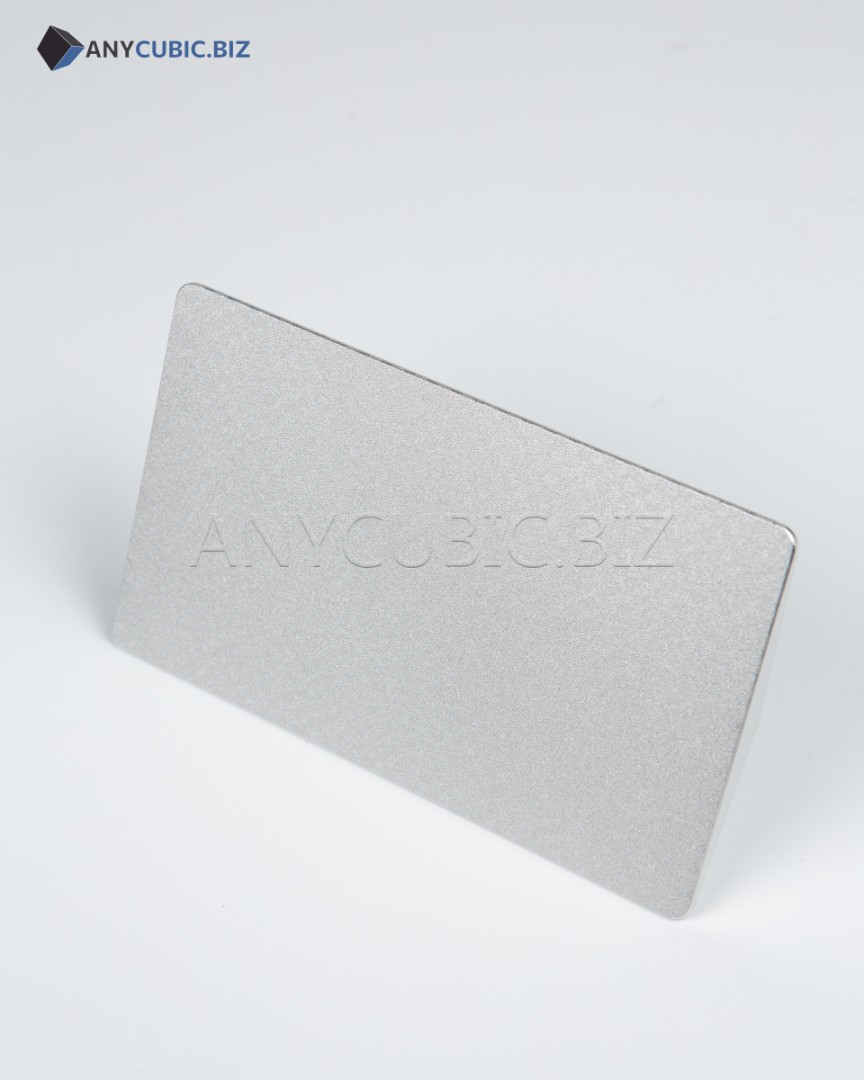
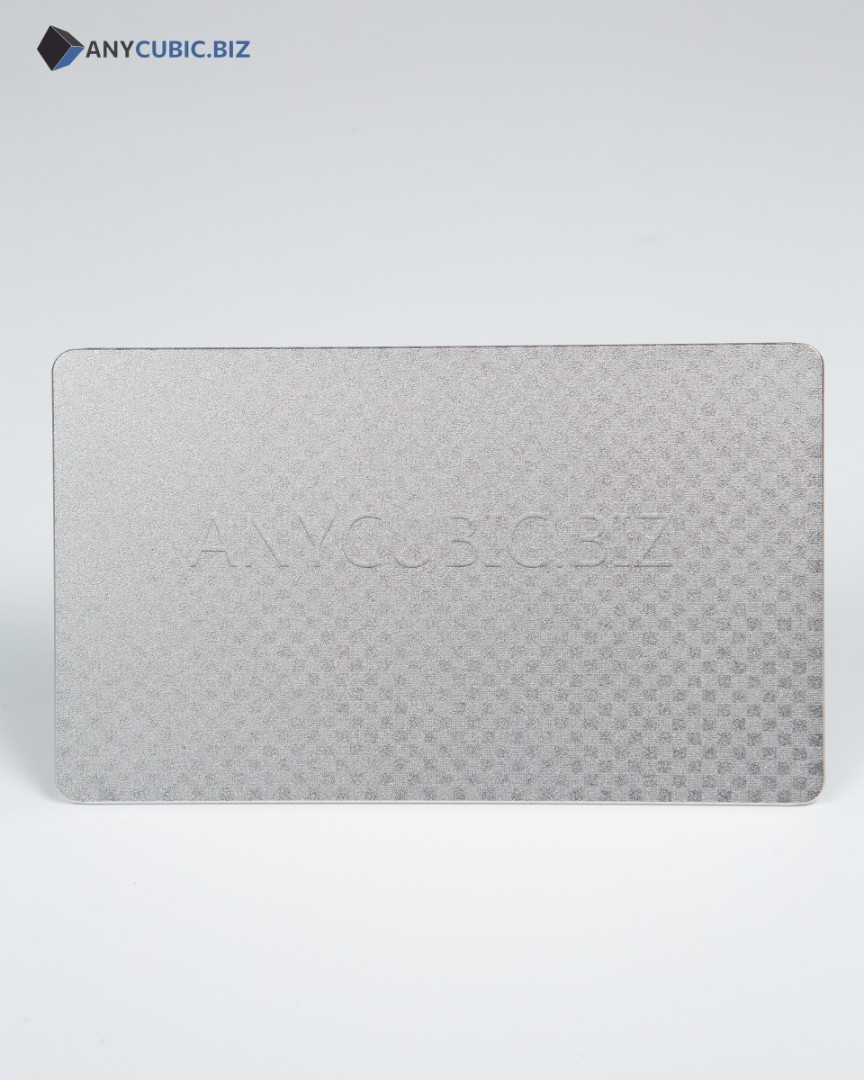
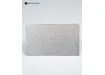
The print platform is one of the key parts of a resin 3D printer. Its condition affects first layer stability, model base quality, print accuracy and overall print success rate. The laser engraved surface helps improve photopolymer resin adhesion and reduces the risk of the model detaching from the platform during printing.
Main Benefits
- Original Anycubic build plate
- Compatible with Anycubic Photon Mono 2
- SKU S020136
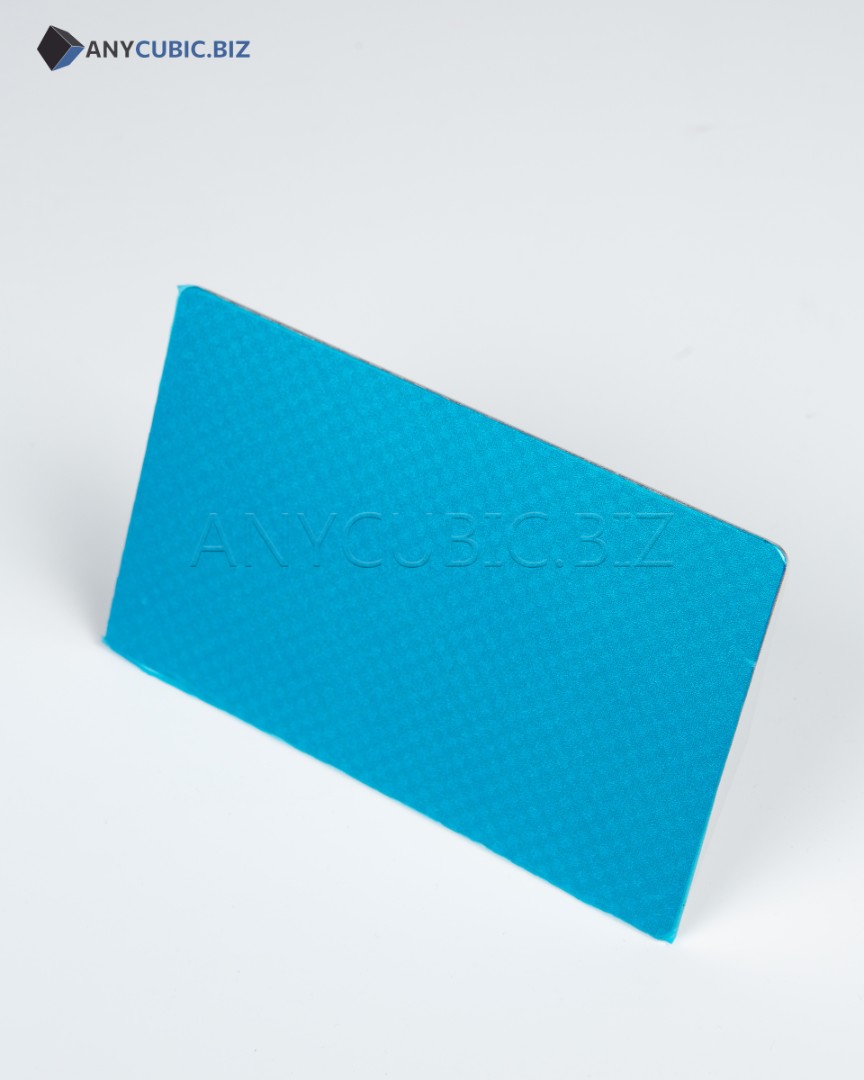
- Laser engraved working surface
- Durable metal construction
- Provides reliable first layer adhesion
- Helps reduce the risk of model detachment during printing
- Suitable for photopolymer resin printing
- Used to replace a damaged or worn build plate
- Convenient as a spare platform for faster workflow
Technical Specifications
| Product type | Build plate for resin 3D printer |
| Brand | Anycubic |
| SKU | S020136 |
| Compatible model | Anycubic Photon Mono 2 |
| Surface type | Laser engraving |
| Material | Metal alloy |
| Purpose | Model fixation during photopolymer resin 3D printing |
| Category | Build plates and spare parts for Anycubic Photon printers |
Compatibility
| Anycubic Photon Mono 2 |
When Replacement May Be Needed
- When the working surface has deep scratches or visible damage.
- When printed models no longer adhere properly to the platform.
- When the first layer remains unstable even after leveling.
- When the build plate is deformed after impact or incorrect model removal.
- When the old platform is heavily contaminated with resin residue.
- When an additional build plate is needed for faster workflow between prints.
Installation and Use Recommendations
- Disconnect the 3D printer from power before installation.
- Install the build plate into the standard printer holder.
- After replacement, perform zero level calibration before printing.
- Make sure the platform surface is clean and dry before printing.
- Remove printed models carefully to avoid damaging the working surface.
- Clean uncured resin residue from the platform after each use.
- Do not use excessive force when removing models to avoid build plate deformation.
FAQ
Which printer is this build plate compatible with?
The S020136 build plate is compatible with the Anycubic Photon Mono 2 resin 3D printer.
Is this an original Anycubic build plate?
Yes, this is an Anycubic build plate with SKU S020136.
What type of surface does the build plate have?
The working surface has laser engraving, which helps improve first layer adhesion.
Is leveling required after replacing the build plate?
Yes, zero level calibration is required after installing a new build plate.
When should the build plate be replaced?
Replacement is recommended when the surface is damaged, adhesion becomes poor, the platform is deformed or the first layer prints unstably.