


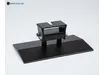
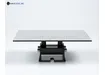
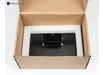
Print Platform for Anycubic Photon M3 3D Printer
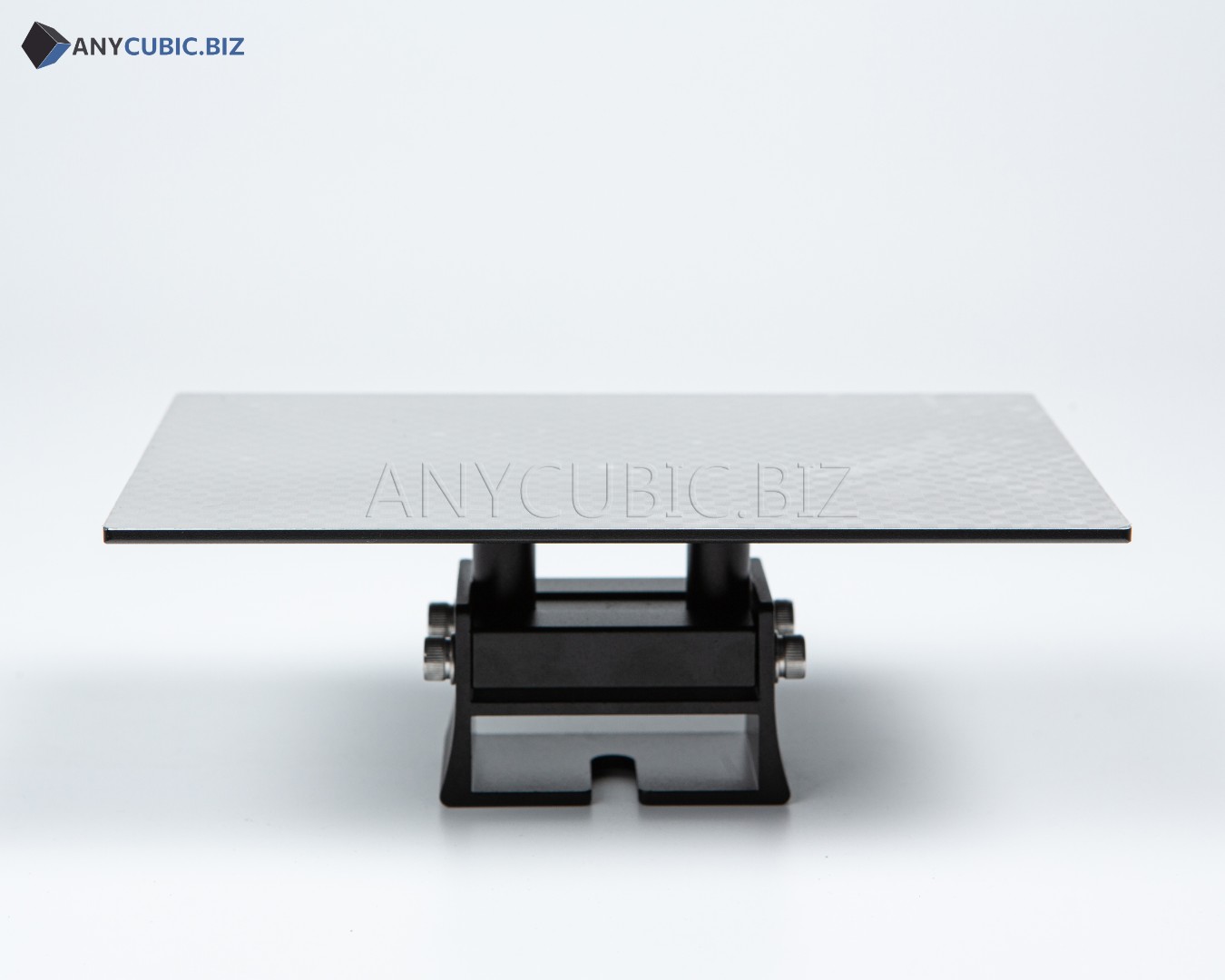
Print Platform for Anycubic Photon M3 3D Printer is a replacement build plate designed for the Anycubic Photon M3 resin 3D printer. The build plate holds the printed model during the printing process and plays a key role in first layer adhesion. It is suitable for replacing a worn, damaged or deformed original platform, and it is also useful as an additional build plate for a faster resin printing workflow.
The working surface is designed to support stable model adhesion during resin printing. The laser engraved texture helps improve first layer grip, reduces the risk of print detachment and supports more reliable printing results. This build plate is suitable for miniatures, prototypes, dental models, decorative parts and other photopolymer resin prints.
Main advantages
- Compatible with Anycubic Photon M3
- Suitable as a replacement for a worn or damaged build plate
- Laser engraved surface for improved adhesion
- Helps hold the model more securely during printing
- Suitable for standard and engineering photopolymer resins
- Useful as an additional platform for a faster workflow
- Suitable for miniatures, prototypes, models and technical parts
Compatibility
| Product type | Print platform |
| Product name | Print Platform for 3D Printer Anycubic Photon M3 Build Plate |
| Compatible printer | Anycubic Photon M3 |
| Printing technology | LCD MSLA resin printing |
| Main purpose | Model holding during printing and first layer formation |
| Surface type | Laser engraved working surface |
| Printing materials | 405 nm photopolymer resins |
When to replace the build plate
- The model does not stick properly even after correct leveling
- The working surface has deep scratches or visible damage
- The platform has been deformed after impact or incorrect model removal
- You need a second platform to speed up the workflow
- Print stability has decreased because of surface wear
Usage recommendations
- Clean the platform from resin residue before installation.
- Level the printer after replacing the build plate.
- Do not remove prints with excessive force or aggressive tools.
- Clean the surface after each print.
- Do not leave uncured resin on the platform under direct sunlight.
- If adhesion becomes weak, check first layer exposure settings.
FAQ
Which printer is this build plate compatible with?
This print platform is designed for Anycubic Photon M3.
Is it compatible with Photon M3 Plus or Photon M3 Max?
No. This product is listed for Anycubic Photon M3. Photon M3 Plus, Photon M3 Max and Photon M3 Premium require their own compatible build plates.
Do I need to level the printer after replacing the build plate?
Yes. Leveling is recommended after installing a new build plate to ensure correct first layer height.
Why is the laser engraved surface important?
The laser engraved surface helps improve first layer adhesion and reduces the risk of model detachment during printing.