


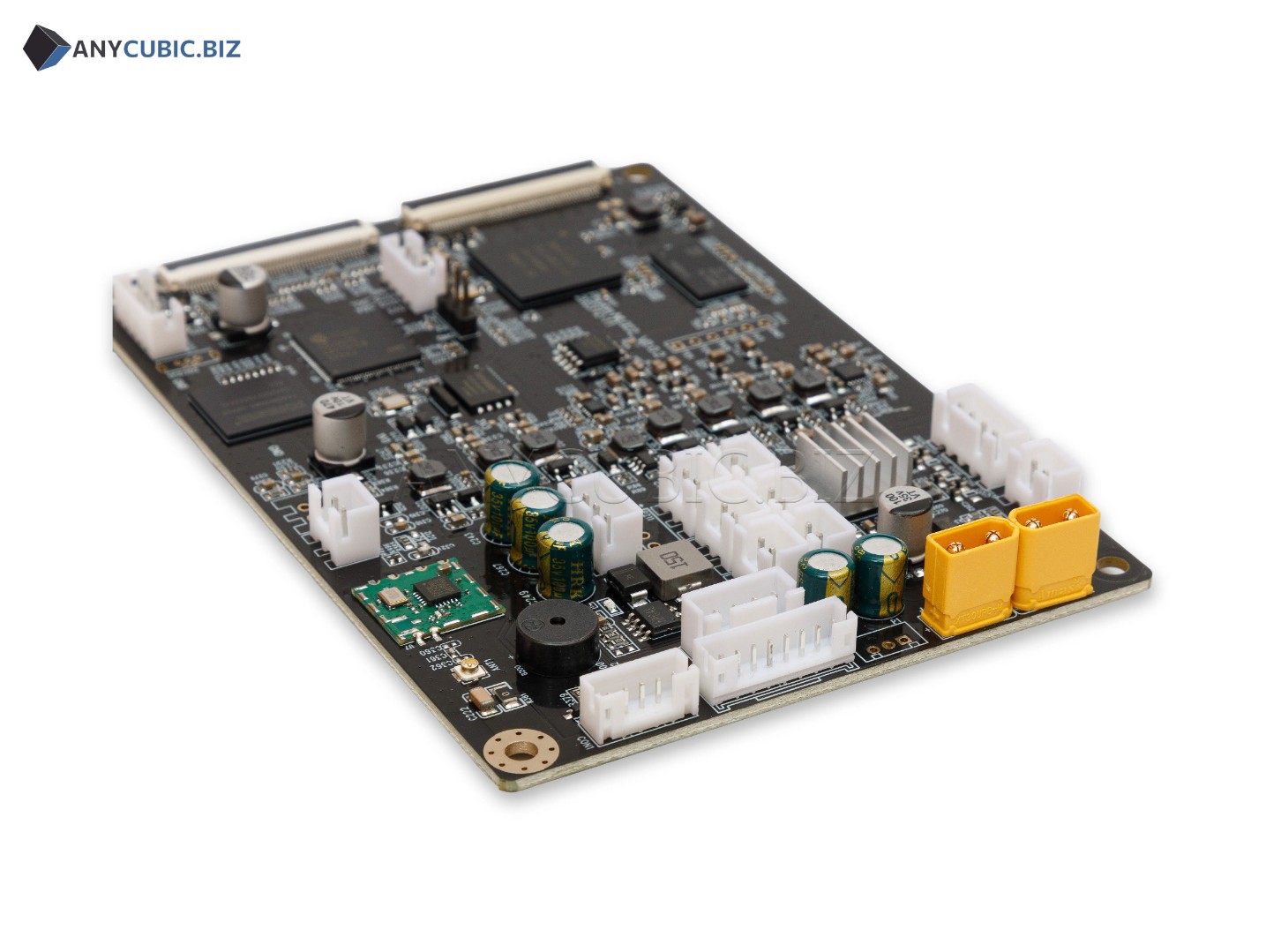
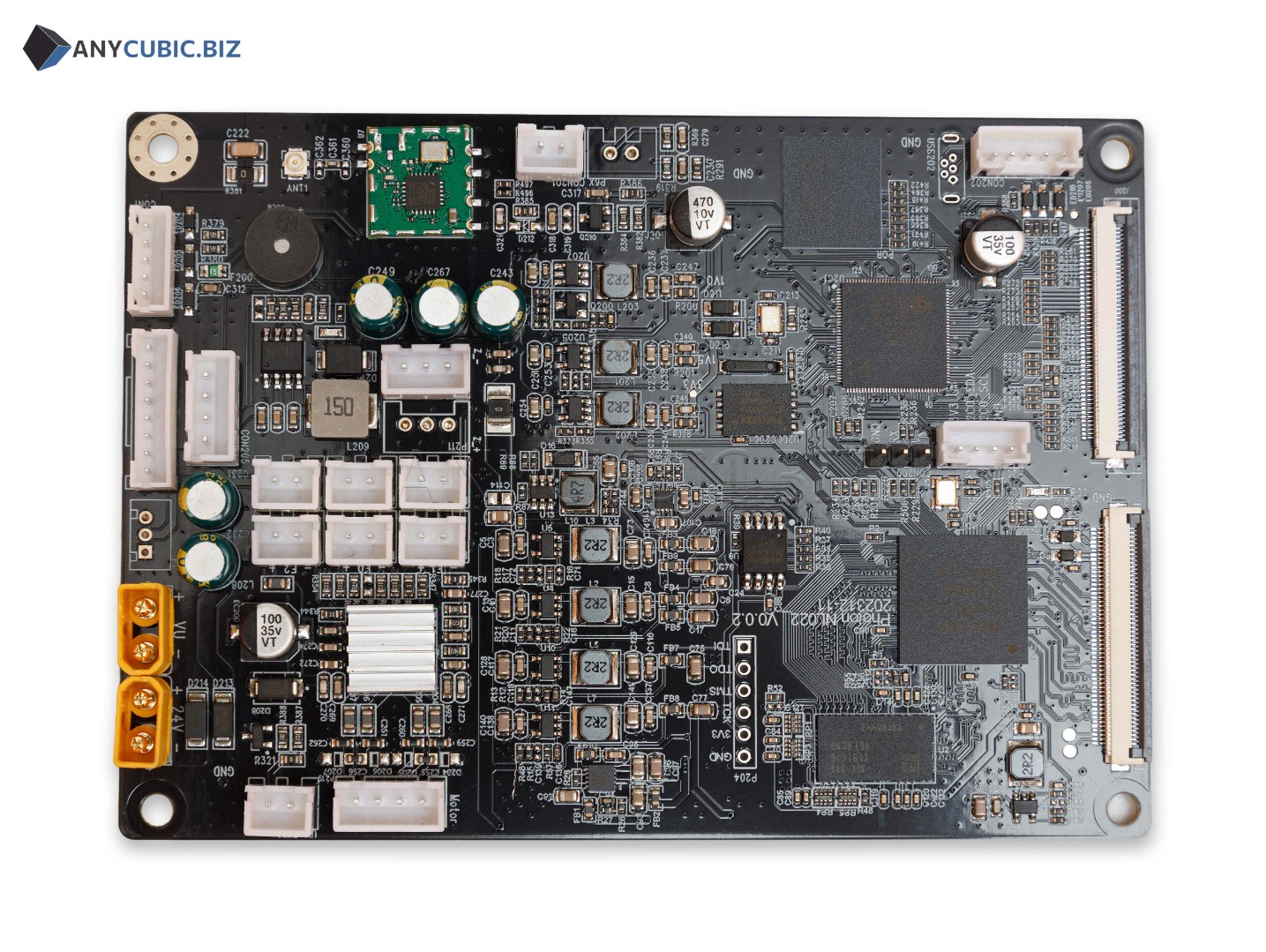
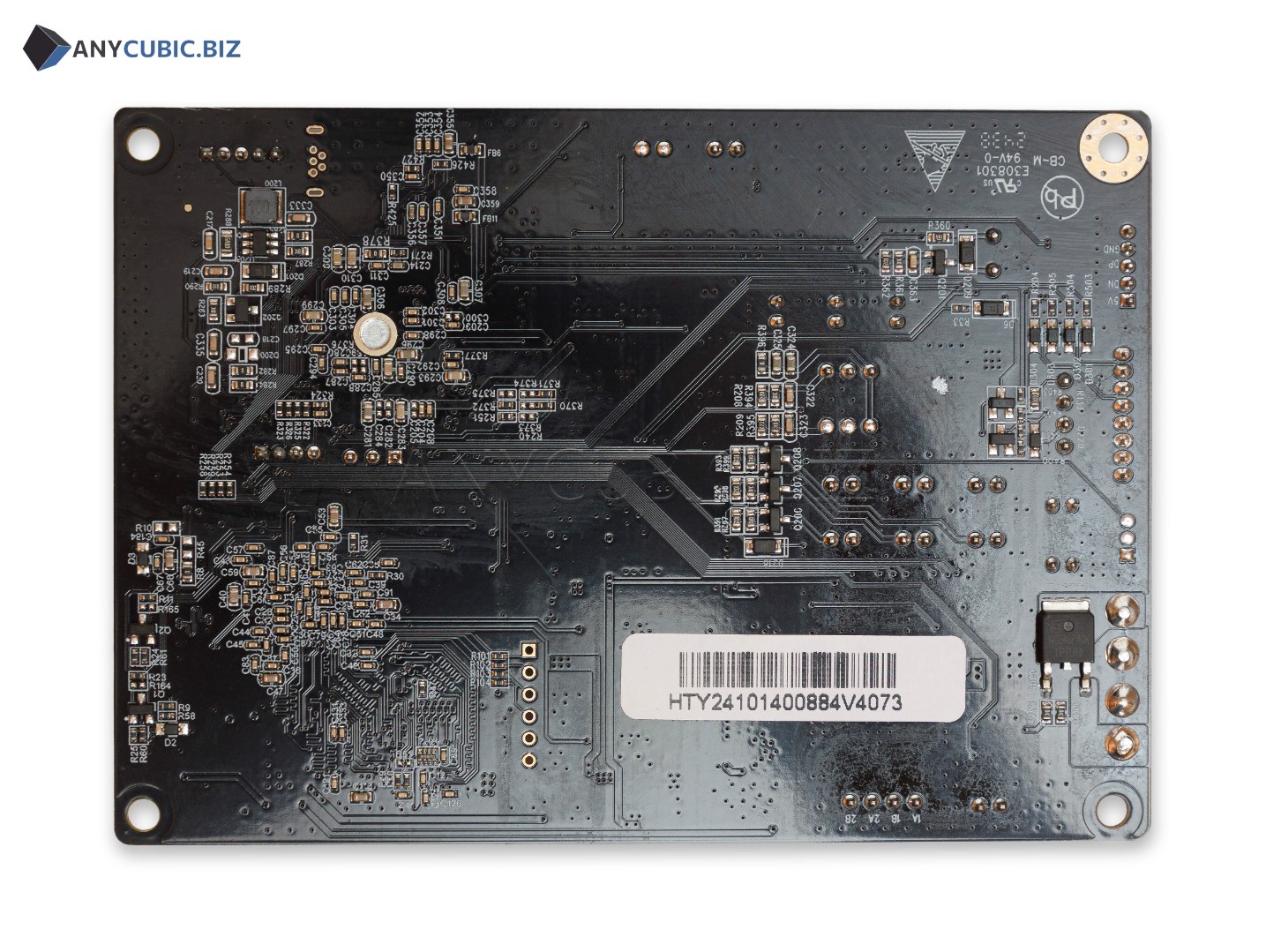
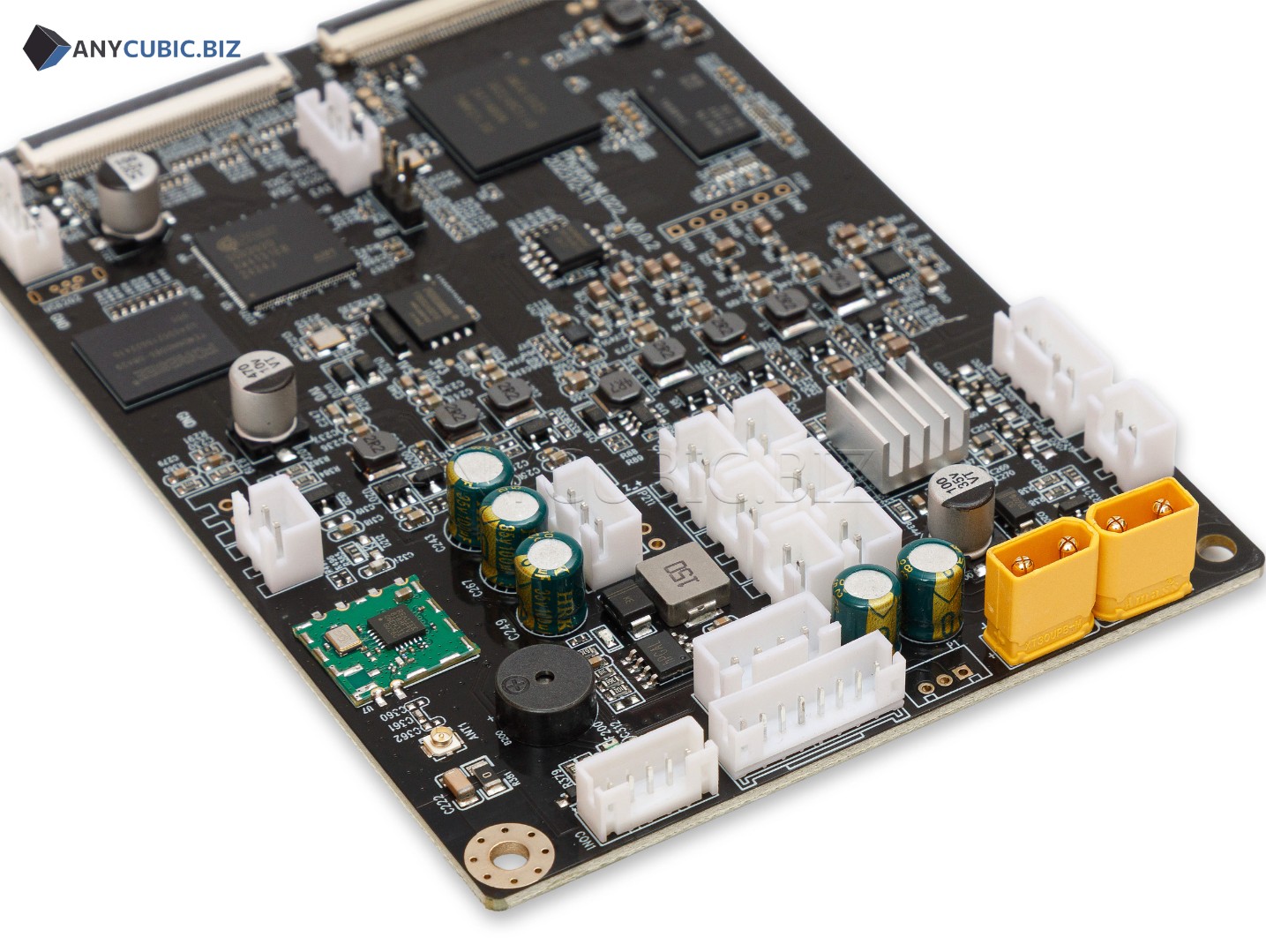
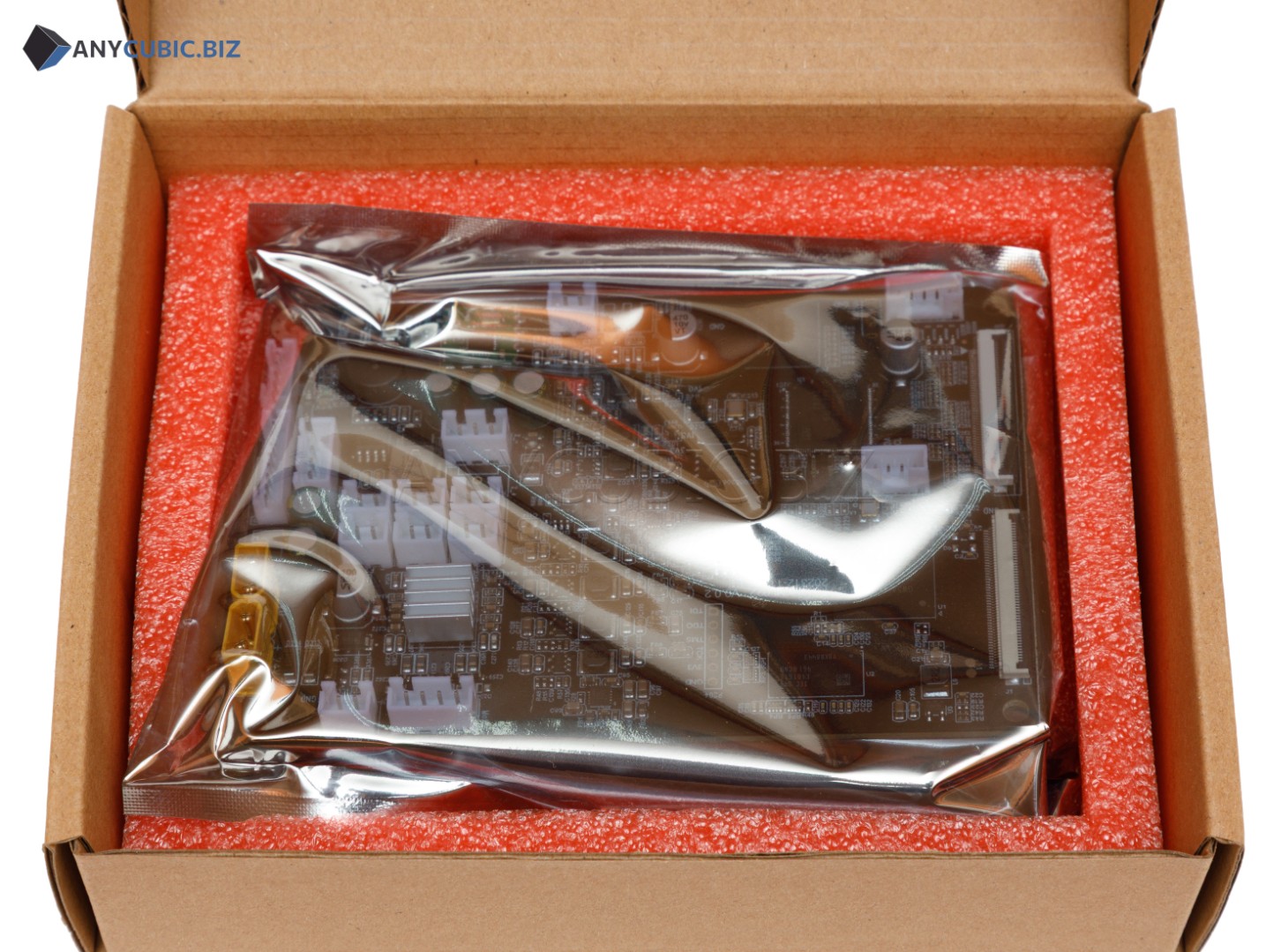
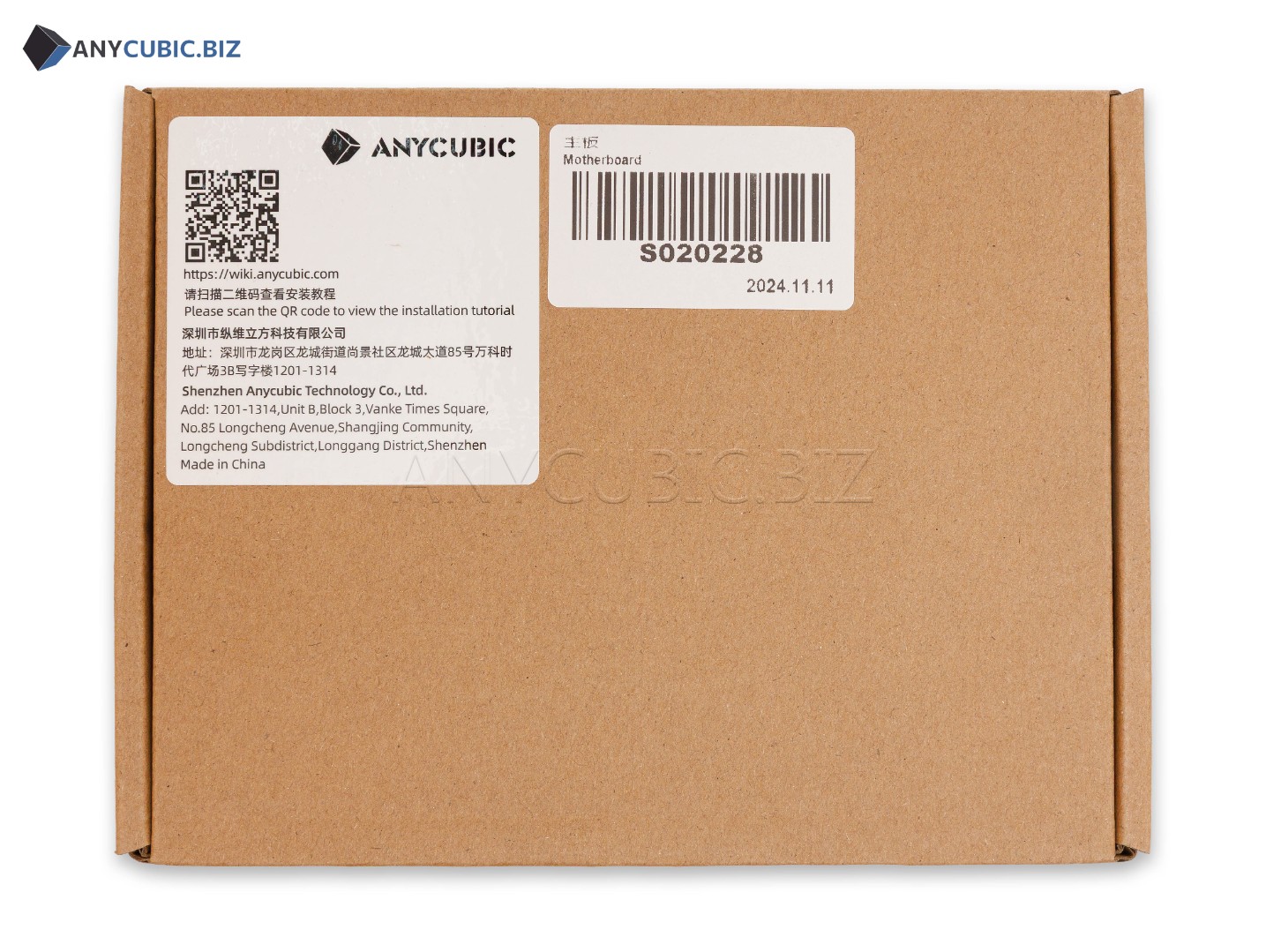
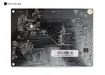
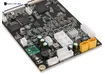
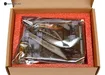
Motherboard for Anycubic Photon Mono M7 Pro A/B
Description
Motherboard for Anycubic Photon Mono M7 Pro A/B is a replacement main control board for the Anycubic Photon Mono M7 Pro resin 3D printer. The board coordinates the printer electronic components, processes commands and controls the Z axis, screen, touch interface, UV exposure system, fans and other internal modules.
Motherboard Photon Mono M7 Pro A/B is used for printer repair when the mainboard is faulty, startup problems appear, control errors occur, electronics work unstable, printing failures appear, Z axis movement becomes incorrect or communication between electronic modules is interrupted. Replacing the motherboard helps restore stable printer operation without buying a new machine.
The A/B version is intended for compatible Anycubic Photon Mono M7 Pro variants. Before ordering, check the printer model, old board marking, connector layout, board version and part number S020228.
Advantages
- Compatible with Anycubic Photon Mono M7 Pro
- A/B version board for compatible Photon Mono M7 Pro variants
- Used to restore main printer electronics
- Helps solve startup and control problems
- Suitable for resin 3D printer repair and service maintenance
- Important spare part for stable Z axis, LCD screen, UV LED module and control system operation
- Suitable for replacing a faulty mainboard after diagnostics
- Helps restore stable photopolymer resin printing
Technical Specifications
| Product name | Motherboard for Anycubic Photon Mono M7 Pro A/B |
| Full product name | Motherboard Photon Mono M7 Pro A/B |
| SKU | S020228 |
| Part type | Motherboard, main control board |
| Version | A/B |
| Compatibility | Anycubic Photon Mono M7 Pro |
| Weight | 118 g |
| Package dimensions | 180 x 110 x 65 mm |
| Printer type | LCD resin 3D printer |
| Purpose | Control of printer electronic systems |
| Category | Spare parts and accessories for Anycubic resin 3D printers |
When to Replace the Motherboard
- The printer does not turn on or starts unstable
- The touch control does not respond to commands
- Control errors appear during printing
- The Z axis platform movement is incorrect
- The UV exposure system works unstable
- The LCD screen or touch interface works unstable
- The printer does not read files or processes commands incorrectly
- Electronics failures appear after a power surge
- Diagnostics confirm a mainboard fault
- The board shows signs of damage, overheating or resin contamination
Compatibility
This motherboard is intended for Anycubic Photon Mono M7 Pro. Before ordering, check the printer model, part number S020228, A/B board version, old board appearance and connector layout. Anycubic Photon Mono M7, Photon Mono M7 Max, Photon Mono M5s, Photon Mono M5s Pro and other models use different control boards.
Important Difference
This product is the A/B version motherboard for Anycubic Photon Mono M7 Pro and has SKU S020228. Photon Mono M7 uses a separate Version A or Version B board, and Photon Mono M7 Pro may also have Version C. The printer model, board version and part number should be checked before ordering.
Installation Recommendations
- Turn off the printer completely before replacement
- Disconnect the power cable from the mains
- Remove the resin vat and build platform before disassembly
- Take a photo of all cable and ribbon cable connections before removing the old board
- Do not connect or disconnect connectors while power is on
- Avoid static electricity when working with the board
- Do not allow resin to get on electronic components
- After installation, check printer startup, touch control, Z axis movement and exposure operation
- If you do not have electronics or 3D printer repair experience, contact a qualified technician
Usage Recommendations
- Use the printer only with a stable power source
- Do not allow resin to leak inside the printer body
- Check cables, ribbon cables and connectors regularly
- Do not work with the board using wet hands
- If burning smell, overheating or unstable operation appears, disconnect the printer immediately
- Run an exposure test and test print after repair
- If failures repeat, check the power supply, cables, UV LED module, LCD screen and touch screen
Suitable Applications
- Repair of Anycubic Photon Mono M7 Pro
- Replacement of a faulty motherboard
- Restoration of printer electronic system operation
- Service maintenance of a resin 3D printer
- Diagnostics and repair after power failures
- Restoration of stable photopolymer resin printing
- Repair after resin leakage inside the printer body
FAQ
Is this motherboard compatible with Anycubic Photon Mono M7 Pro
Yes, this motherboard is intended for Anycubic Photon Mono M7 Pro.
What is the SKU of Motherboard Photon Mono M7 Pro A/B
The SKU of this part is S020228.
What does A/B version mean
A/B version indicates the board variant for compatible Anycubic Photon Mono M7 Pro versions. Before ordering, it is recommended to check the old board, connectors and SKU.
What is the weight of this motherboard
The board weight is 118 g.
What is the package size of this board
The package dimensions are 180 x 110 x 65 mm.
Is this board compatible with Photon Mono M7
No, this board is listed for Photon Mono M7 Pro. Photon Mono M7 uses another compatible motherboard.
Is this board compatible with Photon Mono M7 Max
No, Photon Mono M7 Max requires a separate compatible board.
Can I install the motherboard myself
If you have experience with electronics and 3D printer repair, replacement can be done by yourself. If not, it is better to contact a qualified technician.
What should be checked before replacing the motherboard
Before replacement, check the power supply, cables, ribbon cables, connectors, UV LED module, LCD screen, touch screen and signs of resin leakage inside the printer body.