


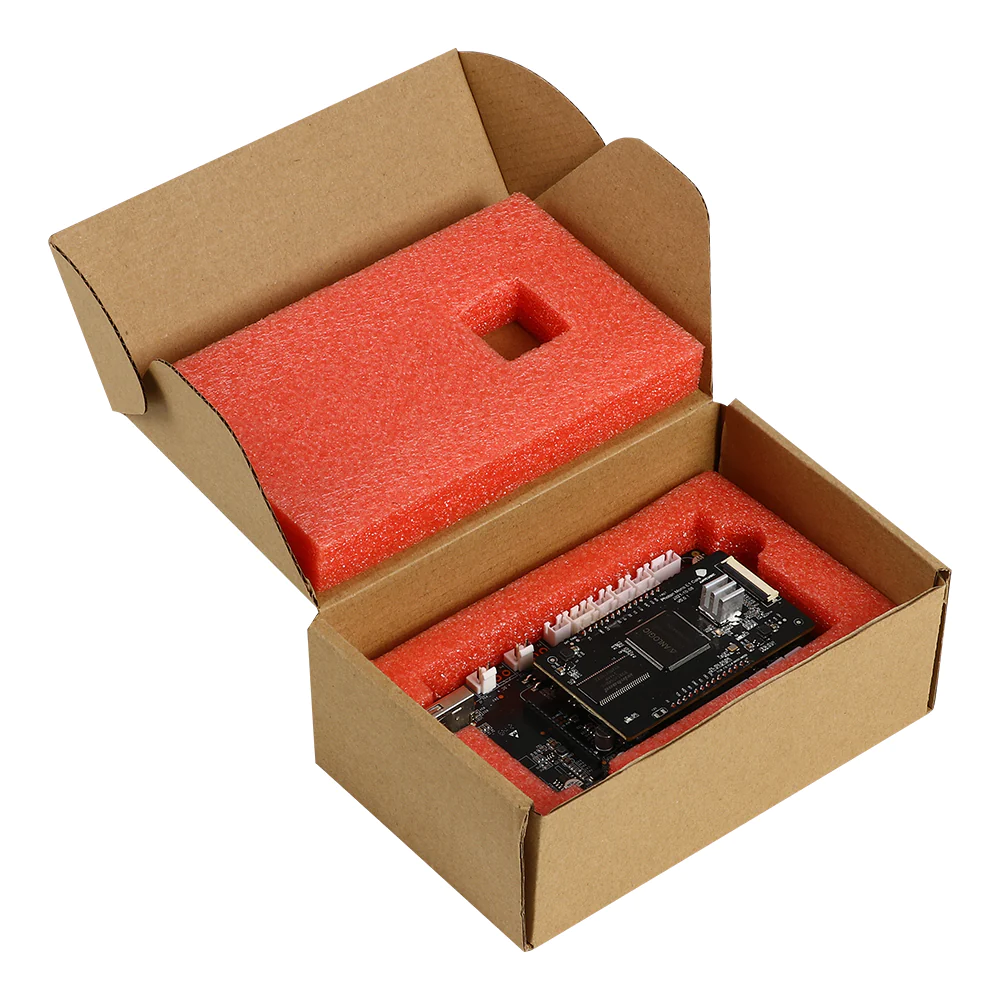
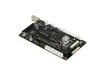
Motherboard for Anycubic Photon M3 Max
Description
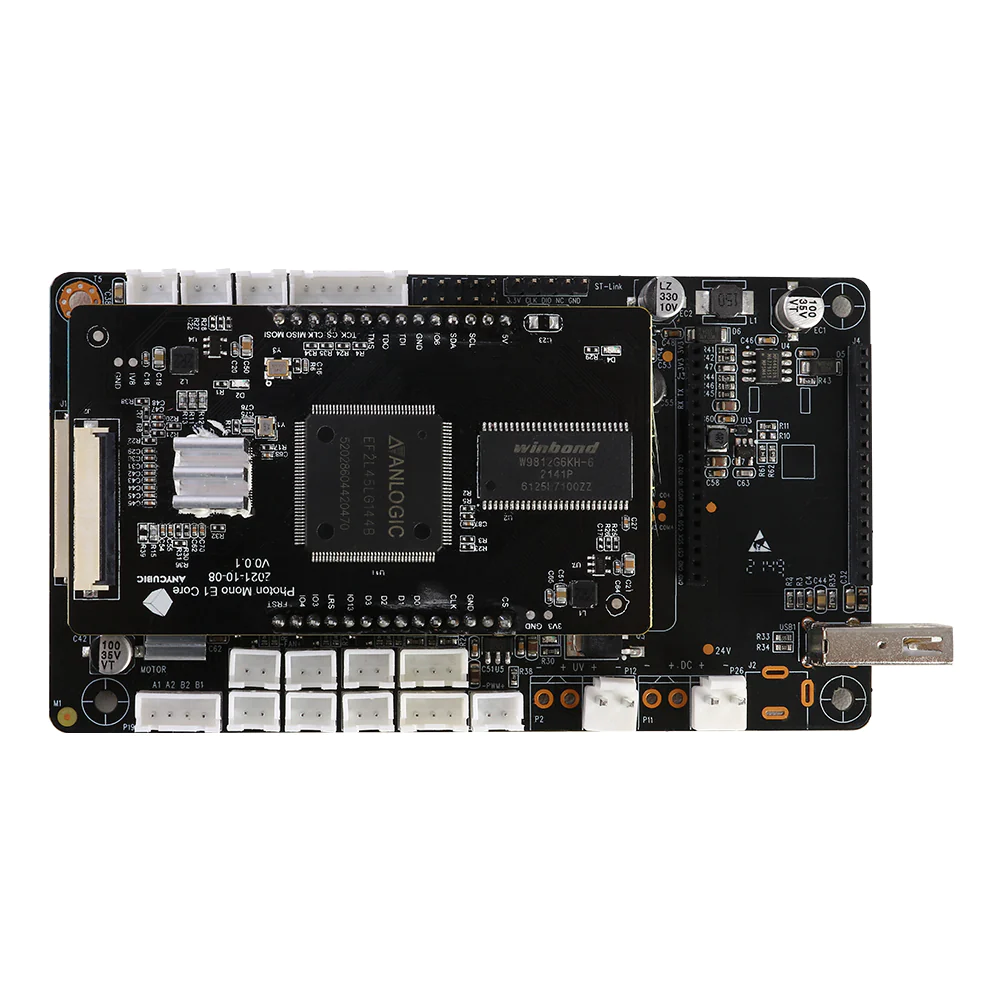
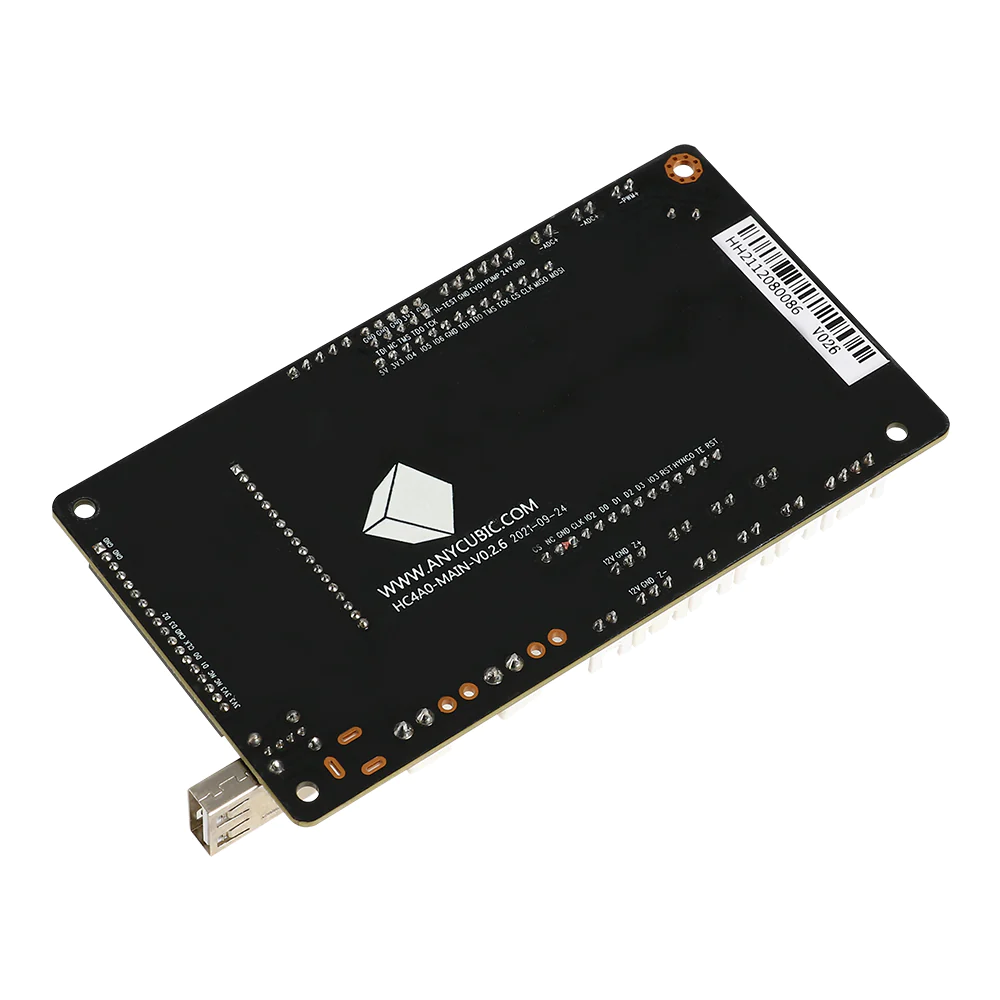
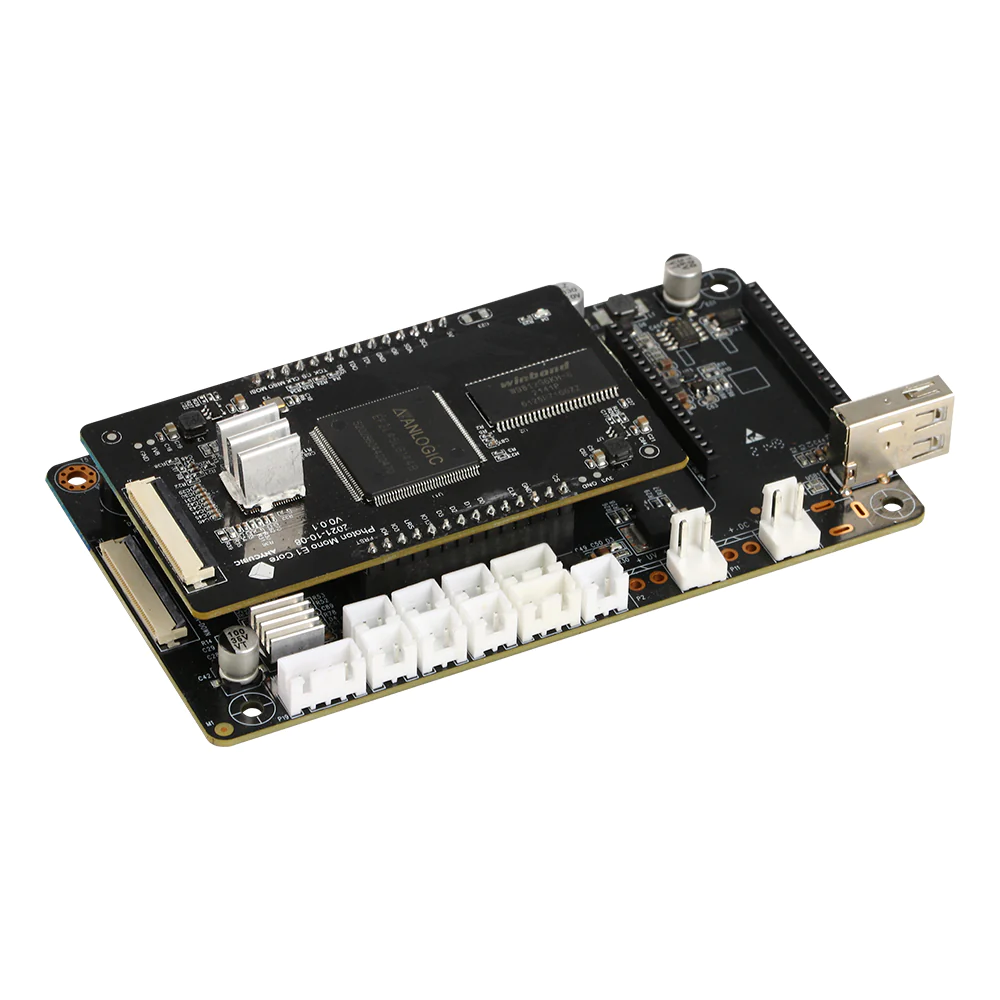
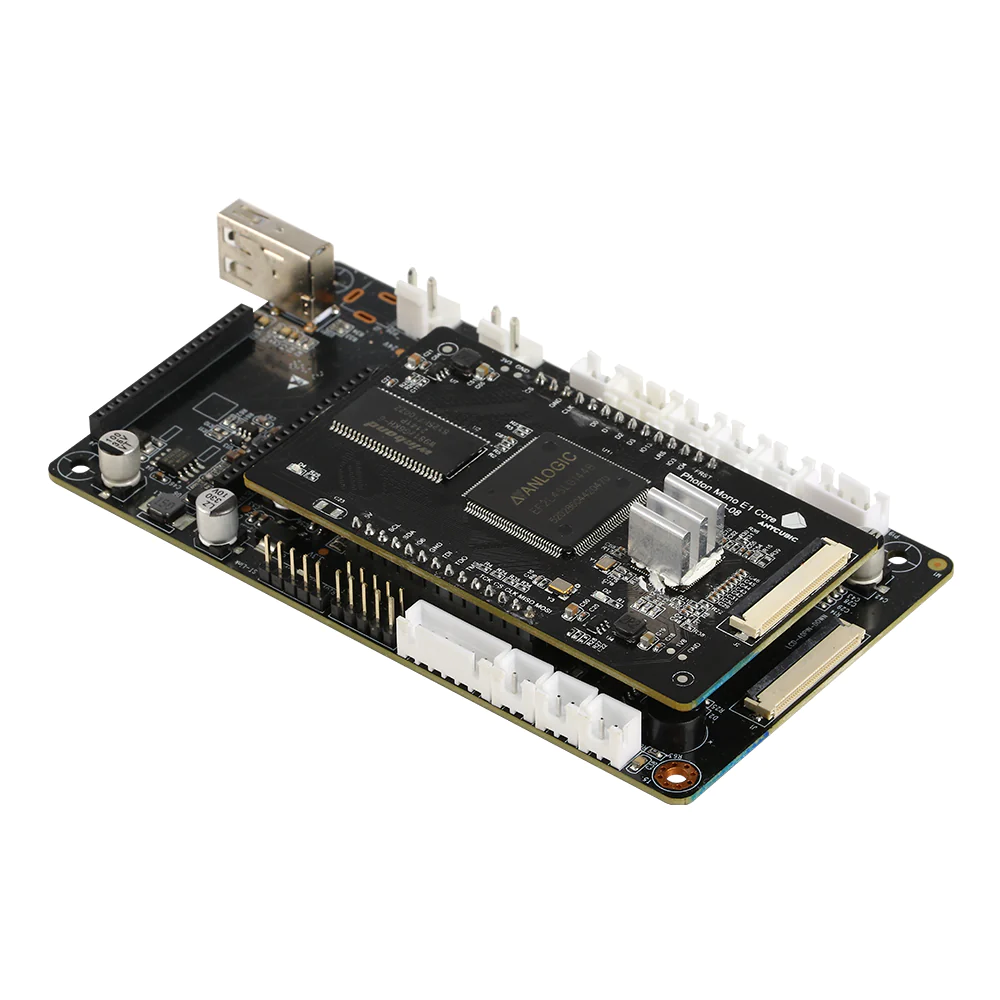
Motherboard for Anycubic Photon M3 Max is an original replacement electronic control board for a resin 3D printer. The board is responsible for the operation of the main printer systems, communication between software and hardware components, and control of the screen, UV exposure system, Z axis, touch display and other electronic modules.
This board is used to replace a faulty or damaged motherboard in the Anycubic Photon M3 Max 3D printer. Installing a working motherboard helps restore stable printer operation, correct system startup, print control, display operation and interaction between the main components of the device.
Advantages
- Compatible with Anycubic Photon M3 Max resin 3D printer
- Original Anycubic replacement control board
- Used to restore the operation of printer electronic systems
- Provides communication between the screen, Z axis motor, UV module, touch display and control system
- Helps solve startup failures, control errors, screen issues and incorrect print operation
- Suitable for service repair and printer functionality restoration
Technical Specifications
| Product name | Motherboard for Anycubic Photon M3 Max |
| Original name | Motherboard for Photon M3 Max |
| SKU | S020107 |
| Product type | Main control motherboard |
| Compatible model | Anycubic Photon M3 Max |
| Purpose | Control of electronic systems in a resin 3D printer |
| Category | Spare parts for Anycubic Photon M3 Max |
| Manufacturer | Anycubic |
Compatibility
The motherboard is designed for Anycubic Photon M3 Max. Before purchasing, it is recommended to check the exact printer model, old board marking, connector layout and board version compatibility with your device.
When to Replace the Motherboard
- The printer does not turn on or does not boot the system
- The touch screen does not respond to commands when the display is working
- The printer does not start printing or freezes during operation
- The Z axis works incorrectly or does not receive control commands
- The UV exposure does not turn on when the module and cables are working
- The problem remains after checking cables, power supply and display
- The board has signs of damage, oxidation, overheating or short circuit
Installation Recommendations
- Disconnect the 3D printer from power before replacement
- Take a photo of all cables and connectors before removing the old board
- Disconnect cables carefully and do not pull the ribbon cables or wires
- Prevent resin, moisture or metal objects from getting onto the board
- After installation, check the screen, touch display, UV module and Z axis motor connections
- Before the first print, check exposure, platform movement and basic printer functions
- If you do not have repair experience, installation by a service center is recommended
FAQ
Is this motherboard compatible with Anycubic Photon M3 Max?
Yes, this motherboard is designed for the Anycubic Photon M3 Max resin 3D printer.
What is the SKU of this motherboard?
The SKU of this motherboard is S020107.
Can I install the motherboard myself?
Yes, self installation is possible if you have experience disassembling 3D printers. It is important to connect all ribbon cables and connectors correctly and avoid damaging electronic components.
Do I need to update firmware after replacing the motherboard?
After replacing the motherboard, it is recommended to check the firmware version and install compatible firmware for Anycubic Photon M3 Max if needed.
What signs indicate a faulty motherboard?
The main signs include no startup, system freezing, incorrect screen operation, no Z axis control, UV exposure failure or errors that remain after checking other components.