


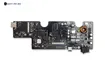
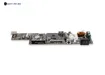
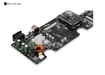
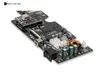
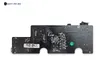
Motherboard & WiFi Module Two-in-One for Anycubic Photon Mono M5s Pro
Description
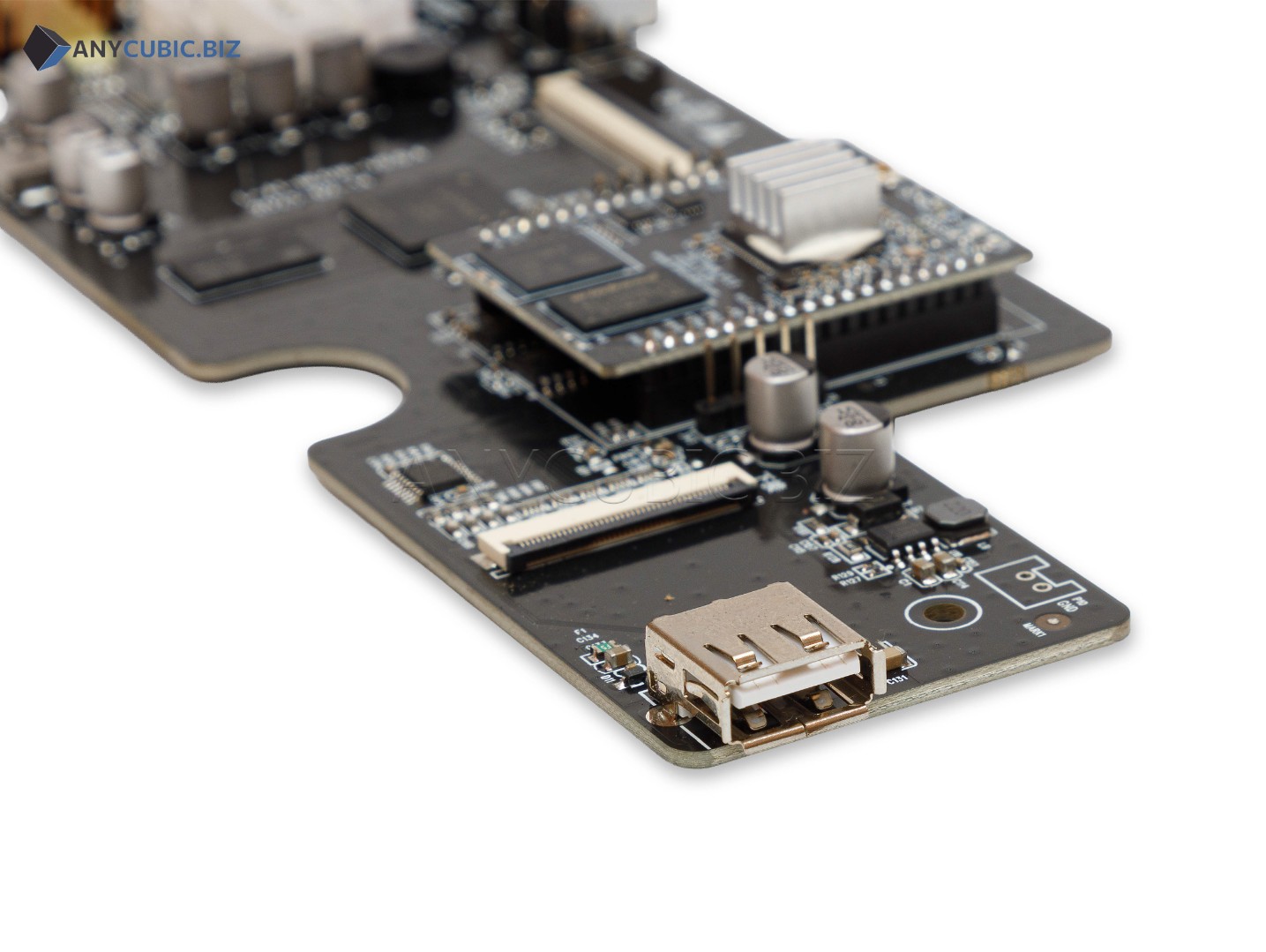
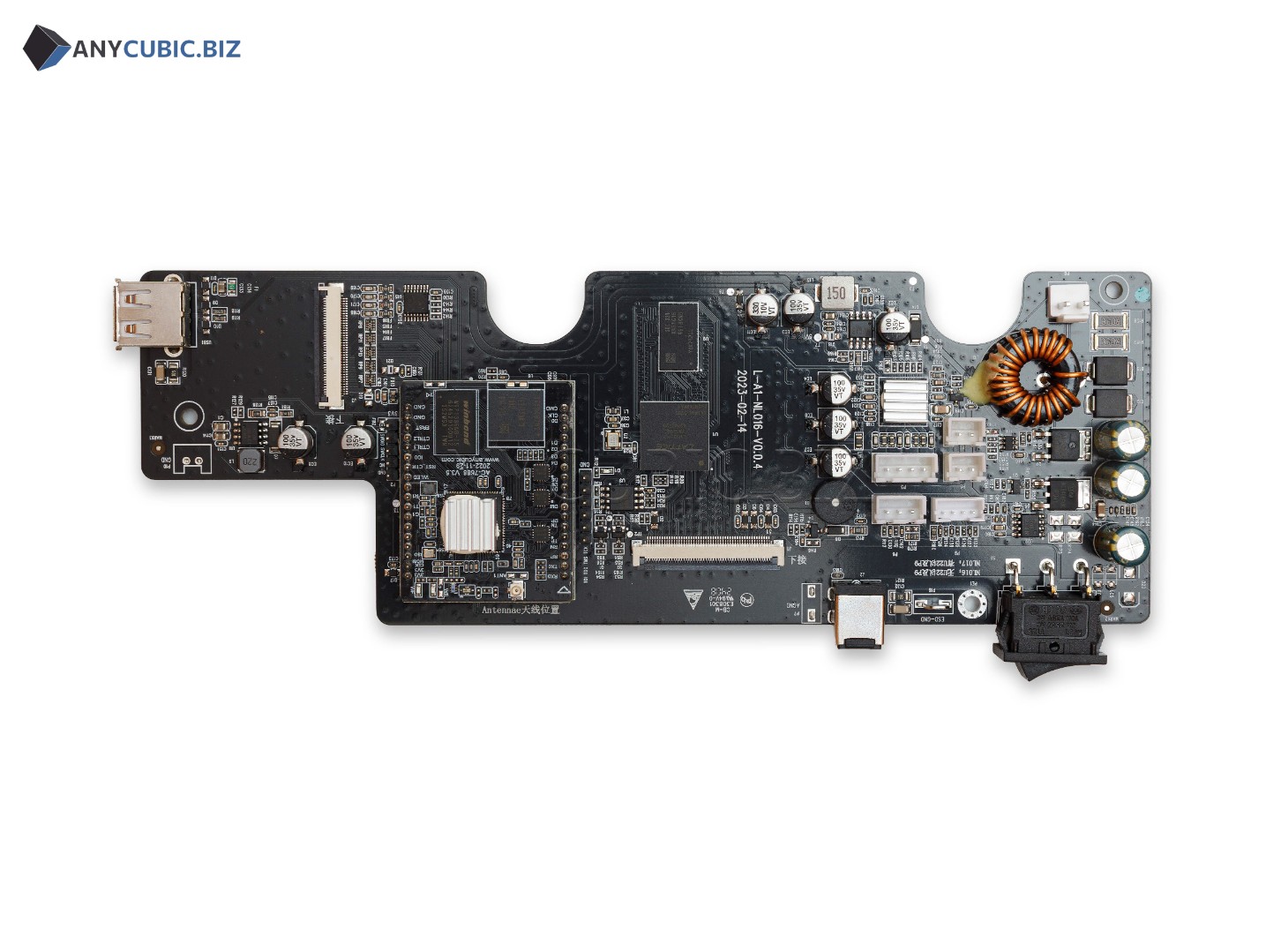
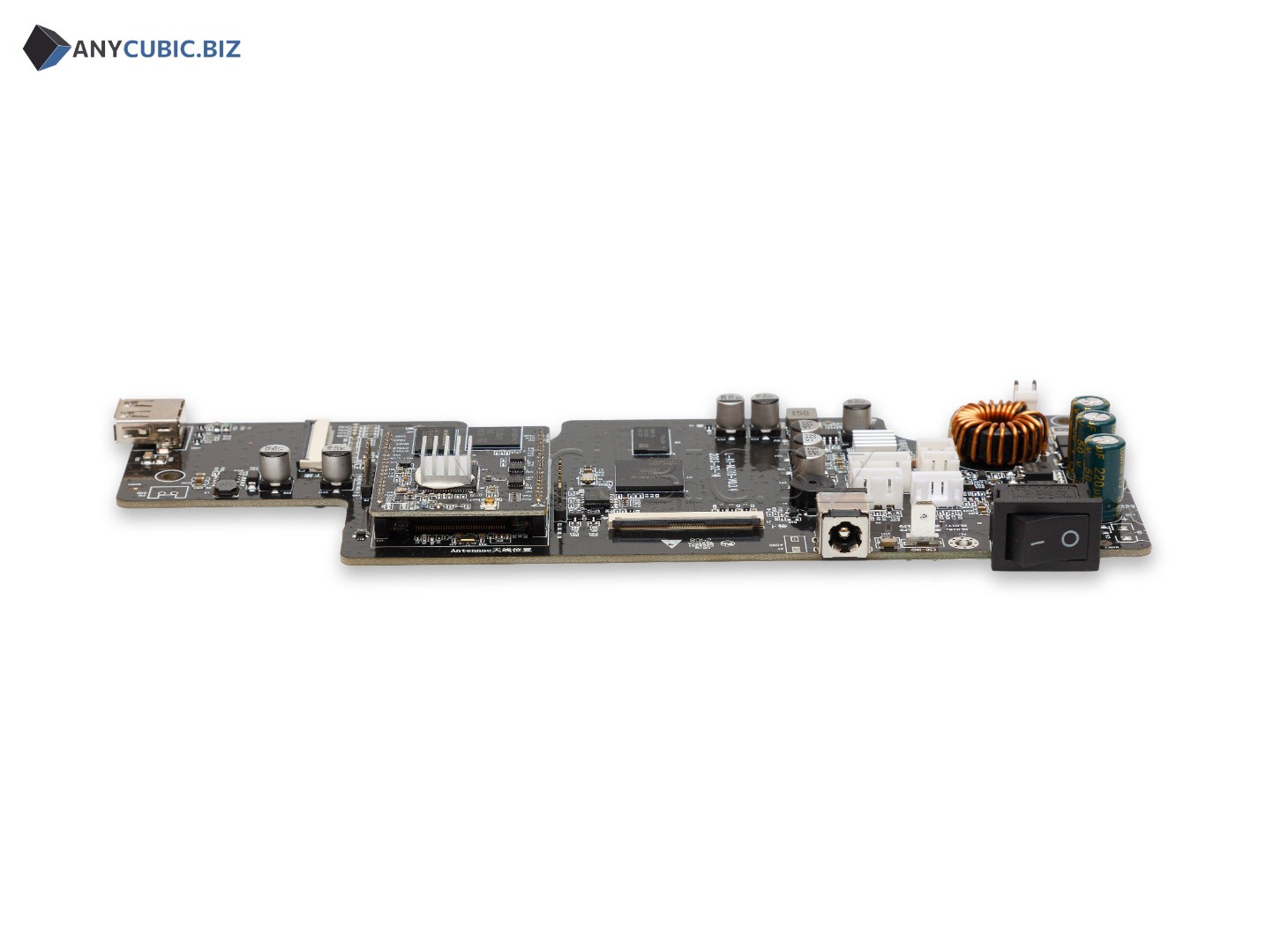
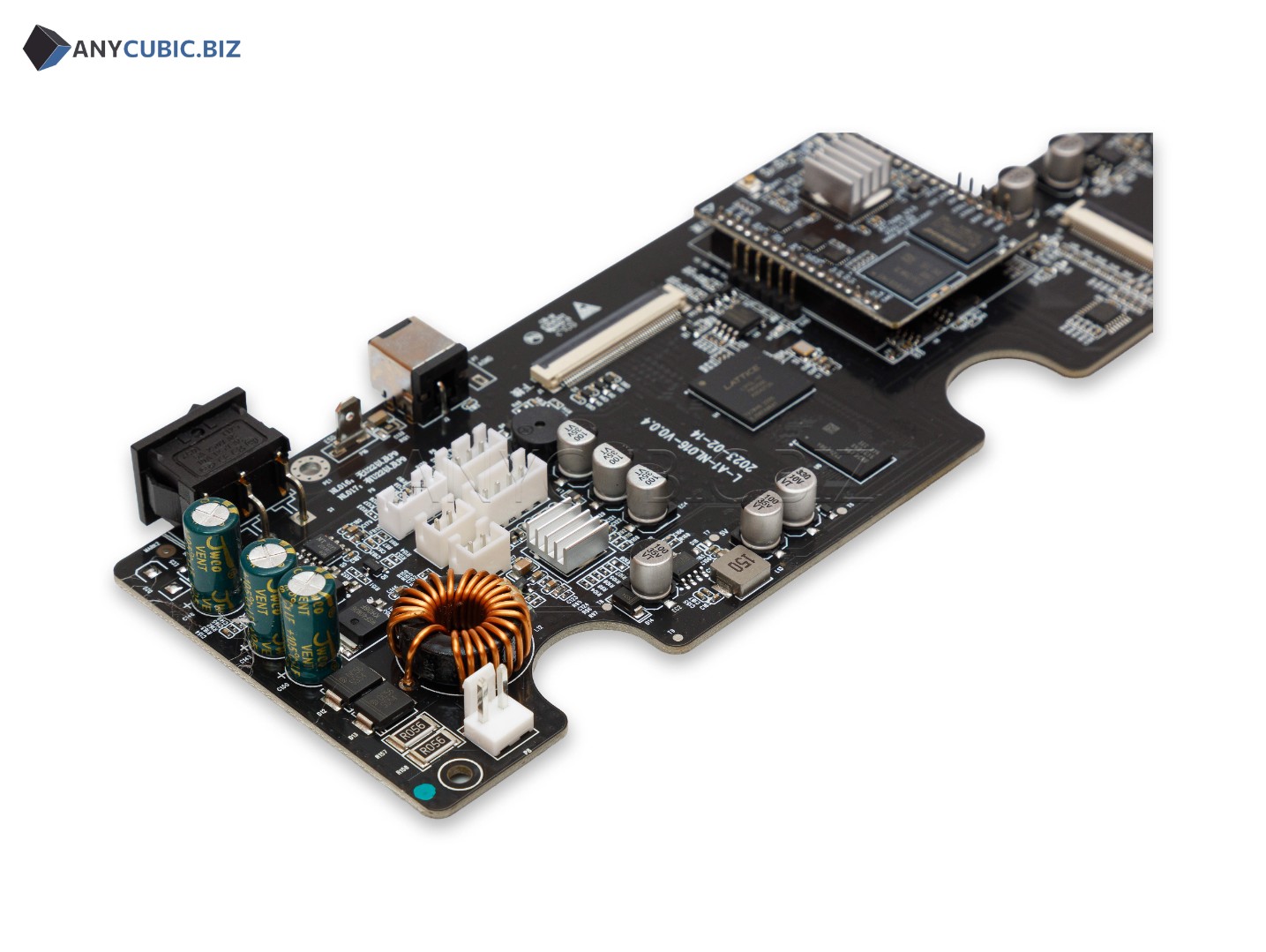
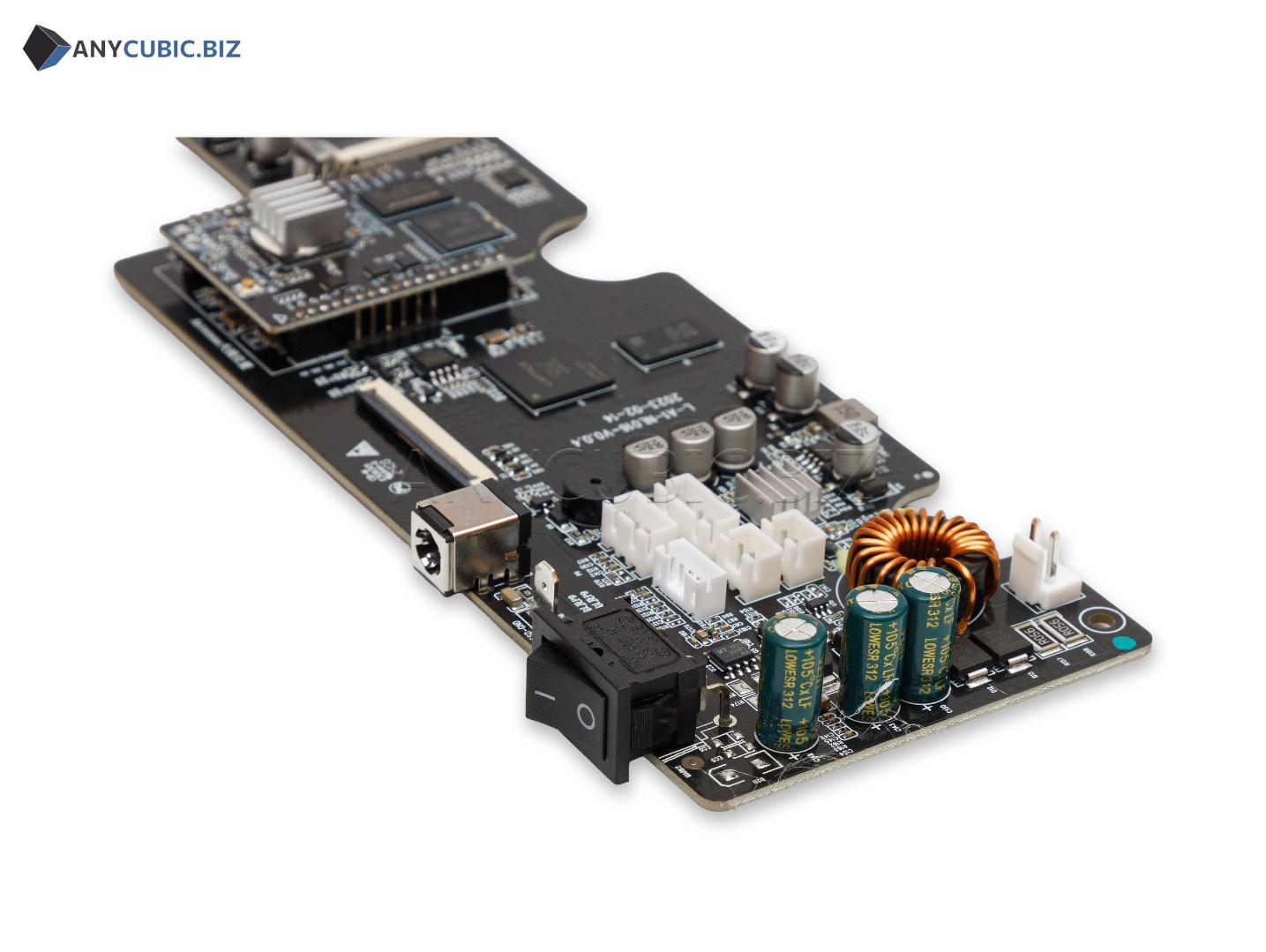
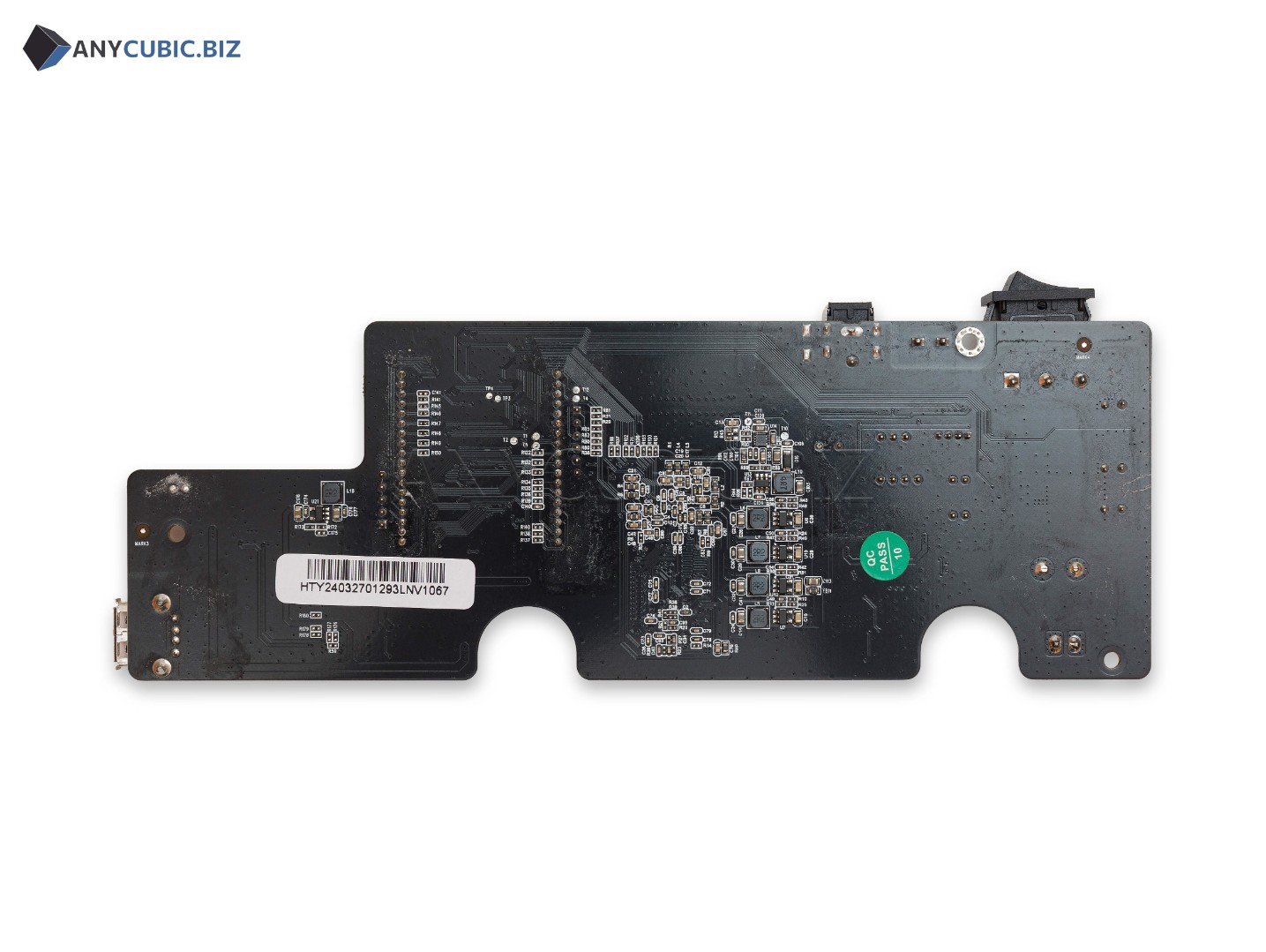
Motherboard & WiFi Module Two-in-One for Anycubic Photon Mono M5s Pro is a replacement main control board for the Anycubic Photon Mono M5s Pro resin 3D printer. This part combines the motherboard and wireless communication module in one unit, so it is used both for controlling the main electronic systems and for network functions of the printer.
Motherboard & WiFi Module Two-in-One Photon Mono M5s Pro is used for printer repair when the mainboard is faulty, startup problems appear, control errors occur, electronics work unstable, WiFi connection fails, communication between internal modules is interrupted or remote control functions do not work correctly.
This spare part is important for stable Anycubic Photon Mono M5s Pro operation. Command processing, Z axis movement, LCD screen operation, touch interface, UV LED module, fans, sensors, control system and wireless connection depend on the condition of the board.
Advantages
- Compatible with Anycubic Photon Mono M5s Pro
- Motherboard and WiFi module in one unit
- Used to restore main printer electronics
- Helps solve startup and control problems
- Suitable for repairing network and wireless printer functions
- Important spare part for stable Z axis, LCD screen, UV LED module and touch control operation
- Suitable for replacing a faulty mainboard after diagnostics
- Helps restore stable photopolymer resin printing
Technical Specifications
| Product name | Motherboard & WiFi Module Two-in-One for Anycubic Photon Mono M5s Pro |
| Full product name | Motherboard & WiFi Module Two-in-One Photon Mono M5s Pro |
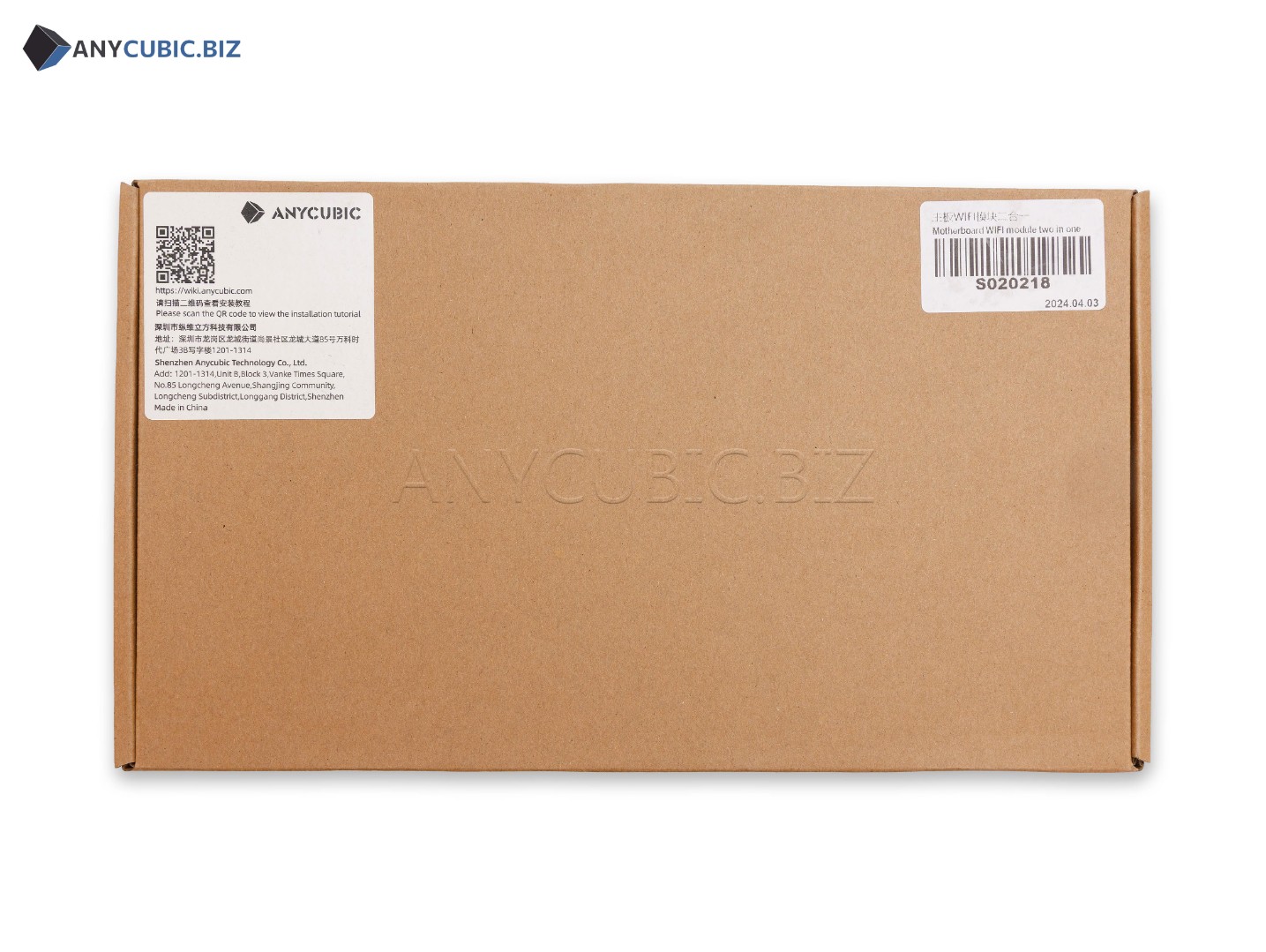
| SKU | S020218 |
| Part type | Motherboard, main control board, WiFi module two-in-one |
| Compatibility | Anycubic Photon Mono M5s Pro |
| Wireless function | WiFi module |
| Design | Two-in-One motherboard and WiFi module in one unit |
| Printer type | LCD resin 3D printer |
| Purpose | Control of printer electronic systems and wireless connection |
| Category | Spare parts and accessories for Anycubic resin 3D printers |
When to Replace the Motherboard & WiFi Module
- The printer does not turn on or starts unstable
- The touch control does not respond to commands
- Control errors appear during printing
- The Z axis platform movement is incorrect
- The UV exposure system works unstable
- The LCD screen or touch interface works unstable
- The printer cannot connect to a WiFi network
- Remote control functions work unstable
- The printer does not read files or processes commands incorrectly
- Electronics failures appear after a power surge
- Diagnostics confirm a mainboard or WiFi module fault
- The board shows signs of damage, overheating or resin contamination
Compatibility
This Motherboard & WiFi Module Two-in-One is intended for Anycubic Photon Mono M5s Pro. Before ordering, check the printer model, part number S020218, old board appearance, connector layout and WiFi module presence. Anycubic Photon Mono M5s, Photon Mono M5, Photon Mono M7, Photon Mono M7 Pro, Photon Mono M7 Max and other models use different control boards.
Important Difference
This product is a Motherboard & WiFi Module Two-in-One for Anycubic Photon Mono M5s Pro with SKU S020218. It should not be confused with a standard motherboard without WiFi module, boards for Photon Mono M5s, Photon Mono M5 or boards for Photon Mono M7 series models. The printer model, product name and SKU should be checked before ordering.
Installation Recommendations
- Turn off the printer completely before replacement
- Disconnect the power cable from the mains
- Remove the resin vat and build platform before disassembly
- Take a photo of all cable and ribbon cable connections before removing the old board
- Do not connect or disconnect connectors while power is on
- Avoid static electricity when working with the board
- Do not allow resin to get on electronic components
- After installation, check printer startup, touch control, Z axis movement, exposure operation and WiFi connection
- If you do not have electronics or 3D printer repair experience, contact a qualified technician
Usage Recommendations
- Use the printer only with a stable power source
- Do not allow resin to leak inside the printer body
- Check cables, ribbon cables and connectors regularly
- Do not work with the board using wet hands
- Avoid overheating of the printer body and electronic components
- If burning smell, overheating or unstable operation appears, disconnect the printer immediately
- Run an exposure test and test print after repair
- After board replacement, check WiFi connection and interface operation
- If failures repeat, check the power supply, cables, UV LED module, LCD screen and touch screen
Suitable Applications
- Repair of Anycubic Photon Mono M5s Pro
- Replacement of a faulty motherboard
- Replacement of a faulty WiFi module as part of the board
- Restoration of printer electronic system operation
- Restoration of wireless connection
- Service maintenance of a resin 3D printer
- Diagnostics and repair after power failures
- Repair after resin leakage inside the printer body
- Restoration of stable photopolymer resin printing
FAQ
Is this motherboard compatible with Anycubic Photon Mono M5s Pro
Yes, this Motherboard & WiFi Module Two-in-One is intended for Anycubic Photon Mono M5s Pro.
What is the SKU of Motherboard & WiFi Module Two-in-One Photon Mono M5s Pro
The SKU of this part is S020218.
What does Two-in-One mean
Two-in-One means that the motherboard and WiFi module are combined in one unit.
What is the WiFi module used for
The WiFi module is used for wireless printer connection and network functions if they are supported by the installed printer control system.
Is this board compatible with Photon Mono M5s
This product is listed for Photon Mono M5s Pro. Photon Mono M5s requires a separately compatible board.
Is this board compatible with Photon Mono M5
No, this board is listed for Photon Mono M5s Pro. Photon Mono M5 uses another compatible variant.
Can I install the board myself
If you have experience with electronics and 3D printer repair, replacement can be done by yourself. If not, it is better to contact a qualified technician.
What should be checked before replacing the board
Before replacement, check the power supply, cables, ribbon cables, connectors, LCD screen, UV LED module, touch screen, WiFi connection and signs of resin leakage inside the printer body.