


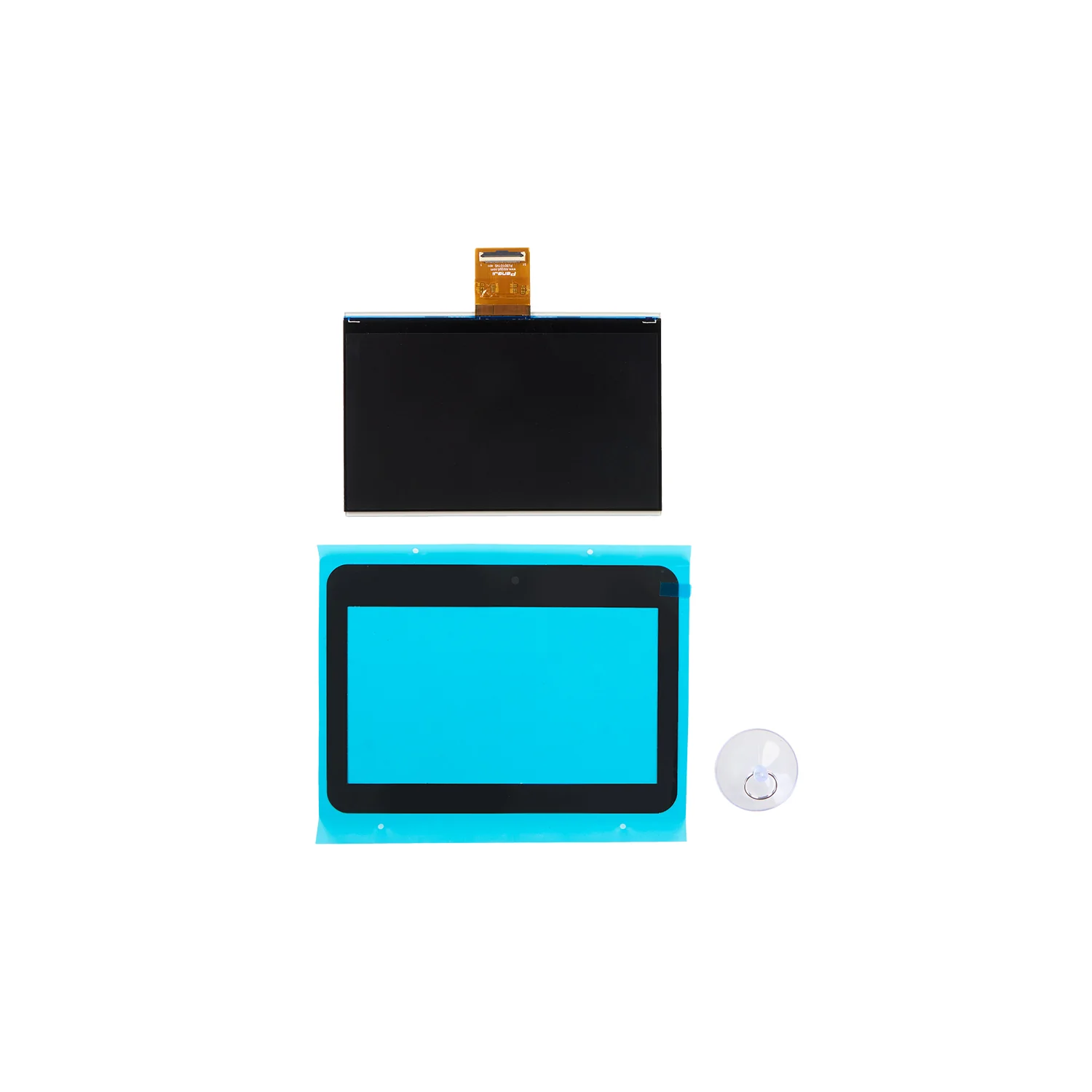
14K LCD Screen for Anycubic Photon P1
14K LCD Screen for Anycubic Photon P1 is a replacement exposure screen for the Anycubic Photon P1 resin 3D printer. This part is used to restore accurate light masking, stable layer curing and high-detail resin printing after screen wear, damage or malfunction.
The LCD screen is one of the key components of an MSLA resin 3D printer. It creates the light mask for each printed layer, so a properly working screen is essential for sharp edges, fine details, accurate geometry and consistent resin curing.
✅ Key Advantages
- Compatible with Anycubic Photon P1
- 10.1″ screen format
- 14K resolution for high-detail resin printing
- Suitable for replacing a damaged or worn exposure screen
- Helps restore print accuracy and curing stability
- Suitable for miniatures, prototypes, master models, decorative parts and engineering models
📌 Technical Specifications
| Product Name | 14K LCD Screen for Anycubic Photon P1 |
| Part Type | Replacement LCD screen for resin 3D printer |
| Compatibility | Anycubic Photon P1 |
| Screen Size | 10.1″ |
| Resolution | 14K |
| Printer XY Resolution | 16.8 × 24.8 μm |
| Purpose | Replacement exposure screen assembly |
| SKU | S020326 |
🔧 When to Replace the LCD Screen
- Printed models show lines, missing areas or exposure defects
- The screen has visible mechanical damage
- Dark spots, dead zones or irregular exposure areas appear on the screen
- The printer no longer forms layers correctly
- The screen became unstable after resin leakage
⚙️ Installation Recommendations
- Turn off the printer and disconnect the power before replacement
- Remove the resin vat and build platform
- Do not touch the working surface of the screen with bare fingers
- Handle the ribbon cable carefully and avoid sharp bends
- Run an exposure test after installation
- Use a screen protector to reduce the risk of damage caused by resin leaks
❓ FAQ
Is this screen compatible with Anycubic Photon P1 Max?
No. This LCD screen is intended for Anycubic Photon P1. Anycubic Photon P1 Max requires a separate compatible screen.
Can I replace the LCD screen myself?
Yes. The screen can be replaced by users with basic resin printer maintenance experience. Always turn off the printer, handle the ribbon cable carefully and avoid touching the screen surface.
Do I need to calibrate the printer after replacement?
After replacement, it is recommended to check the exposure test, screen cleanliness, screen protector condition and platform leveling before printing.