


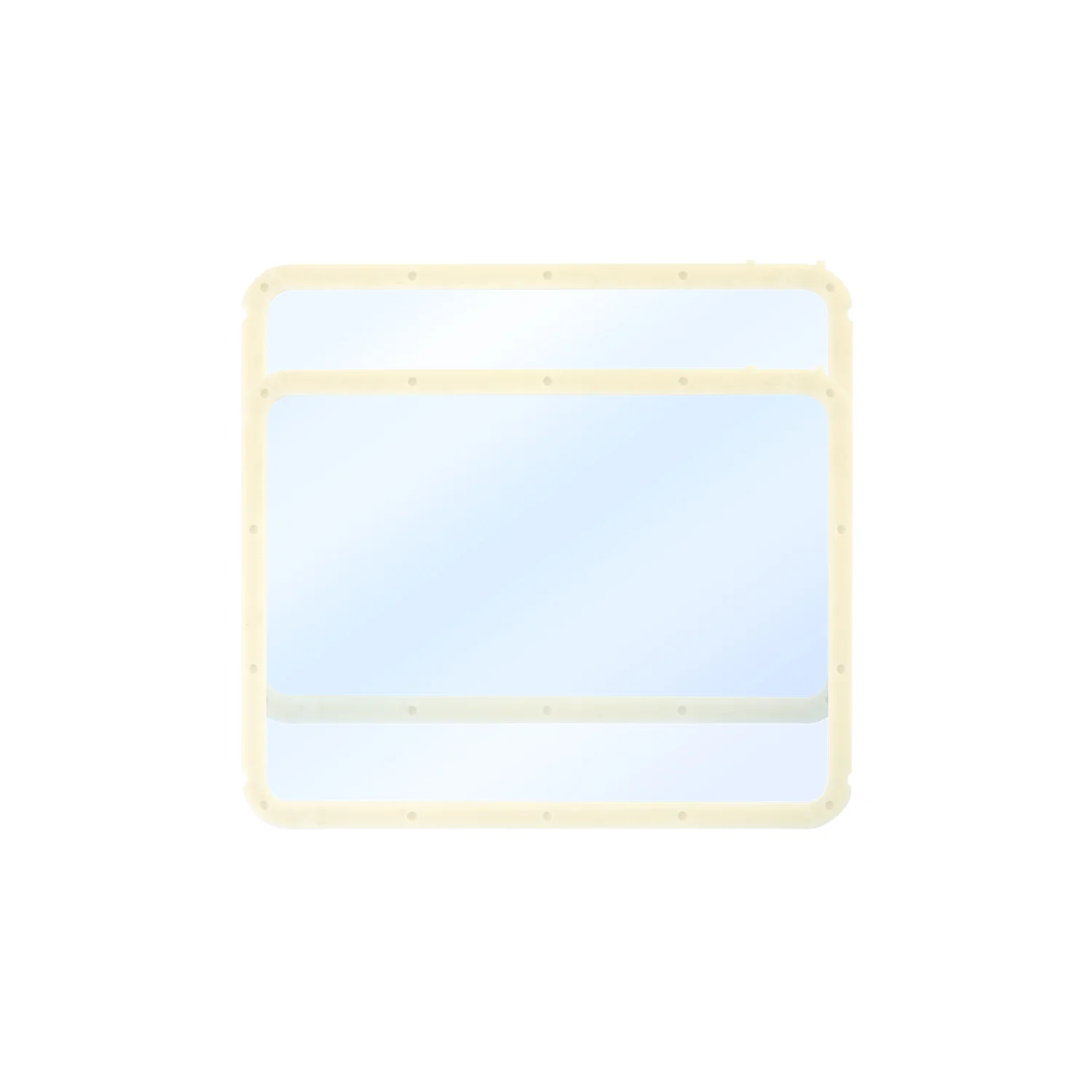
Integrated NFEP Release Film for Anycubic Photon P1 10.1″ 2pcs
Product Description
Photon P1 Integrated Release Film is an original integrated NFEP release-film assembly for the standard resin vat of the Anycubic Photon P1 resin 3D printer. It is supplied as a ready-to-install component designed around the Photon P1 vat configuration, simplifying replacement of a worn or damaged release film.
The NFEP film forms the transparent bottom of the resin vat. UV light passes through it during exposure, and the printed model separates from its surface after each cured layer. Film condition directly affects layer separation, surface quality, printing reliability and protection against resin leakage.
This version is intended for the standard single-material Anycubic Photon P1 configuration using the Integrated Release Film assembly. The selected package contains two replacement films.
Key Advantages
- Original replacement component for the Anycubic Photon P1.
- NFEP release-film material.
- Integrated assembly for convenient replacement.
- 0.15 mm film thickness.
- 95% light transmittance.
- Designed for the Photon P1 10.1″ printing area.
- Smooth transparent surface for accurate layer formation.
- Two replacement films included.
- Suitable for scheduled resin-vat maintenance.
Technical Specifications
| Specification | Value |
|---|---|
| Product name | Photon P1 Integrated Release Film |
| Product type | Integrated resin-vat release-film assembly |
| Film type | NFEP |
| Compatible printer | Anycubic Photon P1 |
| Configuration | Standard single-material vat with Integrated Release Film |
| Screen size | 10.1″ |
| Thickness | 0.15 mm |
| Light transmittance | 95% |
| Quantity | 2pcs |
| Package weight | 186 g |
| Package dimensions | 282 × 216 × 13 mm |
Compatibility
This release film is designed for the standard Anycubic Photon P1 resin 3D printer using the integrated release-film assembly.
Check the exact configuration before ordering. Anycubic lists the following versions separately:
- Photon P1 Integrated Release Film.
- Photon P1 Dual Ring Release Film.
- Photon P1 Dual-Color/Dual-Material Release Film.
- Photon P1 Max Release Film.
These versions use different configurations and should not be treated as interchangeable.
Not an LCD Screen Protector
The Photon P1 Integrated Release Film is installed in the resin vat and directly participates in separating every printed layer.
It should not be confused with the Wave Release Film or an LCD screen protection layer. These are separate Photon P1 components with different functions.
- Integrated NFEP Release Film — transparent bottom of the resin vat.
- Wave Release Film — a separate component positioned below the resin vat.
- LCD screen protector — protects the surface of the exposure screen.
When Replacement Is Needed
- Deep scratches are visible on the film.
- The film has been punctured or cut.
- The surface has become cloudy or less transparent.
- Dents, creases or significant deformation are present.
- Cured resin particles cannot be removed safely.
- Layer separation failures become frequent despite correct settings.
- There is any risk of resin leakage.
- The surface is no longer even after extended use.
Do not continue printing with a punctured, cut or leaking film. Escaping resin may reach the printer’s optical components or LCD screen.
Installation Recommendations
- Switch off the Photon P1 and disconnect the power supply.
- Remove the build platform and carefully take out the resin vat.
- Pour the remaining resin through a suitable filter.
- Remove all liquid and cured resin from the vat.
- Remove the old release-film assembly according to the Anycubic guide.
- Do not touch the working surface with metal tools.
- Make sure no dust, resin or foreign particles remain around the mounting area.
- Install the new assembly evenly without misalignment.
- Check that all fasteners are secured correctly.
- Perform a leak test before starting a full print.
Care Recommendations
- Do not clean the film with a metal scraper.
- Do not press sharp objects against the surface.
- Check the vat for cured resin before every print.
- Use soft tools intended for resin-vat maintenance.
- Do not leave resin exposed to direct sunlight.
- Remove failed-print debris before beginning another job.
- Regularly inspect the film for clouding, leakage and mechanical damage.
- Store unused films in their original packaging away from dust and UV light.
Frequently Asked Questions
Is this film compatible with the Anycubic Photon P1?
Yes. This version is specifically intended for the Photon P1 Integrated Release Film configuration.
How many films are included?
The selected package contains two integrated NFEP release films.
What is the film thickness?
The officially specified thickness is 0.15 mm.
What is the light transmittance?
The officially specified light transmittance is 95%.
Is it compatible with the Photon P1 Max?
No. Anycubic lists a separate release-film version for the Photon P1 Max.
Can it be used with the Dual Material Print Kit?
No. The dual-color and dual-material kit requires the separate Photon P1 Dual-Color/Dual-Material Release Film.
Can it replace the Dual Ring Release Film?
It is not recommended. Anycubic lists the Integrated Release Film and Dual Ring Release Film as separate configurations.
Is this an LCD screen protector?
No. It is an NFEP release film installed in the resin vat.
Are new exposure settings required after replacement?
When replacing the film with an original component of the same type, the existing resin profile can normally be retained. A calibration print is recommended to verify adhesion, exposure and layer separation.
Why Choose the Original Release Film
The original Integrated NFEP Release Film restores the Anycubic Photon P1 resin vat without relying on film of an unknown thickness or incorrect size. Its 0.15 mm thickness and 95% light transmittance support consistent exposure, reliable separation and detailed printed surfaces.
The two-piece package is convenient for routine maintenance: one film can be installed immediately while the second remains available as a replacement.