


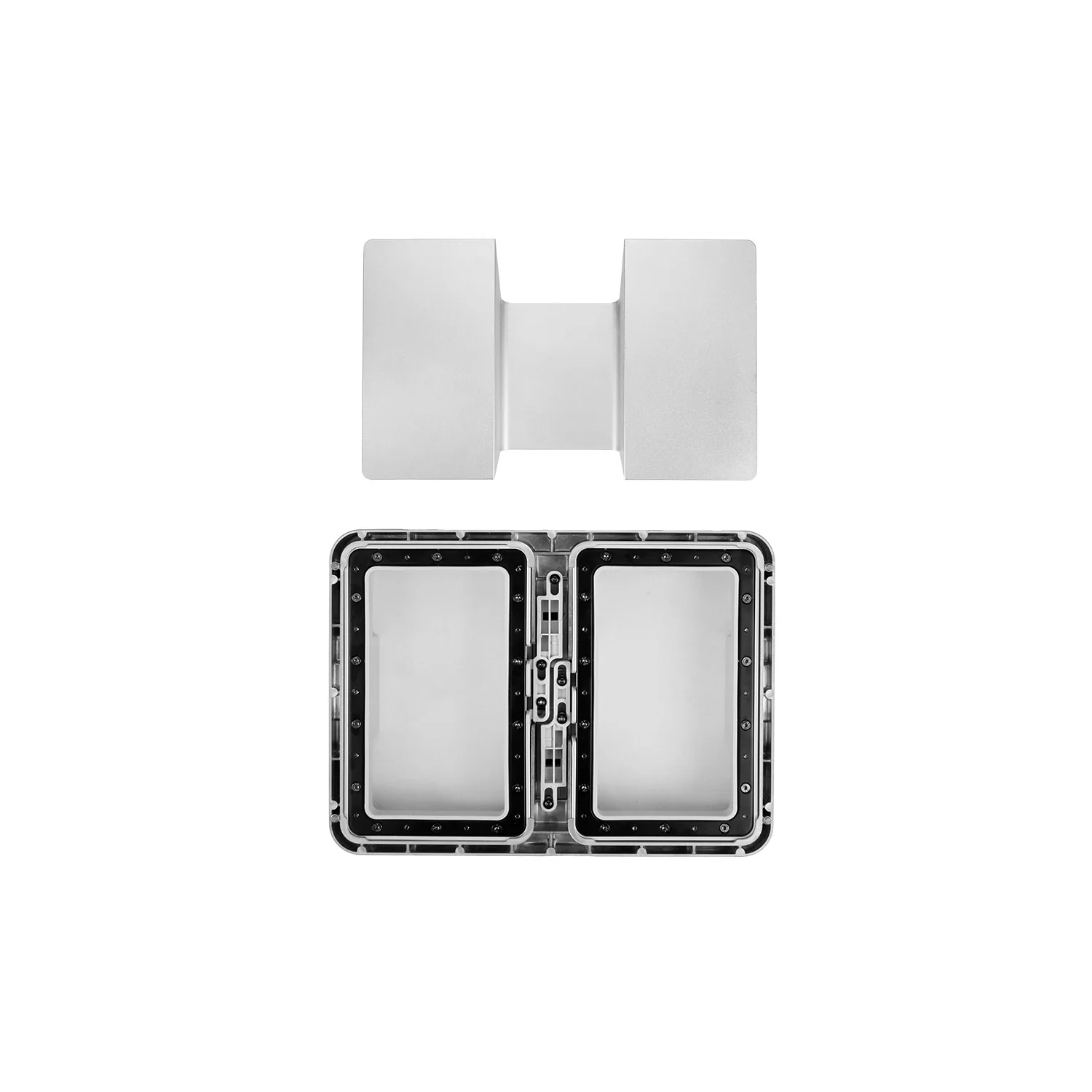
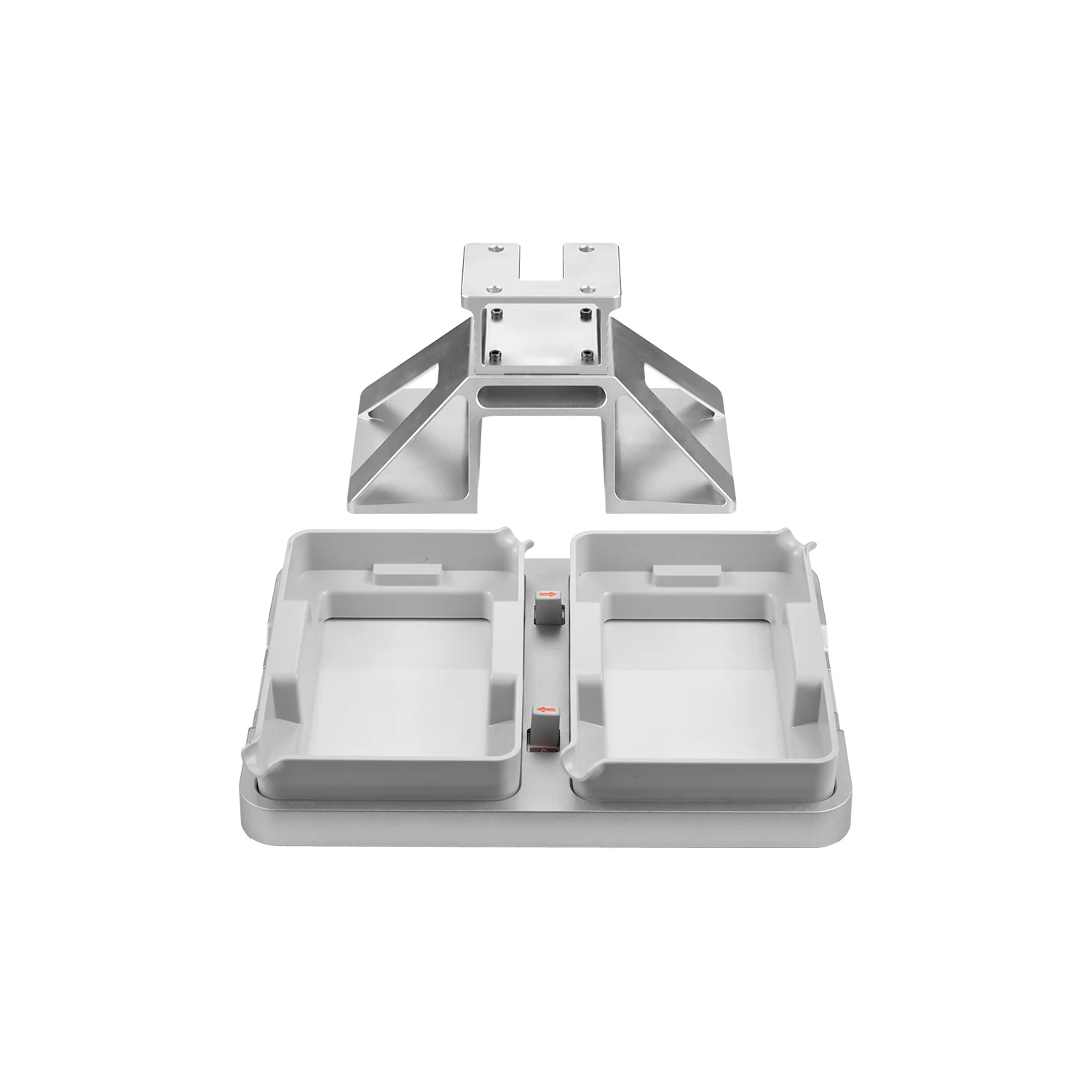
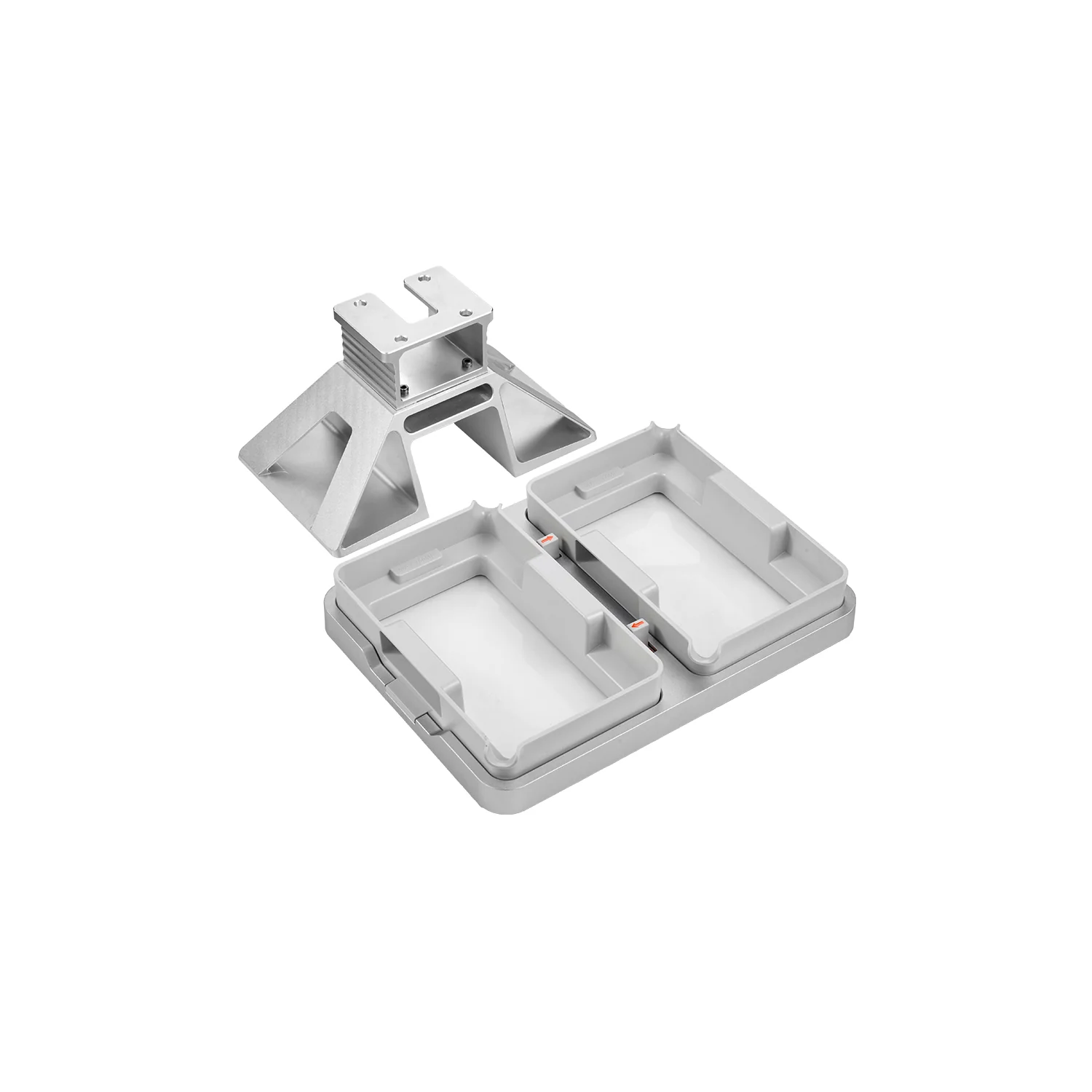
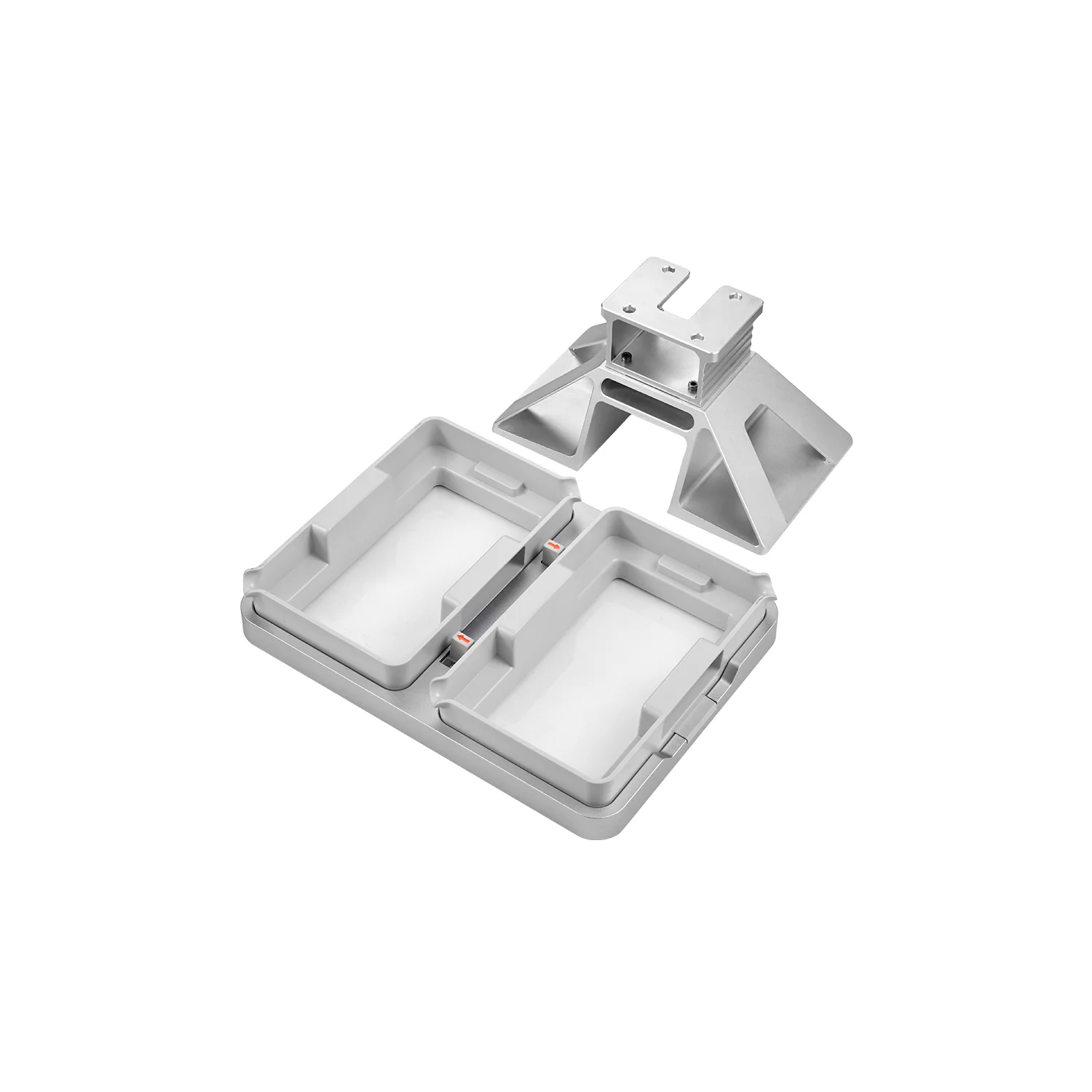
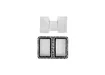
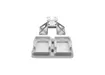
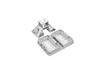
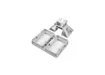
Anycubic Dual Material Print Kit for Photon P1
Anycubic Dual Material Print Kit is an optional upgrade designed specifically for the Anycubic Photon P1 resin 3D printer. It enables two different resin colors or two different resin materials to be used simultaneously within a single printing job.
The accessory is also officially listed as the Dual-Color/-Material Printing Assembly. It replaces the standard resin vat and build plate with a dual-compartment resin vat and a matching dual build platform.
Each compartment operates as an independent printing zone. A separate resin color or material can be poured into each side, while individual slicing and exposure settings can be assigned to the corresponding left and right zones.
Key Advantages
- Simultaneous printing with two resin colors.
- Supports two different resin materials in one print job.
- Two independent resin compartments help prevent material mixing.
- Separate slicing and exposure settings for each printing zone.
- Reduces the need for two consecutive printing cycles.
- Convenient for small-batch production with different materials.
- Modular conversion between standard and dual-platform configurations.
- Suitable for prototypes, dental models, figures and functional parts.
How the Dual Material Print Kit Works
The dual resin vat divides the Photon P1 printing area into two independent zones. One compartment can be filled with the first resin color or material, while the second compartment holds another resin.
The matching dual build platform features two separate printing surfaces. Models or individual components are positioned in the corresponding left and right areas in Anycubic Photon Workshop.
For dual-color printing, the same resin formulation can be used in two different colors. For dual-material printing, each compartment can contain a different resin type with its own exposure and printing parameters.
Important: the kit does not mix resins or automatically switch materials inside one shared vat. Printing is performed simultaneously in two independent zones.
Technical Specifications
| Specification | Value |
|---|---|
| Product name | Anycubic Dual Material Print Kit |
| Alternative official name | Dual-Color/-Material Printing Assembly |
| SKU | S020313 |
| Product type | Dual-color and dual-material resin printing upgrade kit |
| Compatible printer | Anycubic Photon P1 |
| Resin vat configuration | Two independent resin compartments |
| Build platform | Dual platform with two separate printing surfaces |
| Number of materials | 2 |
| Number of colors | 2 |
| Package weight | 2290 g |
| Package dimensions | 335 × 261 × 174 mm |
| Recommended software | Anycubic Photon Workshop 4.0 with dual-platform mode |
Package Contents
- Dual-Material Resin Vat Assembly.
- Dual-Material Platform.
- User manual.
Please note: the Anycubic Photon P1 printer, printing resins and washing or UV-curing equipment are not included.
Compatibility
The kit is designed specifically for the Anycubic Photon P1. Its mounting geometry, resin vat dimensions and build platform design correspond to this printer model.
Compatibility is not officially stated for the Photon P1 Max, Photon Mono M7, Photon Mono M7 Pro, Photon Mono M7 Max, Photon Mono 4 Ultra or other Anycubic resin printers.
Recommended Applications
- Printing two different resin colors at the same time.
- Producing standard and tough resin parts in one job.
- Testing two resin formulations simultaneously.
- Manufacturing dental models from different specialized materials.
- Producing prototypes with different mechanical properties.
- Printing separate colored components for figures and collectibles.
- Comparing exposure settings for two materials in one cycle.
- Small-batch production without consecutive resin changes.
Installation Recommendations
- Switch off the Anycubic Photon P1.
- Remove the standard build platform.
- Carefully remove the standard resin vat.
- Install the dual-compartment resin vat.
- Install and secure the dual-material build platform.
- Select the dual-platform mode on the printer.
- Perform the required installation check and calibration.
- Prepare the print file in Anycubic Photon Workshop.
- Position models within the corresponding left and right zones.
- Assign the appropriate resin profile and settings to each side.
Usage Recommendations
- Mix each resin thoroughly before pouring.
- Do not exceed the maximum filling level of either compartment.
- Avoid spilling resin over the central divider.
- Use separate funnels and filters for different materials.
- Assign separate profiles when the resins require different exposure settings.
- Keep each model within its corresponding printing zone.
- Run a bottom-layer adhesion test after installing the dual platform.
Care and Maintenance
- Filter remaining resin after printing.
- Never return two different resins to the same bottle.
- Clean each resin compartment separately.
- Do not use metal scrapers on the release film.
- Inspect the film for punctures, stretching, clouding and deep scratches.
- Remove cured resin particles before every new print.
- Do not expose resin in the vat to direct sunlight or strong UV light.
- Clean the platform and vat compartment thoroughly when changing materials.
Important Operating Information
In the dual-platform configuration, the Photon P1 does not currently support automatic material recognition or automatic heating of the dual resin vat assembly. Resin types, colors and printing settings must be selected manually.
Exposure parameters should be verified before printing. Even resins from the same manufacturer may require different settings depending on their color, formulation and operating temperature.
Frequently Asked Questions
Can the kit print two colors simultaneously?
Yes. The same resin type in two different colors can be poured into the independent compartments.
Can two different resin types be used?
Yes. Each printing zone can use a different material and an individual printing profile.
Do the two resins mix?
No. The vat contains two independent resin compartments.
Does the printer automatically recognize each resin?
No. The resin type and printing settings for each side must be selected manually.
Does the dual resin vat support automatic heating?
Automatic heating of the dual-platform assembly is not currently supported.
Is the kit compatible with the Photon P1 Max?
No. Official compatibility is stated only for the Anycubic Photon P1.
Is the Photon P1 printer included?
No. This is a separately sold upgrade accessory.
Is resin included?
No. Both resin colors or materials must be purchased separately.
Is calibration required after installation?
After replacing the standard platform, the manufacturer’s dual-platform installation check and calibration procedure should be completed.
Why Choose the Anycubic Dual Material Print Kit
The Anycubic Dual Material Print Kit significantly expands the capabilities of the Photon P1 by allowing two resin colors or materials to be processed simultaneously. It helps reduce repeated print cycles and makes the printer more efficient for small-batch production and material testing.
It is a practical upgrade for professional prototyping, dental applications, model making, collectible figures, resin testing and the production of components with different visual or mechanical properties.