


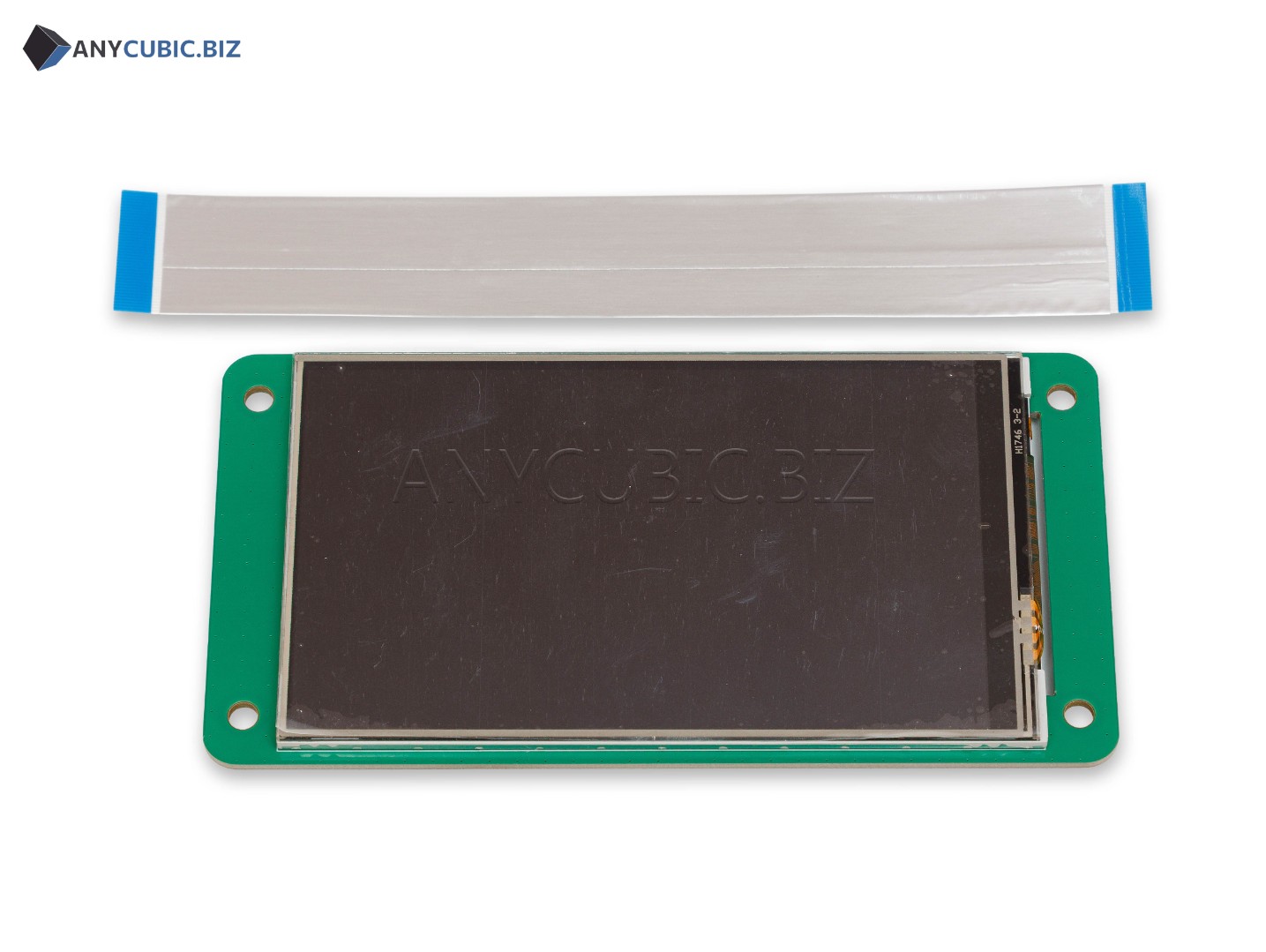
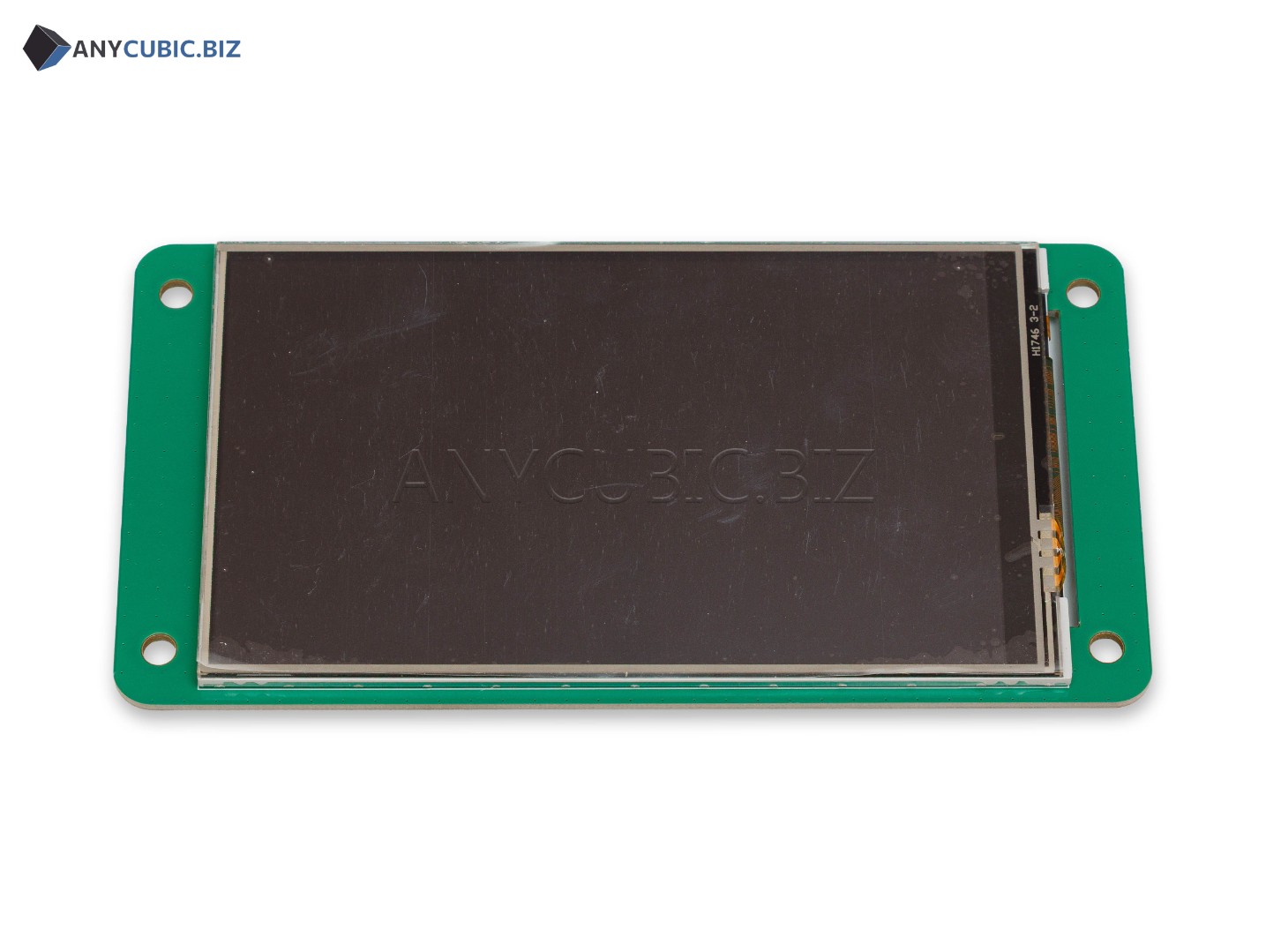
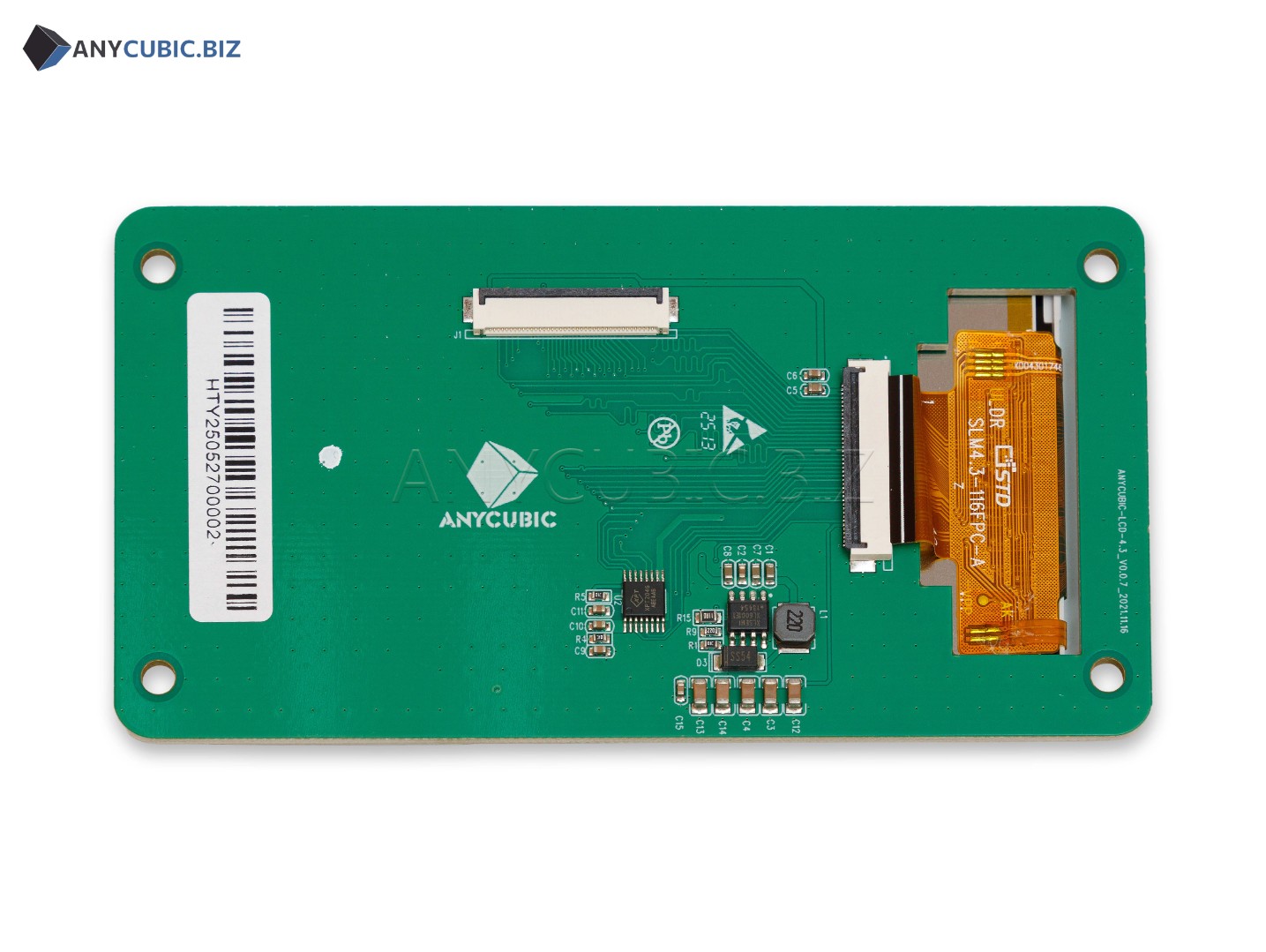
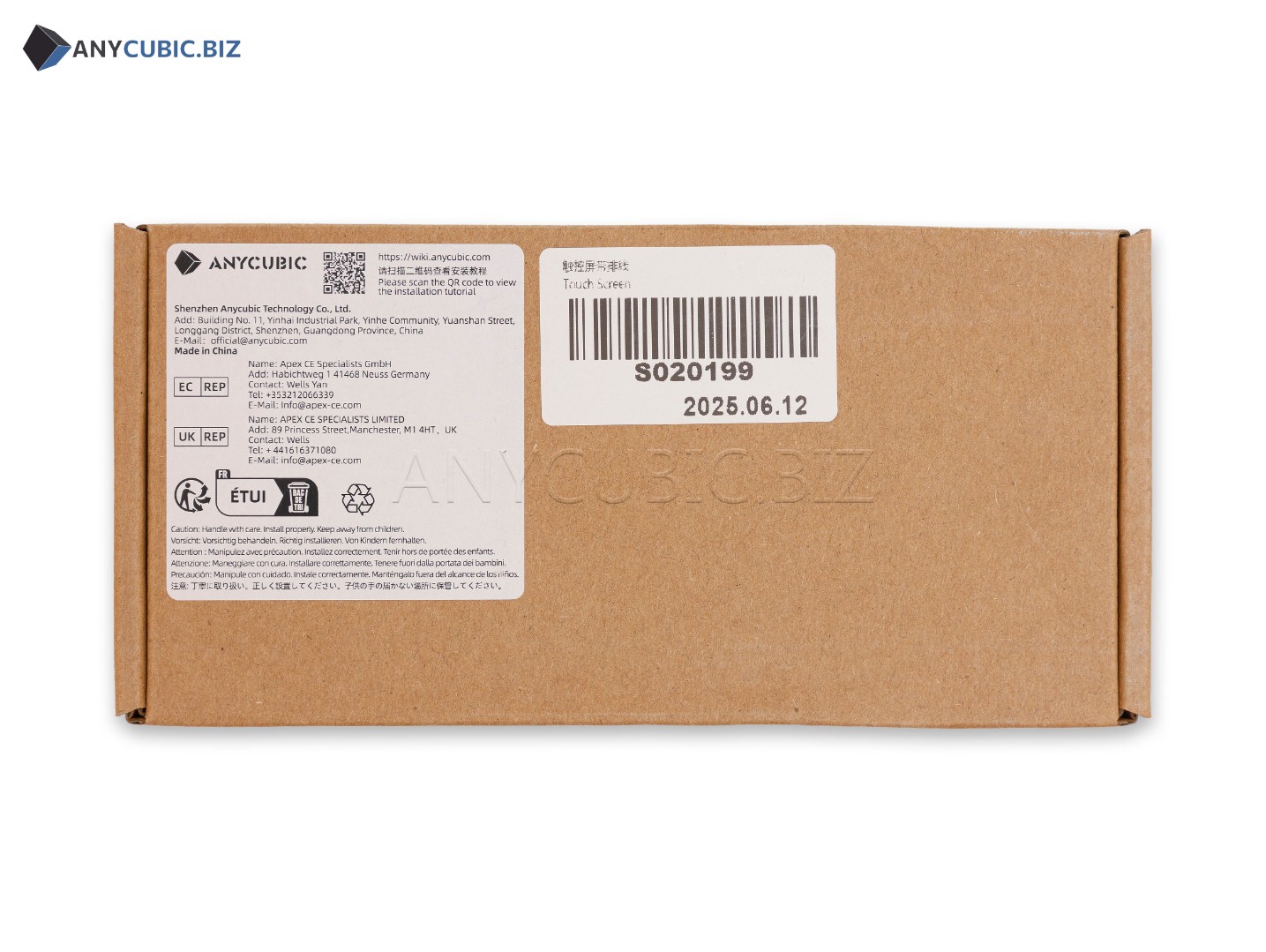
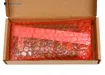
4.3″ Touch Screen for Anycubic Photon M3 Max 3D Printer
Anycubic Touch Screen Photon M3 Max is a replacement control screen for the Anycubic Photon M3 Max resin 3D printer. This part is used for printer menu navigation, print file selection, print start, settings control and print status monitoring.
4.3″ Touch Screen Photon M3 Max is not the main LCD exposure screen used for curing resin layers. It is the printer control touch panel. The masking LCD screen and the touch control screen are different replacement parts, so it is important to choose the correct component according to the actual problem.
Main advantages
- Compatible with Anycubic Photon M3 Max
- 4.3″ touch control screen
- SKU S020199
- Used for printer menu control
- Allows file selection and print start
- Suitable for replacing a damaged or non working control screen
- Helps restore convenient printer operation
- Suitable for service repair and maintenance of Anycubic Photon M3 Max
Technical specifications
| Product type | Touch control screen |
| Product name | Anycubic Touch Screen Photon M3 Max |
| Official name | 4.3-inch Touch Screen Photon M3 Max |
| SKU | S020199 |
| Compatible printer | Anycubic Photon M3 Max |
| Screen size | 4.3″ |
| Main purpose | Printer control, menu navigation, print start, file selection and print status monitoring |
| Printer type | LCD MSLA resin 3D printer |
| Category | Spare parts and accessories for Anycubic Photon M3 Max |
When to replace the touch screen
- The screen does not respond to touch
- The menu is displayed incorrectly
- Lines, spots or dark areas appear on the screen
- The touch panel has mechanical damage
- The printer turns on, but screen control is not possible
- It is not possible to select a file, start printing or change settings
- The screen works unstably after resin or moisture exposure
Do not confuse it with the LCD exposure screen
The touch control screen is responsible only for the printer interface and control. It does not expose photopolymer resin and does not create the layer image during printing. If the problem is related to exposure, missing image on the masking LCD, layer defects or uneven curing, the main LCD screen, cables, motherboard or light source should be checked. If the problem is related to menu operation, touch response or interface display, the Touch Screen should be checked.
Replacement recommendations
- Turn off the printer and disconnect the power cable before replacement.
- Do not replace the screen while the printer is powered on.
- Check compatibility with Anycubic Photon M3 Max before installation.
- Disconnect flat cables and connectors carefully during disassembly.
- Do not bend cables sharply.
- After installation, check menu operation and touch response.
- If you do not have electronics repair experience, service installation is recommended.
FAQ
Which printer is this touch screen compatible with?
This touch screen is designed for Anycubic Photon M3 Max.
What is the SKU of this product?
The product SKU is S020199.
Is this the main LCD screen for printing?
No. This is the touch control screen. The main LCD exposure screen is a different replacement part.
What is the screen size?
The touch screen size is 4.3″.
When should the Touch Screen be replaced?
Replacement is needed when the screen does not respond to touch, displays the menu incorrectly, has physical damage or does not allow printer control.
Is it compatible with Photon M3 Plus or Photon M3 Premium?
No. This item is listed for Anycubic Photon M3 Max. Photon M3 Plus and Photon M3 Premium require their own compatible control screens.