


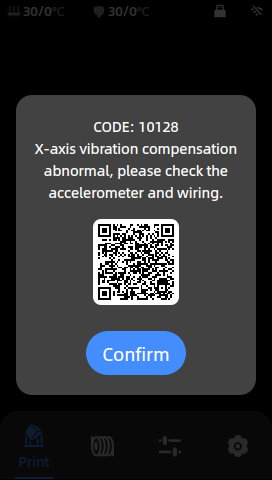
1.Tools:
- S1.5 Allen key
- S2.5 Allen eky
2.Check the printhead connection cable:
Step 1: Check the printhead cable
Gently pull the printhead connection wire to check whether the printhead connection wire is loose. If the printhead cable is loose, use the S1.5 allen key to tighten the two screws holding the printhead cable.

Step 2: Disassemble the bottom plate
(1) Use S2.5 allen key to remove the two screws securing the bottom plate.
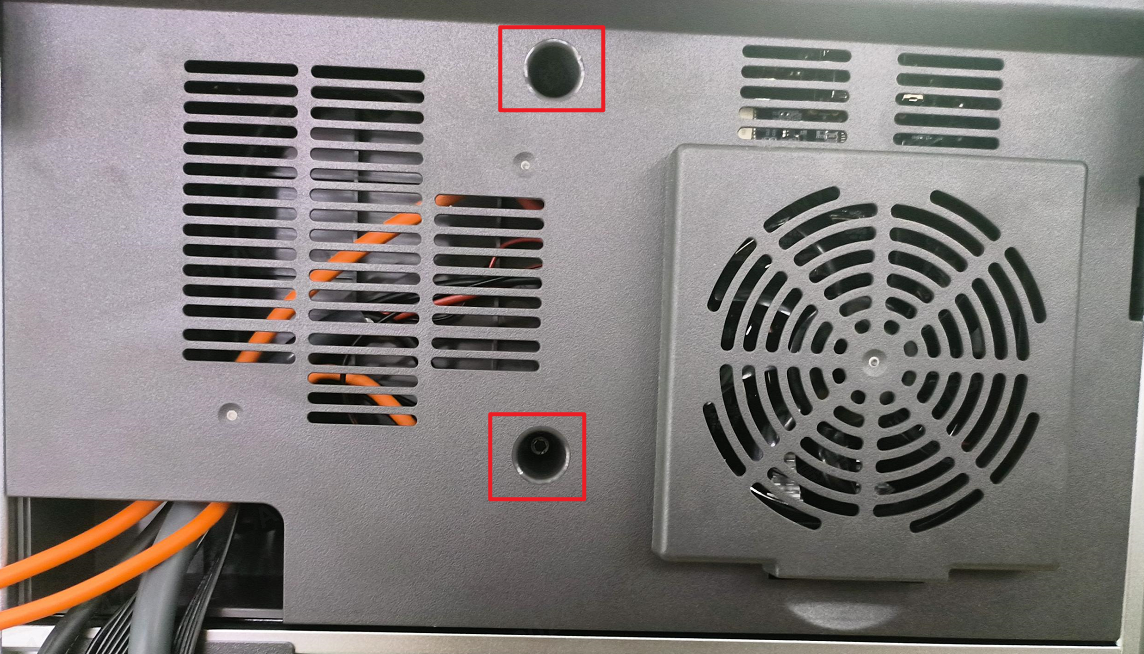
(2) Unplug the cooling fan cable and remove the bottom plate.

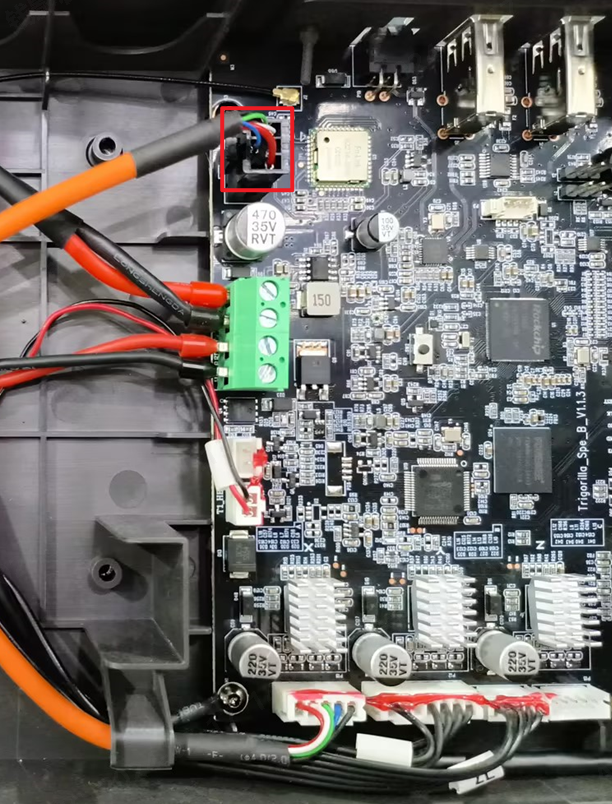
Step 3: Check the printhead cable on the mainboard
Gently pull the motherboard end printhead connection cable, check whether the print ead connection cable is loose.
3. Hardware problems:
Step 1: Replace the printhead cable
If the preceding steps do not resolve the problem, replace the printhead cable with a new one. For specific replacement guidelines, refer to: Kobra 3 Combo Print Head Cable Replacement Guidelines
Step 2: Replace the printhead module
If there is no problem with the printhead connection line, the accelerometer is abnormal, please replace the printhead module. Please refer to: Kobra 3 Combo Print Head Module Replacement Guide